
Zovo
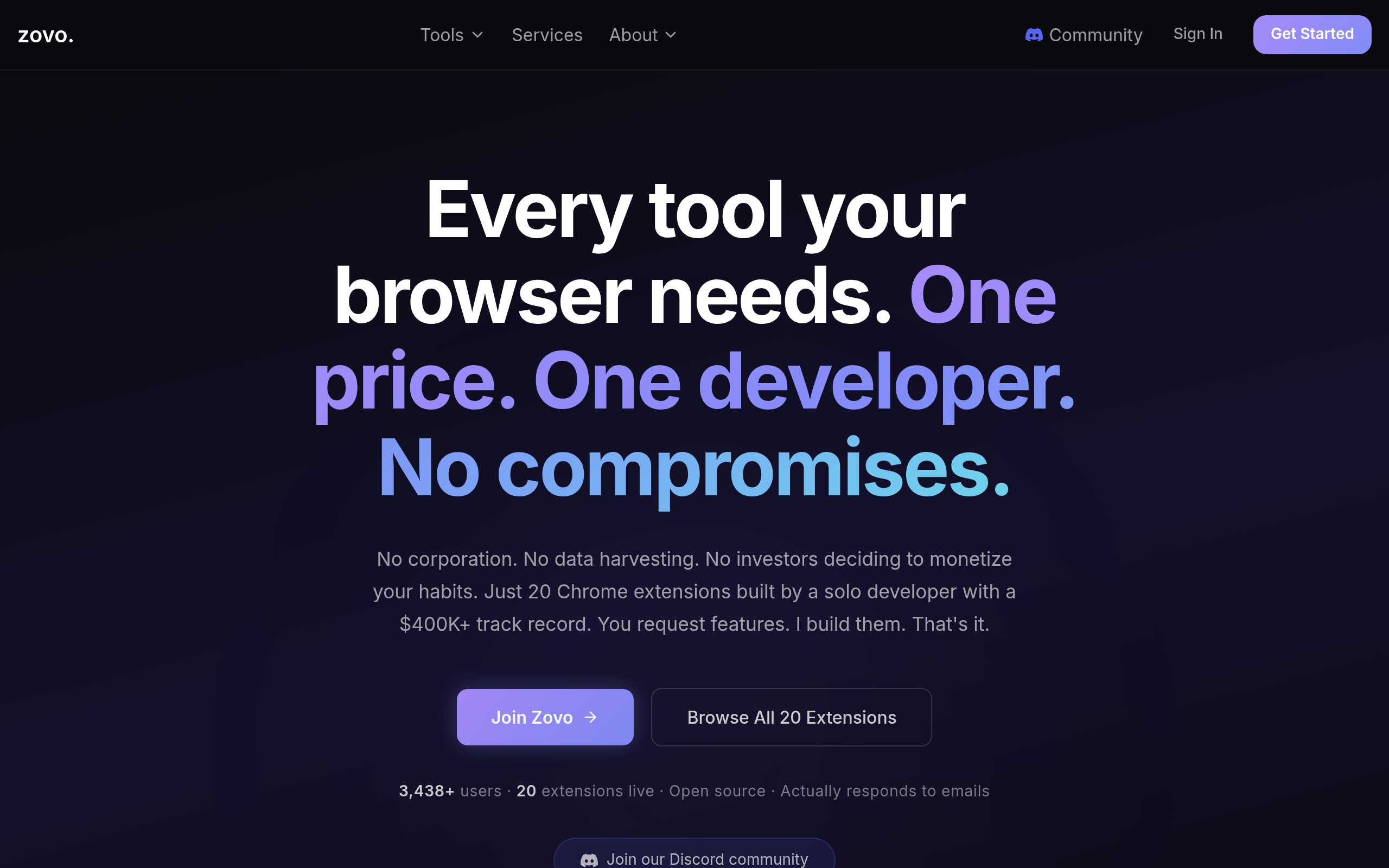
20 privacy-first Chrome extensions for developers and writers. JSON Formatter, Tab Suspender, Clipboard History & more. One sub unlocks everything
About
Zovo is 20 Chrome extensions built by a solo developer with 10+ years experience and $400K+ earned on Upwork with a 100% success rate. Flagship BeLikeNative helps 3,300+ users write like native speakers with one-keystroke rewrites in 80 languages. The suite includes Tab Suspender Pro, JSON Formatter Pro, Clipboard History Pro, Form Filler Pro, Session Manager Pro, Regex Tester Pro, Web Scraper Lite, Cookie Manager, API Testing Lite, and more. Every extension is 100% privacy-first data never leaves your device. No data harvesting, no investors. Users vote on features and shape the roadmap. New extensions ship monthly with early access for members. Many tools also available free online at zovo.one.
Key Features
Privacy-first Local Processing
All tools run locally in your browser — no data leaves your device, ensuring no data harvesting or third‑party access.
BeLikeNative — One‑click Rewrites
AI‑powered rewrite tool that converts text to native‑sounding phrasing in 80+ languages with a single keystroke to improve tone and fluency.
Developer Utility Suite
Includes JSON Formatter Pro, Regex Tester Pro, API Testing Lite, and other dev-focused tools for faster debugging, formatting, and testing.
Productivity & Browser Management
Tab Suspender Pro, Session Manager Pro, Clipboard History Pro and Form Filler Pro help reduce memory use and speed daily workflows.
Web Scraping & API Tools
Web Scraper Lite and API Testing Lite let you extract simple web data and test endpoints quickly from the browser without external services.
How to Use Zovo
1) Install Zovo from the Chrome Web Store and enable the Zovo launcher/toolbar. 2) Click the Zovo icon to open the suite and choose the tool you need (e.g., JSON Formatter, BeLikeNative, Web Scraper). 3) Configure any tool settings (keyboard shortcuts, storage limits, suspend rules) from the extension options. 4) Use the tool in‑context (select text and trigger BeLikeNative, paste JSON into the formatter, run a quick scrape or API test). Subscribe/unlock membership to enable Pro features and early access to new extensions.