
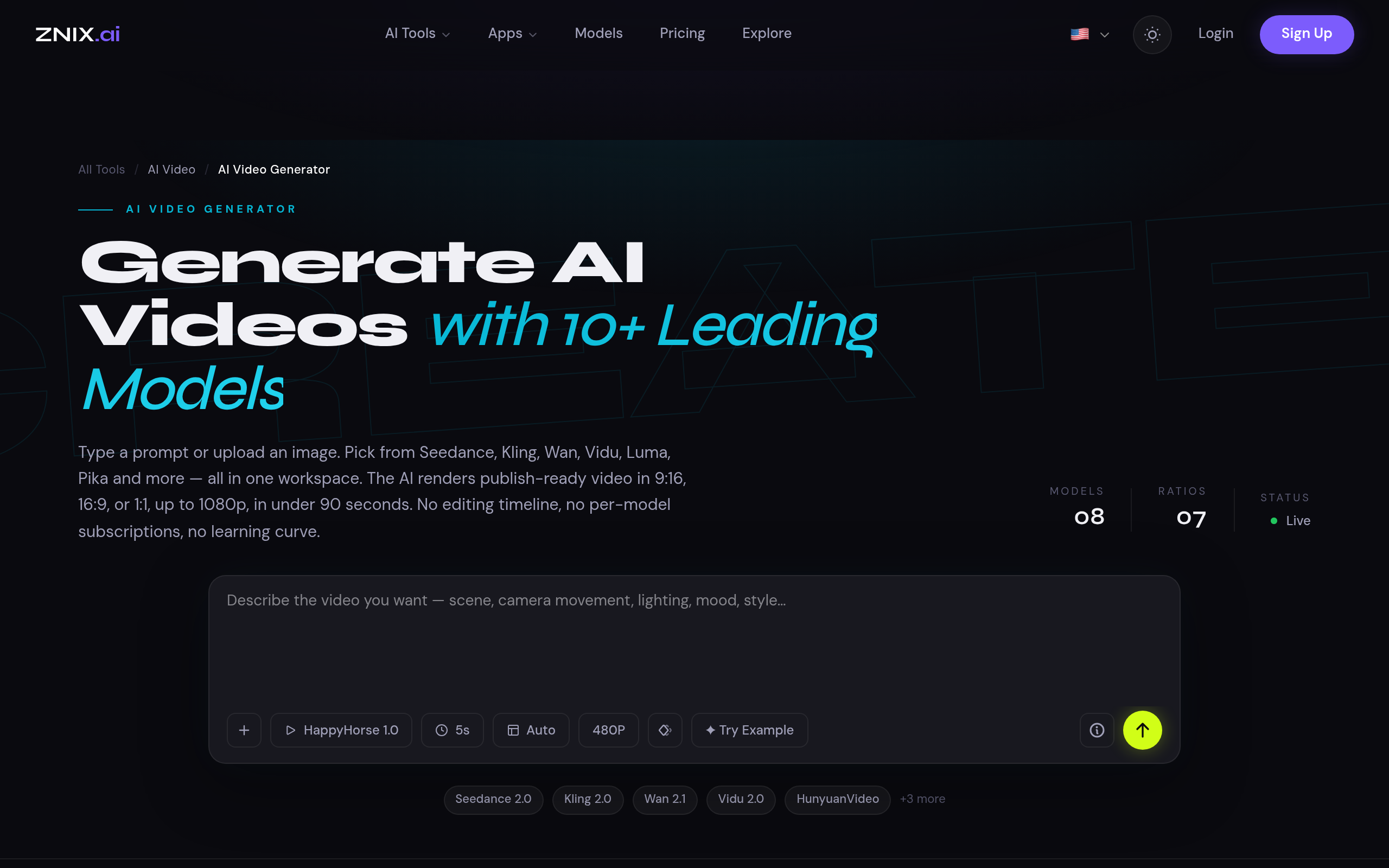
ZNIX AI Video Generator
AI video generator with 10+ models, offering free trial and commercial licensing for creators and businesses.
About
ZNIX AI Video Generator is a comprehensive AI platform that aggregates 10+ leading video generation models. It provides creators and businesses with powerful tools to generate high-quality videos from text or images. Key features include: multi-model support for diverse creative needs, free trial with 50 credits, commercial licensing available, and specialized AI tools for stock analysis, crypto analysis, and contract review. Perfect for content creators, marketers, and businesses looking to leverage AI for video production.
Key Features
Multi-model Library
Access 10+ specialist models (Seedance, Kling, Wan, Vidu, Luma, Pika, etc.) in one workspace so you can pick engines optimized for cinematic realism, speed, stylization or special effects without separate subscriptions.
Text-to-Video & Image-to-Video
Generate short, publish-ready clips from natural-language prompts or by uploading a reference image that the AI animates while preserving composition and color.
Multi-ratio & HD Output
Render in common aspect ratios (9:16, 16:9, 1:1, 4:3) and export at 720p or 1080p depending on model — ideal for TikTok/Reels, YouTube, and social feed formats.
Keyframe Control & Batch Rendering
Set start/end frames to control motion paths on supported models and queue multiple generations in parallel for rapid iteration and A/B testing.
Commercial Licensing & Generation History
Includes a free trial (50 credits) and clear commercial licensing for creators and businesses; generation history is saved to simplify iteration and reproducibility.
How to Use ZNIX AI Video Generator
1) Sign up or log in and claim your free trial credits. 2) Create a generation: type a natural-language prompt describing scene, camera movement, lighting and mood, or upload a reference image to animate. 3) Choose a model, set aspect ratio, duration (5–10s) and resolution (720p–1080p); optionally set keyframes on supported models. 4) Hit Generate, preview the result, then download the MP4 or tweak the prompt/model and regenerate.