
Zevor AI
Create AI videos, carousels and UGC avatars for TikTok, Reels and Shorts. Clone what's already working and post it in minutes.
About
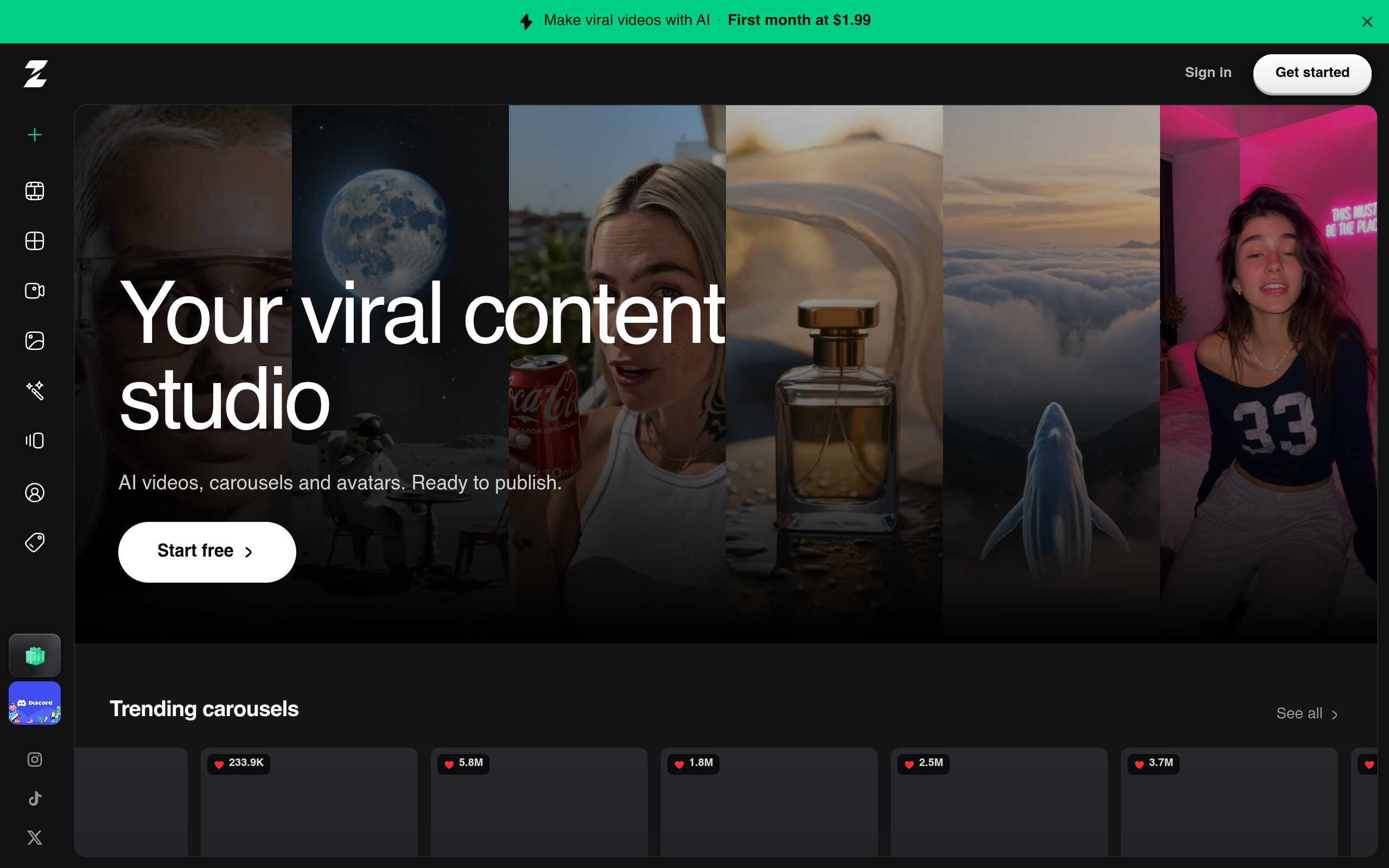
Zevor is your AI-powered viral content studio. Turn any photo into a cinematic video with native sound, generate ready-to-post carousels, create voiceover shorts, and produce UGC ads with realistic avatars — all from your browser, no production team or editing skills required. Instead of starting from scratch, Zevor lets you clone the formats already going viral on TikTok, Reels and YouTube Shorts and adapt them to your brand in minutes. Type an idea (or paste a reference), pick a format, and the AI handles the script, visuals, voice and final edit. Built for creators, brands and agencies that need to ship content daily.
Key Features
Viral Format Cloning
Paste a reference or type an idea and Zevor clones formats that are already working on TikTok, Reels and Shorts so you can adapt trending styles to your brand quickly.
Photo-to-Video Transformation
Turn a single photo into a 4–8 second cinematic video with native sound or a longer format (Lite/Standard/Pro) using automated motion, framing and cinematic effects.
UGC Avatar & Voiceover Generator
Create realistic UGC-style ads and shorts with AI-generated avatars and voiceovers—full lip-sync and natural speech without the need for actors or recording equipment.
Motion Control & Reference Transfer
Animate your photo by copying movement from a reference video so your subject performs the same choreography or camera moves while keeping your brand visuals.
Ready-to-Post Exports & Multi-aspect Outputs
Export platform-ready videos and carousels (9:16, 16:9, 1:1) without watermark and with commercial rights; download and upload directly to TikTok, Reels or Shorts.
How to Use Zevor AI
1) Sign up or log in (email or Google). 2) Choose a creation mode: upload a photo (Photo-to-Video), paste a reference video (Motion Control), or pick a viral format to clone. 3) Enter an idea or paste the reference, pick voice/style, and let the AI generate script, visuals and voiceover. 4) Review and tweak the result, choose output aspect ratio, then export the ready-to-post video or carousel.