
Yume Comic
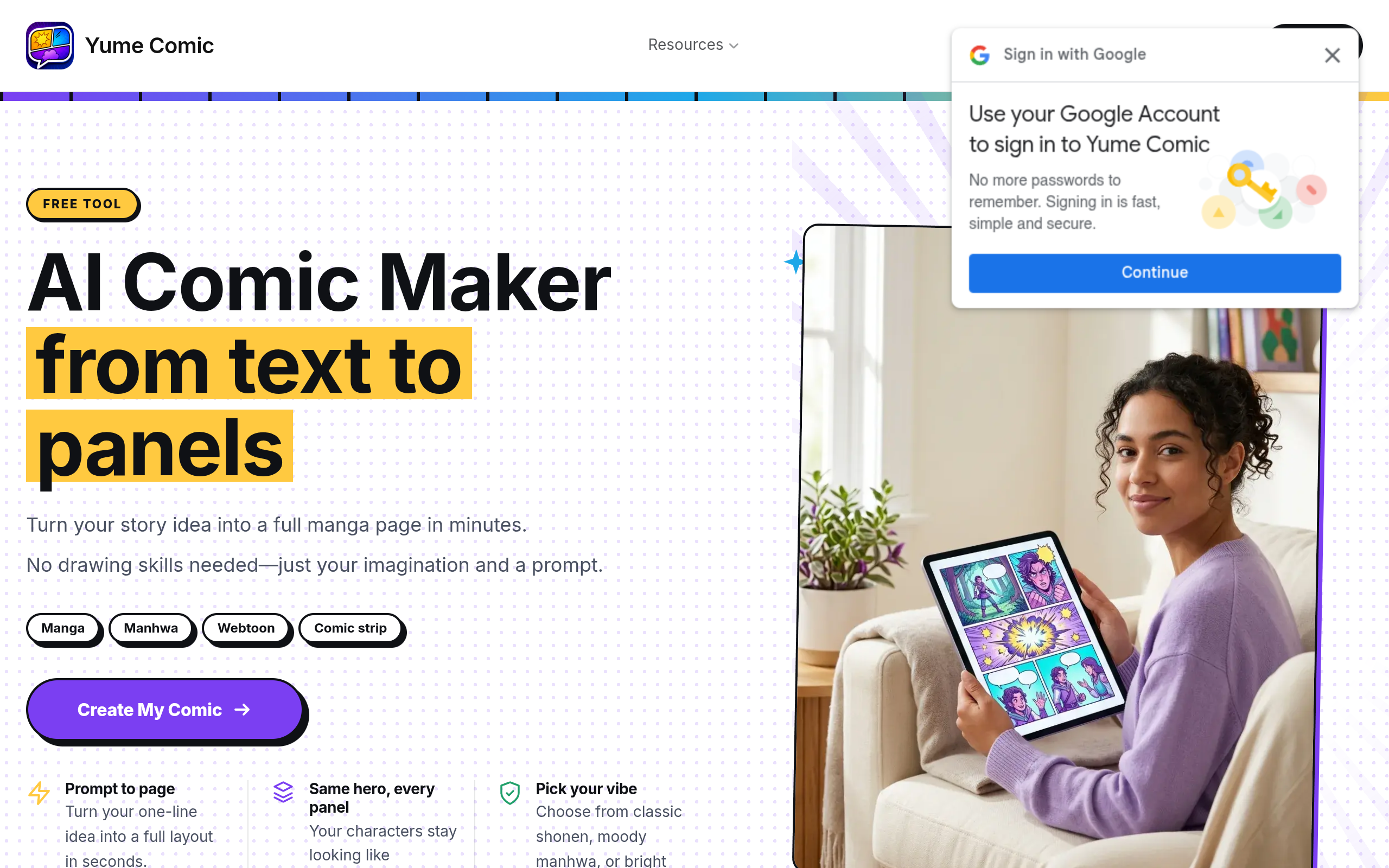
Yume Comic is an AI comic maker that helps users turn ideas, stories, and prompts into comic-style visuals quickly and easily.
About
Yume Comic is an AI-powered comic creation tool designed for anyone who wants to create comic-style images, scenes, and visual stories without needing drawing skills. Users can describe their idea, character, or story concept, and Yume Comic helps transform it into creative comic visuals. It is useful for storytellers, creators, social media users, manga fans, and anyone exploring visual storytelling with AI.
Key Features
Prompt-to-Page Generation
Turn a one-line idea or short prompt into a fully laid-out multi-panel comic page automatically, including cinematic angles and pacing.
Consistent Character Modeling
Define a protagonist and keep them on-model across every panel and page so the same character appearance is preserved throughout the story.
Multiple Styles & Templates
Choose from dozens of styles and templates (classic black-and-white manga, moody manhwa, bright webtoon, noir, neon sci‑fi, etc.) to match the vibe of your story.
Paneling, Dialogue Bubbles & Layout Controls
Automatically generated panels include speech bubbles and cinematic composition, with options to tweak layout, pacing, and dialogue.
Export & Share
Export high-quality images or vertical-scroll webtoon formats ready for social media, sharing, or printing.
How to Use Yume Comic
1) Open YumeComic and sign up or start a new project. 2) Enter a prompt describing your character, scene, or story beat (you can include actions, emotions, and short dialogue). 3) Pick a style and layout (manga, manhwa, webtoon, black-and-white or color) and set your protagonist so characters remain consistent. 4) Click Create to generate a multi-panel page, then review and tweak panels, dialogue bubbles, or layout before exporting or sharing.