
Yopki
Yopki is a free AI trip planner for families. Drag-and-drop calendar, interactive maps, and smart activity suggestions tailored to your kids' ages.
About
Yopki is a free AI-powered trip planner built for families traveling with young children. It replaces the patchwork of Google Docs, spreadsheets, and map apps parents typically juggle when planning a vacation. The visual drag-and-drop calendar lets you build day-by-day itineraries with a connected map view that clusters activities by location. Select any empty time block and AI generates age-appropriate activity suggestions with real addresses, durations, and insider tips. Store flight details, hotel confirmations, and restaurant reservations in one place. Share your itinerary with your family or travel partners for collaborative planning. Export polished PDF itineraries for offline access. Yopki also includes a layover planner that helps travelers make the most of long airport connections with curated guides for 6,000+ airports worldwide. No downloads required. Works in any browser. Free to start planning your next family trip at yopki.com.
Key Features
Age‑aware AI Activity Suggestions
Generate curated activities for kids based on each child's age, with real addresses, estimated durations, and insider tips.
Visual Drag‑and‑Drop Calendar
Build and edit day‑by‑day itineraries with an intuitive calendar view so you can rearrange activities and timing with a simple drag‑and‑drop.
Interactive Smart Map
Connected map view clusters nearby activities by location so you can optimize routes and plan days geographically.
Travel Document & Reservation Organizer
Store flight details, hotel confirmations, and restaurant reservations in one place and attach them to itinerary days.
Layover Planner & Export
Access curated layover guides for thousands of airports and export polished PDF itineraries for offline use and sharing.
How to Use Yopki
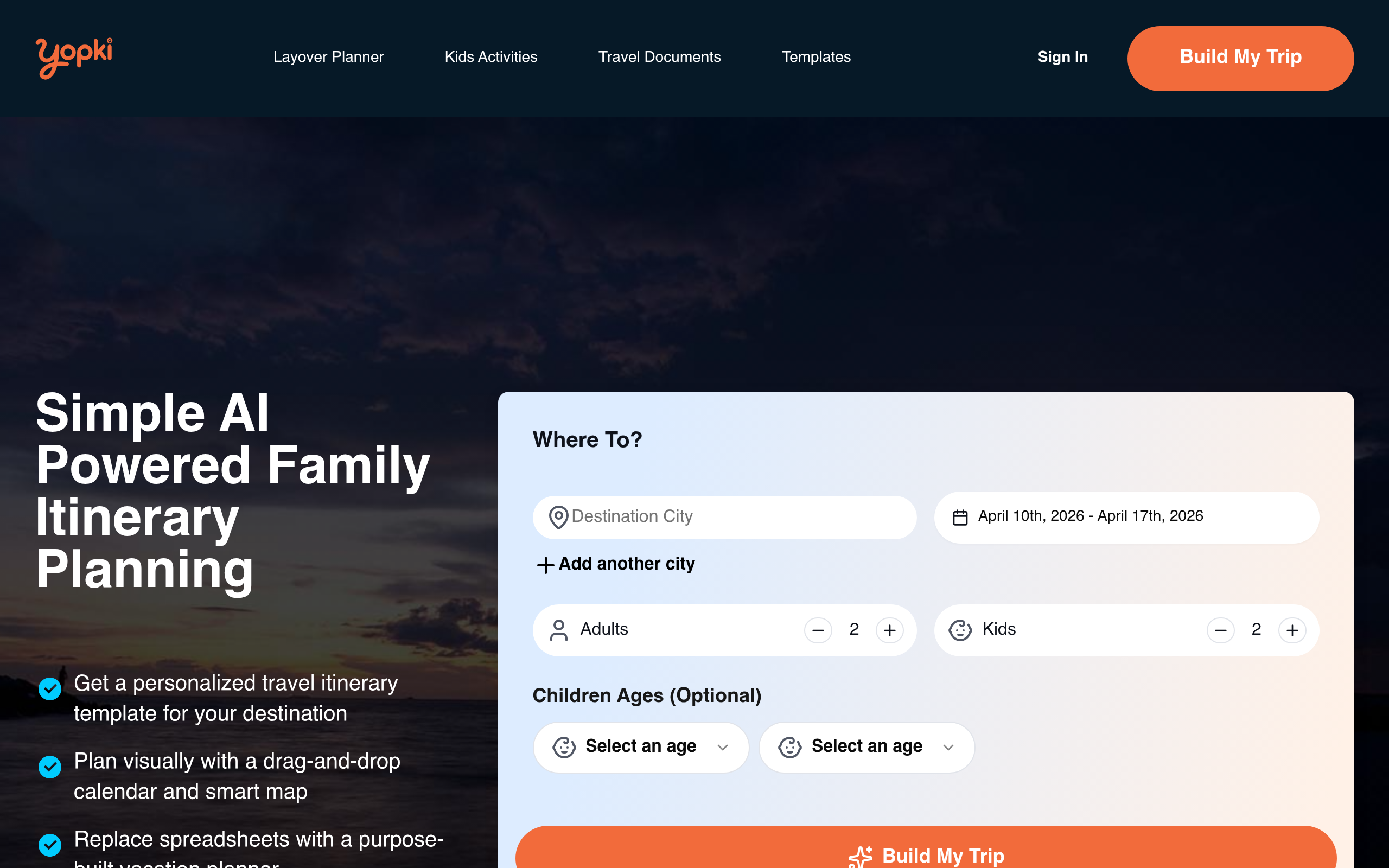
1) Start a new trip on yopki.com and enter destinations, travel dates, number of adults and kids (input each child’s age). 2) Click 'Build My Trip' to generate a personalized itinerary template with AI‑suggested activities and map pins. 3) Customize the plan using the drag‑and‑drop calendar and map—add reservations, adjust times, or replace activities. 4) Share the itinerary with travel partners for collaboration or export a PDF for offline use; use the layover planner for long connections.