
Yix
Yix is a browser-based AI image and video studio with multiple models, reference-image workflows, free prompt tools, and credit-based pricing.
About
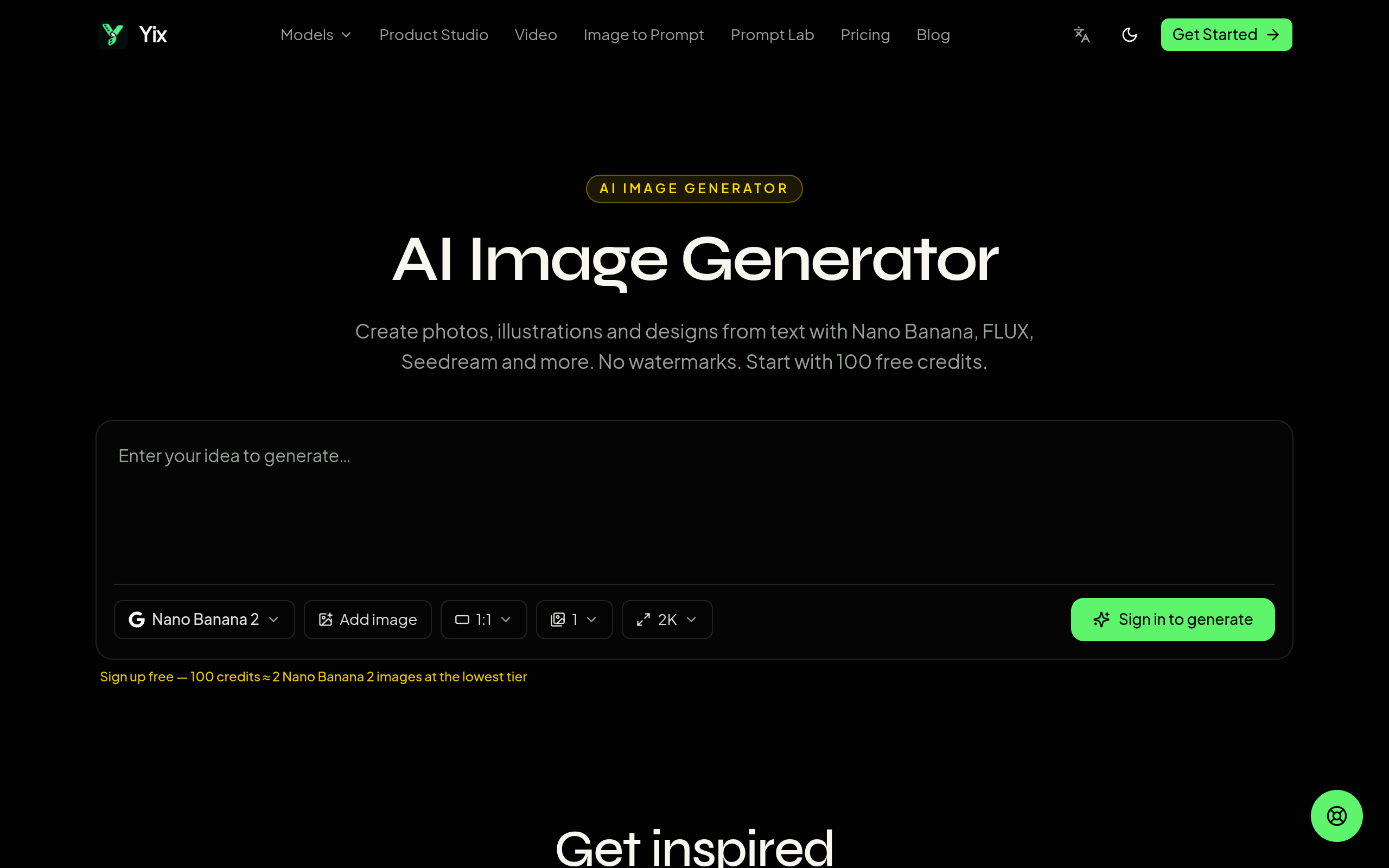
Yix brings AI image creation, video generation, and prompt preparation into one browser-based workspace. Creators can write a prompt, choose an image model, set the aspect ratio and output options, and see the credit cost before generating. Supported image models include Nano Banana, FLUX, Seedream, GPT Image, and others. Reference-image inputs help users start with existing visual material, and generated images are delivered without watermarks. The site also offers an AI video workspace, Product Studio, a free Image to Prompt tool, and a Seedance Prompt Lab. Image to Prompt analyzes an uploaded reference and prepares a prompt for a selected image model. Prompt Lab provides editable templates and worked examples for scenes, camera movement, references, edits, and storyboards. These tools help designers, marketers, independent makers, and content creators prepare visual ideas and production briefs. New accounts start with 100 free credits without a payment card. Image and video generation consume credits, with costs depending on the selected model and settings. Users can buy one-time credit packs or subscribe for a monthly allowance. One-time credit packs start at $4.90; monthly subscriptions start at $19.90. Free starting credits are limited and do not cover every model tier. Generation needs an account; Image to Prompt and copying Prompt Lab prompts are available without sign-in. Model availability, output settings, and credit costs should be checked in the current interface.
Key Features
Multi-model Image Generation
Choose from multiple image models (Nano Banana, FLUX, Seedream, GPT Image, etc.) to generate varied artistic styles and quality levels, with model-specific settings and credit cost previews.
AI Video Workspace
Create short videos from prompts or still images, plan camera movement and storyboards, and render videos using model-based generation tools inside the browser workspace.
Image to Prompt & Prompt Lab
Upload a reference image to auto-generate a model-ready prompt, then refine it with editable Prompt Lab templates and worked examples for scenes, camera moves, edits, and storyboards.
Reference-image Workflows & Editing
Start from existing photos for inpainting, editing, restoration, upscaling or to create variations and product scenes while preserving useful layers and vectors.
Credit-based Pricing with Free Trial Credits
New accounts receive 100 free credits (no card required). Generations consume credits based on chosen model and settings; credits are available as one-time packs or monthly subscriptions.
How to Use Yix
1) Sign up or try tools: Create a free account to get 100 starter credits (Image to Prompt and copying Prompt Lab prompts are available without sign-in). 2) Pick a workflow: Choose Image, Video, Product Studio, Upscaler or Restore depending on your goal. 3) Prepare input: Write a text prompt or upload a reference image. Use Image to Prompt to convert references into model-ready prompts, or pick a Prompt Lab template to edit. 4) Choose model & settings: Select an image/video model, set aspect ratio, resolution and output options, check the credit cost, then generate. Review, iterate, and download final outputs (delivered without watermarks).