
Y2mate Wox
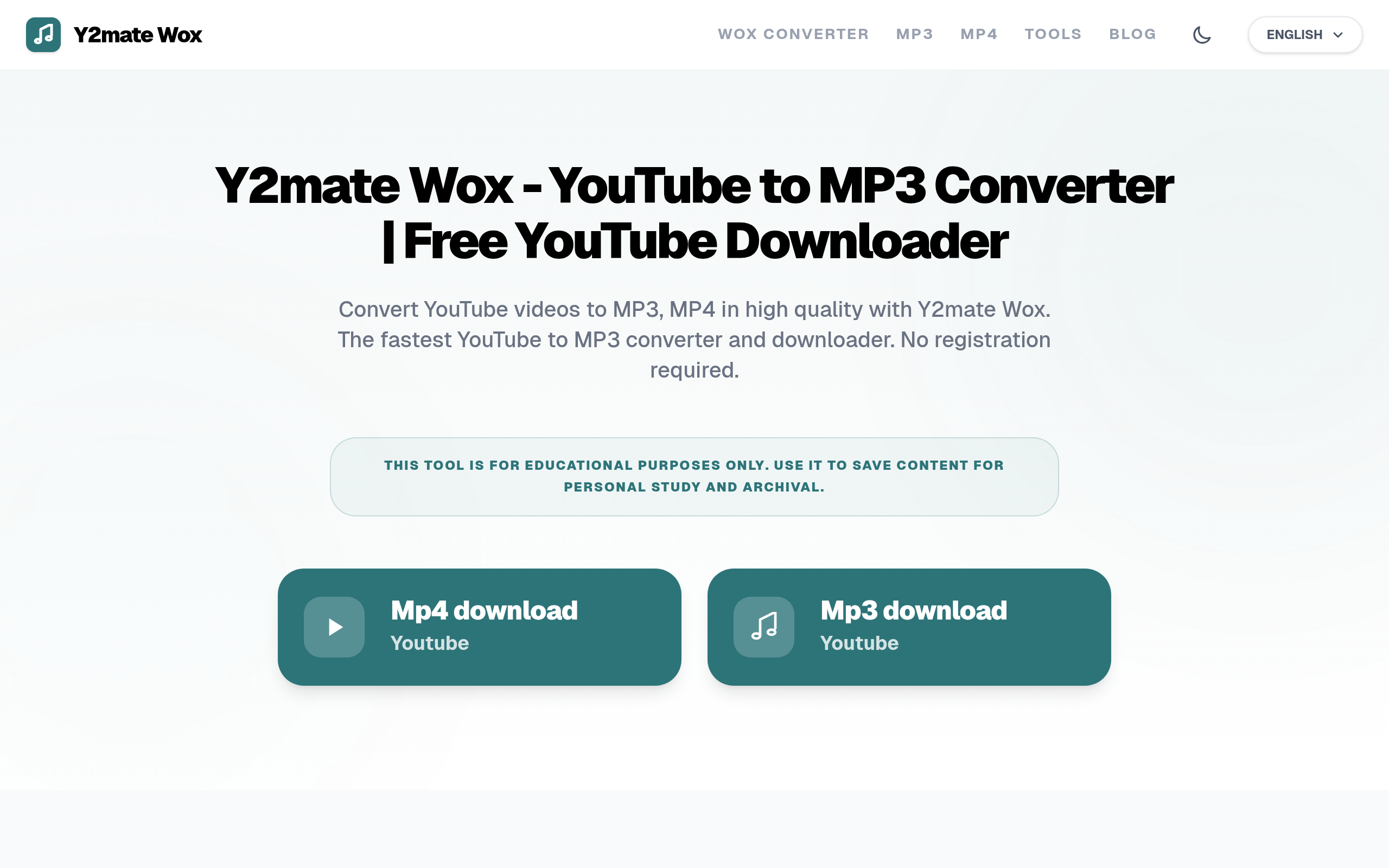
Y2mate Rankwox is a free online YouTube converter/downloader for MP3/MP4 with tools like thumbnail, transcript, and tag extractor in one place.
About
y2mate.rankwox.com is a free online tool that lets you convert and download YouTube videos into audio (MP3) or video (MP4) files directly in your browser without needing to install any software or sign up. It also offers extra features like viewing detailed YouTube video metadata, such as upload time, video statistics, restrictions, and channel info. Users simply paste a YouTube link into the input box, choose a format and quality, then download the file for offline use. The site is part of a family of online converter services that aim for simplicity and quick downloads, but be aware that these free tools often rely on heavy advertising and redirect links, so it’s wise to use them cautiously and avoid clicking on random ads or pop-ups.
Key Features
Fast YouTube to MP3/MP4 Conversion
Convert YouTube videos to high-quality MP3 audio or MP4 video quickly in your browser without installing software or creating an account.
Transcript Downloader (Transcription)
Download the video's transcript or captions as text for note-taking, studying, or repurposing content offline.
Tag Extractor
Automatically extract the YouTube video's metadata tags to help with SEO, research, or replicating tag strategies for your own uploads.
Thumbnail Downloader
Save the video's thumbnail image in high resolution for reference, thumbnails reuse, or thumbnail design inspiration.
Multi-format & Quality Options
Choose from multiple formats (MP3, M4A, MP4, WebM, AVI, FLV, 3GP) and resolutions (from low-res data-saver modes up to 4K and 320kbps audio) to suit device and storage needs.
How to Use Y2mate Wox
How to Use (Step by Step) Open your web browser and visit y2mate.rankwox.com. Go to YouTube and search for the video you want to download. Copy the video’s URL from the address bar or share option. Return to y2mate.rankwox.com and paste the copied link into the input field. Wait a moment while the website analyzes the video. Choose your preferred format, such as MP3 for audio or MP4 for video. Select the desired quality or resolution from the available options. Click the Download button to start the conversion process. Once the conversion is complete, click the download link to save the file. Open the downloaded file on your device and enjoy it offline anytime.