
XLclick
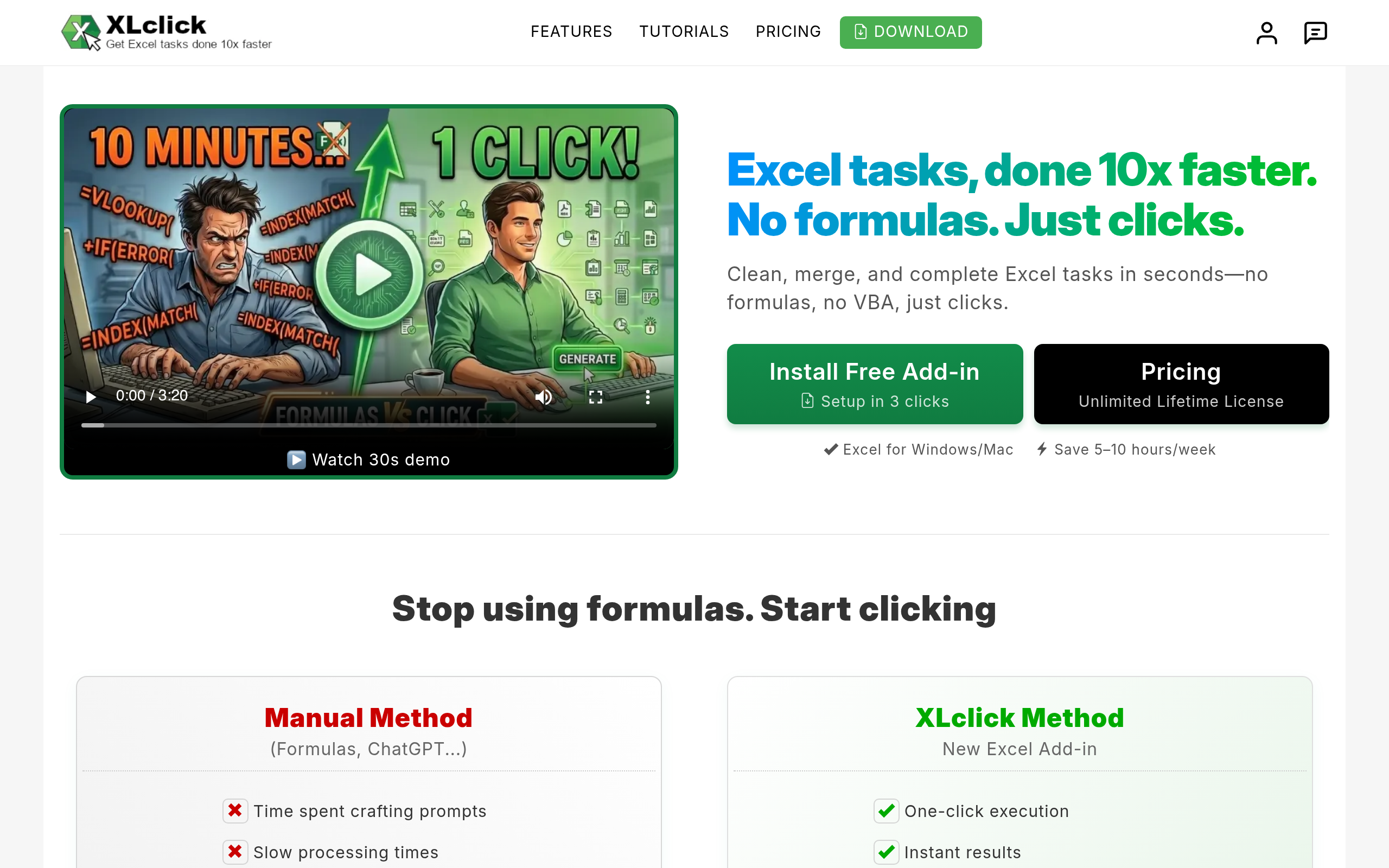
Clean, merge, and complete Excel tasks in seconds—no formulas, no VBA, just clicks.
About
Tired of software subscriptions? XLclick offers a powerful Excel add-in with a lifetime license. Pay once, use forever, and get all future updates completely free. Instantly speed up your data cleaning, file splitting, and list comparisons offline. Download for free today and stop paying monthly fees for productivity.
Key Features
One‑Click Data Cleaning
Remove duplicates, fix formatting, normalize text, clear empty rows and correct common data issues instantly without formulas or VBA.
Merge & Split Files
Combine sheets, merge columns/rows, split large workbooks into separate files or export selected sheets as individual files in seconds.
Advanced Extraction Tools
Extract emails, numbers, URLs and custom patterns; split text to columns/rows and perform targeted data extraction with pre-built actions.
Offline, Private Processing
All processing happens locally in Excel (Windows/Mac), ensuring GDPR compliance and no data leaves your computer.
Lifetime License & Free Updates
Pay once for an unlimited license and receive all future updates and new features at no extra cost.
How to Use XLclick
1) Install the free XLclick add-in and open Excel. 2) Open the XLclick ribbon and choose the tool you need (e.g., Deduplicate, Extract Emails, Combine Sheets). 3) Configure any simple options in the tool panel (select range, columns, output format) and click Run. 4) Review the results inside your workbook, undo if needed, and save or export the cleaned/merged file.