
Wordy
Learn languages from real movie and TV scenes: 15,000+ clips, A1–C2, 20+ languages.
About
Wordy turns movies and TV shows into bite-sized language lessons. Instead of textbook drills, you learn words in the exact scenes where real actors say them: 15,000+ short clips feeding video quizzes, translation and spelling challenges with spaced repetition. 9,000+ words per language across CEFR A1–C2, plus a Streaming Mode syncing interactive subtitles to Netflix and HBO across 500,000+ titles. 20+ languages, 300,000+ learners, 4.8-star from 13,000+ reviews. iOS, Android and a Chrome extension. Ad-free, freemium.
Key Features
Extensive Movie & TV Clip Library
Access 15,000+ short clips and real scenes across popular movies and shows so vocabulary and phrases are learned in natural, contextual use.
Interactive Subtitles & Streaming Mode
Syncs interactive subtitles to streaming platforms (Netflix, HBO) so you can learn directly while watching, pause on words, and get instant translations.
Video Quizzes & Challenges
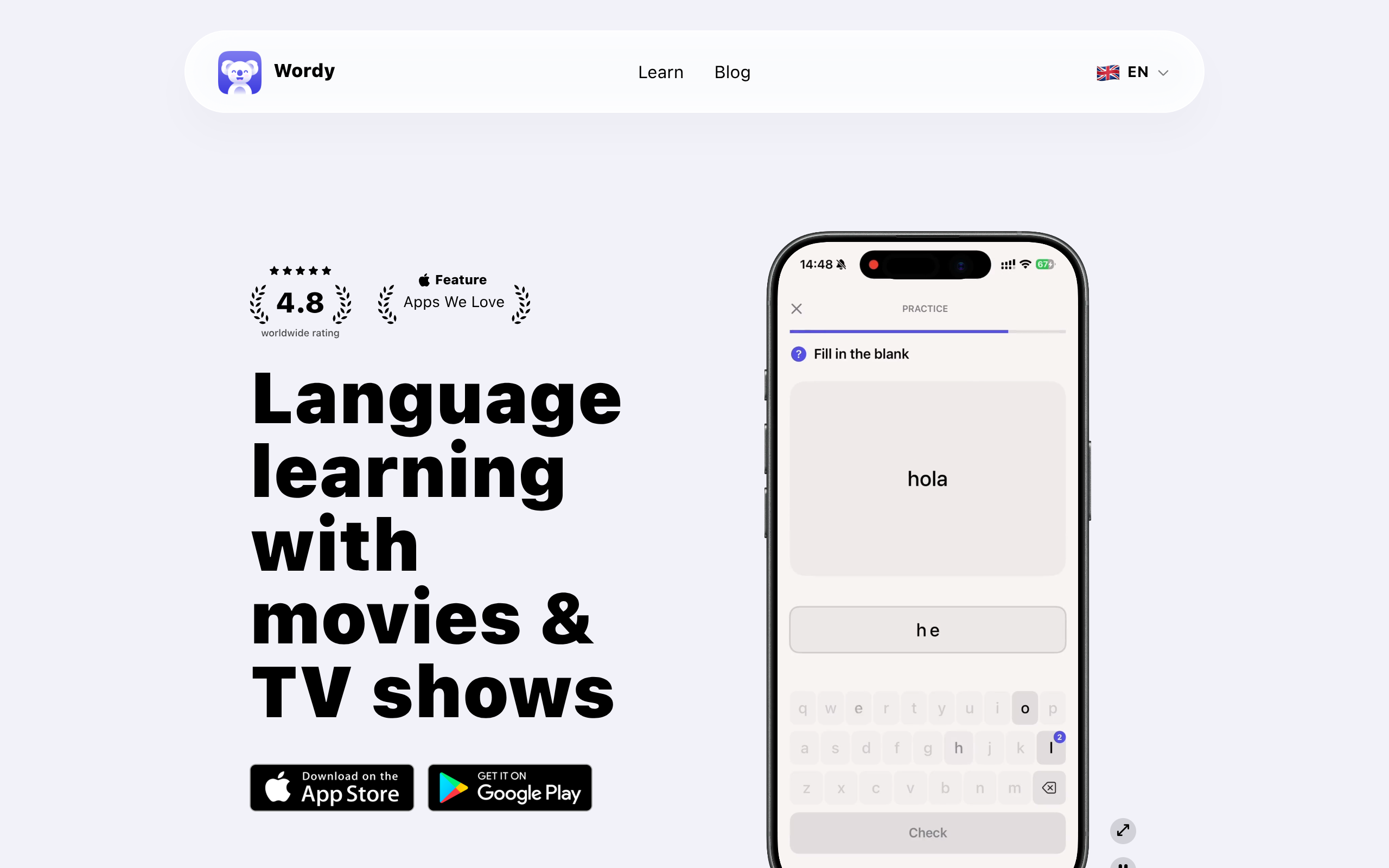
Short, engaging quizzes (translation, spelling, cloze) built from the clips you watch to reinforce comprehension and active recall.
Spaced Repetition & Progress Tracking
Spaced repetition system surfaces words for review at optimal intervals and shows progress across CEFR levels A1–C2 to maximize long-term retention.
Multi-language & Multi-platform Support
Offers 20+ target languages, 9,000+ words per language, and apps for iOS, Android plus a Chrome extension for learning on desktop and streaming services.
How to Use Wordy
1) Choose your target language and CEFR level (or let the app assess your level). 2) Browse featured clips or enable Streaming Mode to sync interactive subtitles while you watch Netflix/HBO. 3) Watch short clips, tap words in the subtitles for translation/definitions, then take the built-in quiz for that clip (translation, spelling or fill-in). 4) Review items in the spaced repetition queue and track progress—repeat daily to build vocabulary and listening skills.