
Wipyly
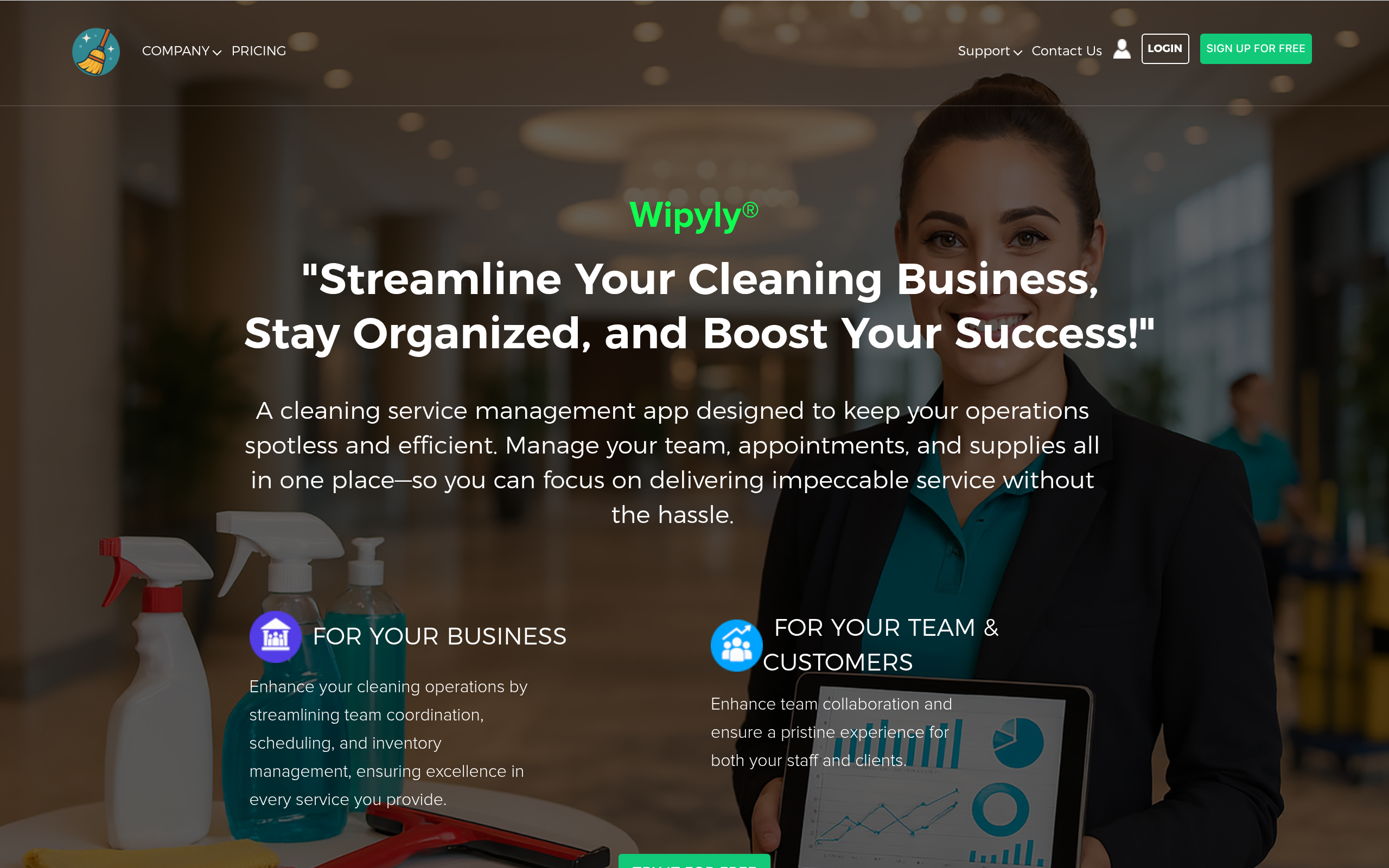
Wipyly is an all-in-one SaaS platform that helps cleaning businesses manage bookings, scheduling, customers, payments, and operations.
About
Wipyly is a modern cloud-based SaaS platform designed specifically for residential and commercial cleaning businesses that want to streamline operations and grow faster. The platform combines online booking, scheduling, CRM, invoicing, payment tracking, and team management into one easy-to-use system. Cleaning companies can automate daily workflows, reduce manual admin tasks, and improve customer experience without juggling multiple tools. Built for small and growing service businesses, Wipyly helps owners stay organized, track performance, and scale operations efficiently. With a simple interface and mobile-friendly design, teams can manage jobs, customers, and revenue from anywhere. Whether you’re an independent cleaner or a multi-team company, Wipyly provides the tools needed to run a smarter, more efficient service business.
Key Features
Online Booking & Client Portal
Publish booking widgets and a client-facing portal so customers can request and manage cleaning appointments online, reducing manual booking work.
Scheduling & Dispatch
Visual schedule and route-ready dispatch tools to assign jobs to teams, manage recurring appointments, and optimize workloads across cleaners and teams.
CRM & Customer Management
Centralized customer profiles, contact history, notes and communication tracking to provide a consistent, personalized experience and simplify follow-ups.
Invoicing & Payments
Create and send invoices, track payments and outstanding balances, and accept online payments to streamline billing and cash flow.
Team Management & Reporting
Manage employee information, timesheets and permissions, plus business dashboards and reports to monitor performance and growth metrics.
How to Use Wipyly
1) Sign up and configure your business profile: add locations, services, pricing and business hours. 2) Add staff and teams: create user accounts, assign roles, set availability and territories. 3) Set up booking & scheduling: embed the booking widget or share booking links, create recurring jobs, and dispatch jobs to staff using the schedule view. 4) Manage customers and finances: use the CRM to store client details and history, generate invoices after completed jobs, and track payments and reports.