
Whisper AI Transcribe
Turn meetings, interviews, lessons, podcasts, and videos into searchable transcripts, summaries, and subtitle-ready text.
About
Whisper AI Transcribe turns spoken content into an organized research and publishing asset. Upload an interview, meeting, lesson, podcast, or video in the browser to create searchable text, a concise summary, and subtitle-ready output. It is designed for creators, educators, researchers, journalists, and distributed teams that need to find important moments and reuse recordings without installing desktop software.
Key Features
Browser-Based Transcription
Upload audio or video directly in the browser and turn spoken material into searchable text without installing desktop software.
Searchable Transcript and Summary
Scan key ideas quickly, find important moments, and use a concise summary to review long recordings more efficiently.
Subtitle-Ready Text
Reuse transcript output for captions, research notes, meeting documentation, and content repurposing workflows.
How to Use Whisper AI Transcribe
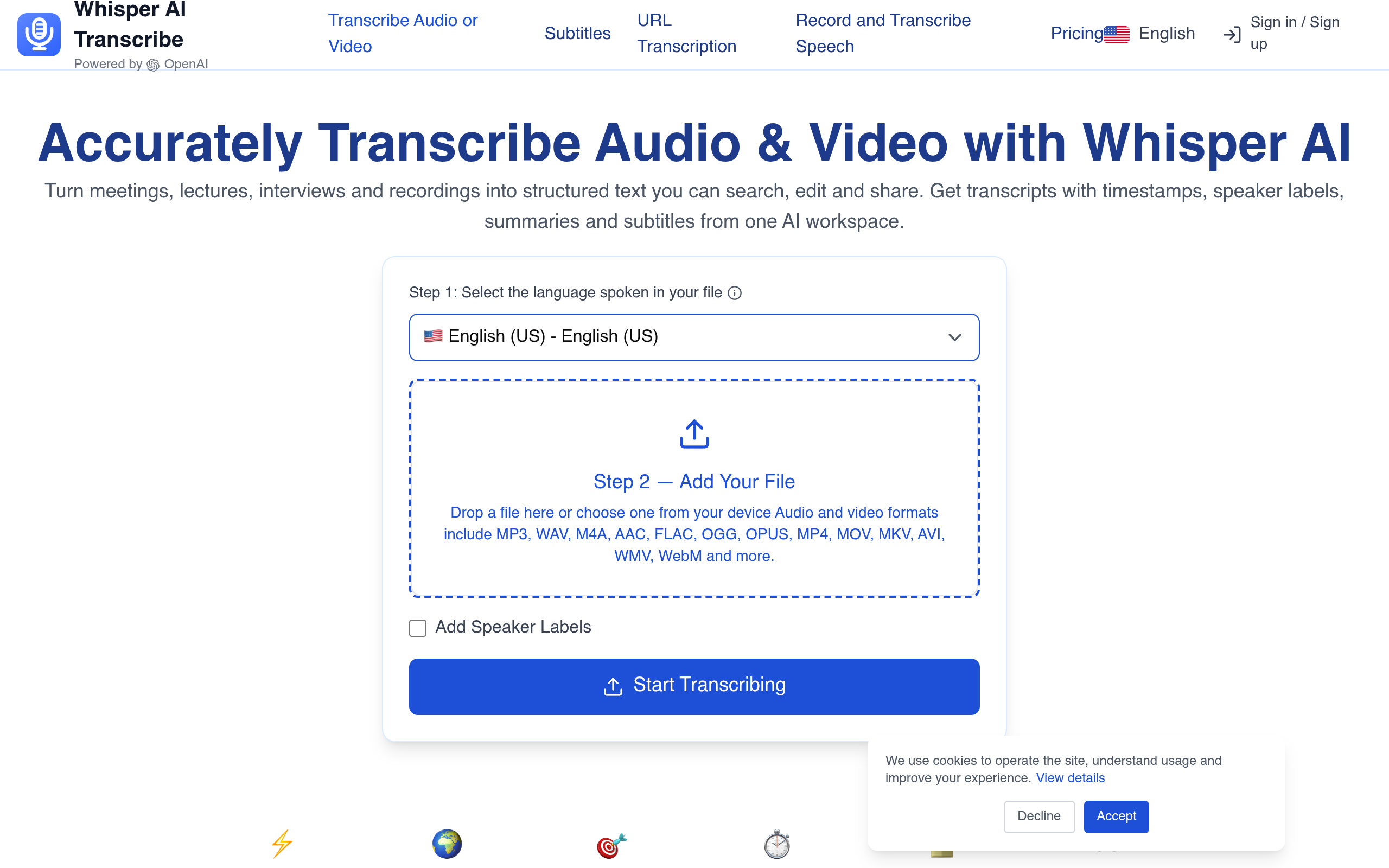
Open Whisper AI Transcribe in your browser, upload an audio or video recording, and start the transcription. Review the generated transcript, use the summary to scan key ideas, then export or reuse the text for notes, research, captions, and content production.
Use Cases
Frequently Asked Questions
Q: What kinds of recordings can Whisper AI Transcribe help with?
A: It is designed for spoken-content workflows such as meetings, interviews, lessons, podcasts, and videos that need searchable text, summaries, or subtitle-ready output.
Q: Do users need to install desktop software?
A: No. The transcription workflow is available in the browser, so users can upload a recording and work with the resulting text online.