
WeChat to Markdown (wx2md)
Save WeChat articles as local Markdown — no upload
About
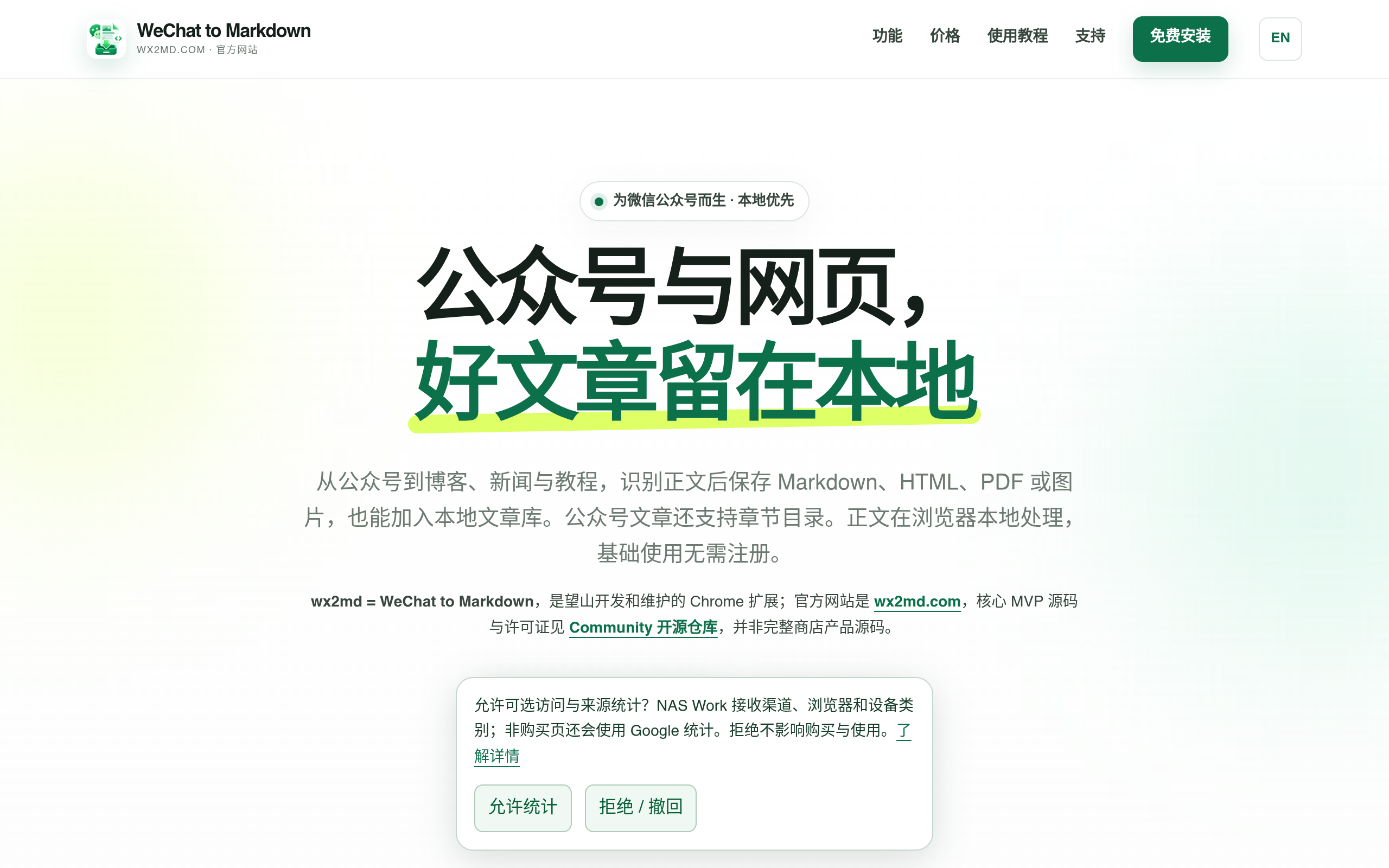
Local-first Chrome extension that turns WeChat Official Account articles into Markdown. Parsed in-browser; article bodies are not uploaded to our servers. Optional image ZIP. Works with Obsidian, SiYuan, Typora, and VS Code.
Key Features
Local-first Article Parsing
Parses and cleans article content entirely in the browser — article bodies are never uploaded to external servers, preserving privacy.
Multi-format Export
Export parsed content as Markdown, HTML, printable PDF, or image (PNG), with metadata (title, author, date, source) preserved.
Optional Image ZIP Archive
Bundle article images into a downloadable ZIP alongside the Markdown for reliable offline storage and migration into local vaults.
Knowledge‑base Integration
Output is compatible with Obsidian, SiYuan, Typora, VS Code and other Markdown tools; supports adding to a local article library and generating chapter directories for long posts.
Batch & Collection Archiving
Supports creating multi-article volumes with incremental archiving and resume/continue features for collecting public article sets.
How to Use WeChat to Markdown (wx2md)
1) Install the Chrome extension from the official site or Chrome Web Store. 2) Open a WeChat Official Account article (or other blog/news/tutorial page) in Chrome. 3) Click the extension icon → Open current page tool; let it detect the article and optionally generate a table of contents. 4) Choose export format (Markdown/HTML/PNG/PDF), toggle "download images as ZIP" if needed, then export — saved files remain on your device and can be moved into Obsidian, SiYuan, Typora or VS Code. (Note: free tier includes monthly single-article export quota.)