
Web Harmonium
Free browser-based Indian harmonium simulator with raga scales, sargam notation, MIDI and recording.
About
Web Harmonium is a free, browser-based Indian harmonium simulator that lets you play authentic reed sounds without installing anything. It supports classical raga scales (Bilawal, Kafi, Khamaj, Bhairav, and more), transpose across octaves, sustained drone accompaniment, and Sargam notation display. Perfect for musicians, students of Indian classical music, and anyone wanting to play a harmonium without the hardware. Works on desktop and mobile, supports MIDI keyboards, and includes a built-in audio recorder. No login, no ads, no download.
Key Features
Authentic Harmonium Samples
Uses CC0 recordings from Yale's Euterpea Studio with nine sampling points across three octaves and layered reeds to recreate accurate harmonium timbre and pitch.
Raga-aware Keyboard & Notation
Includes 12 raga presets (Yaman, Bhairav, Bhupali, Malkauns, etc.), highlights in-scale keys, and lets you toggle between Western note labels and Sargam (Sa Re Ga…) for Indian solfège learning.
MIDI & Multi-input Support
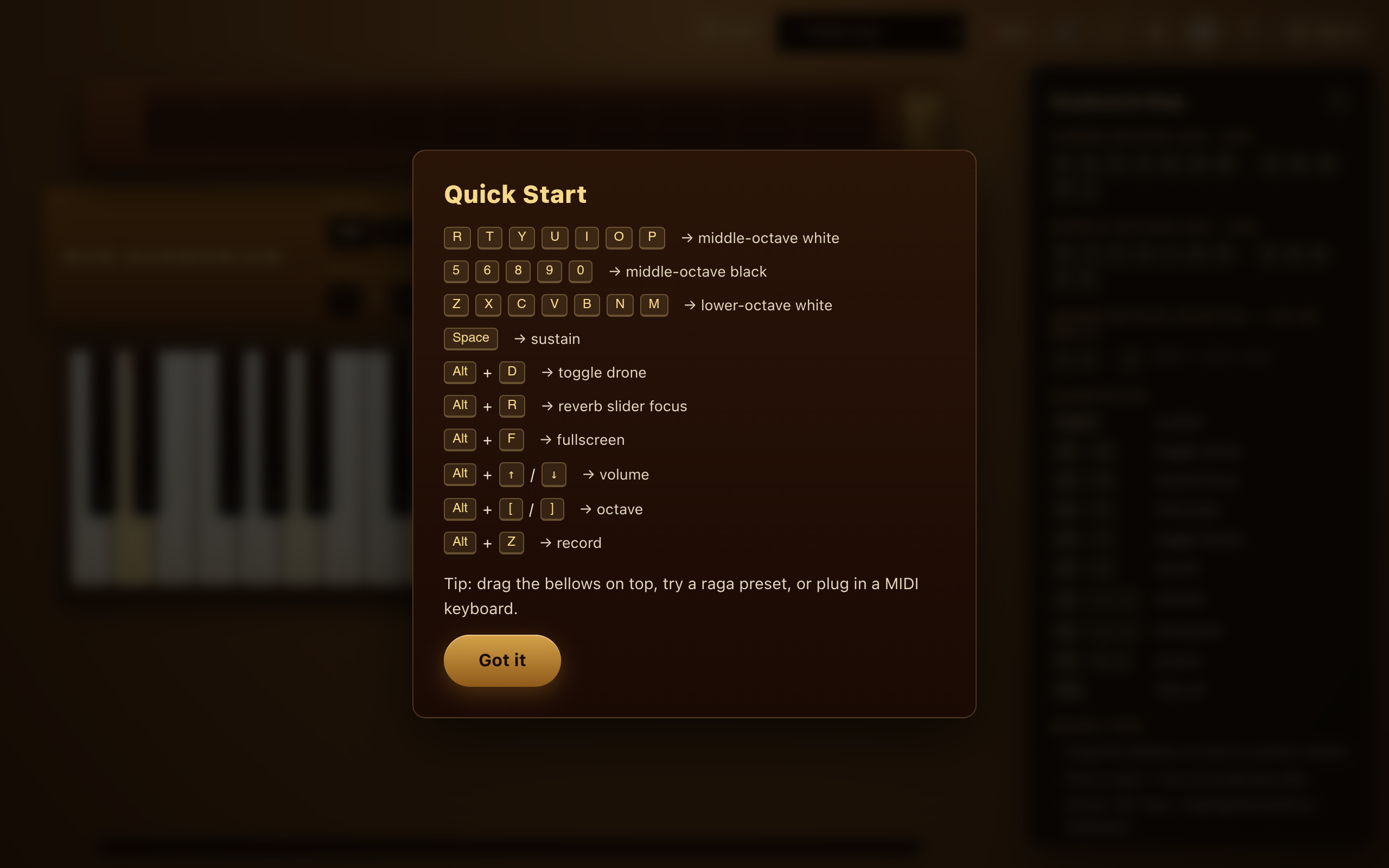
Auto-detects USB and Bluetooth MIDI controllers (velocity-sensitive) and also supports QWERTY keyboard, touch, and mouse input for immediate playability across devices.
Drone, Tanpura & Bellows Controls
Provides a sustained harmonium drone or plucked tanpura cycle, bellows-style volume control you can drag to 'pump', octave transpose, and sustain behavior for realistic practice.
Record, Share & PWA Offline Support
Built-in recorder creates downloadable WebM clips, copyable share links that preserve instrument settings, and a Progressive Web App install option for full-screen and offline use.
How to Use Web Harmonium
Step 1: Open web-harmonium.app in any modern browser (Chrome, Safari, Firefox). Step 2: Choose a raga scale from the dropdown or use the default. Turn on the drone if desired. Step 3: Play notes with your keyboard, mouse, touch screen, or connected MIDI keyboard. Press Record to save your session.