
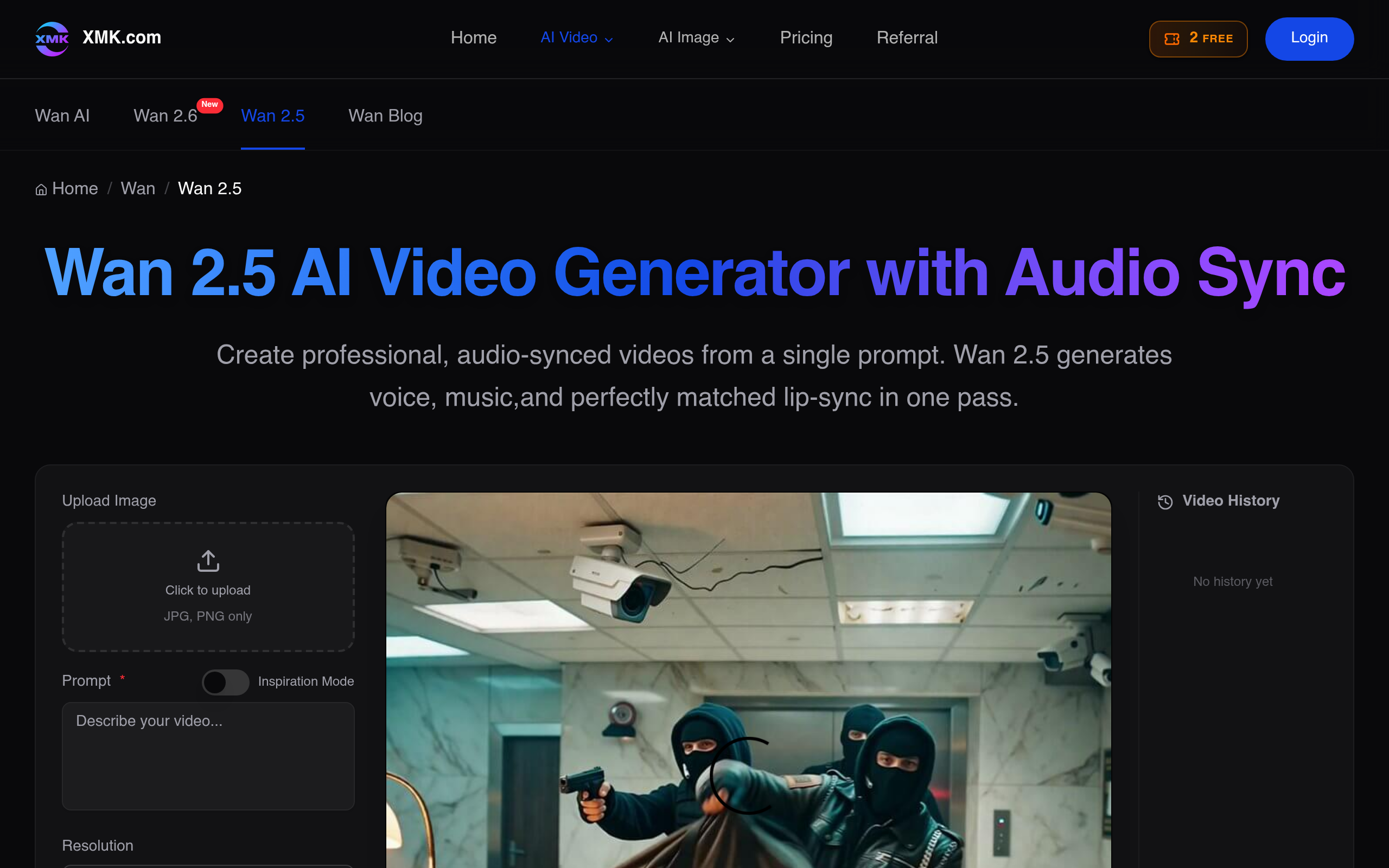
Wan 2.5 AI Video Generator
Wan 2.5 is an AI video generator that transforms text prompts into stunning videos with advanced neural rendering.
About
Wan 2.5 AI Video Generator is a cutting-edge AI-powered tool that enables users to create professional-quality videos from text prompts. Leveraging advanced neural rendering technology, Wan 2.5 can generate cinematic-quality videos with realistic motion, lighting, and visual effects. Key Features: - Text-to-video generation with natural language understanding - High-quality output with realistic motion and physics - Multiple style options including cinematic, artistic, and documentary - Support for various aspect ratios and resolutions - Fast processing with cloud-based infrastructure Wan 2.5 is perfect for content creators, marketers, educators, and businesses looking to produce engaging video content without extensive video production experience or expensive equipment. Simply describe what you want to see, and Wan 2.5 will bring your vision to life. Visit https://www.xmk.com/wan/wan-2-5 to start creating amazing videos today!
Key Features
One-pass A/V Sync
Generates voice, music, and perfect lip-sync from a single prompt or uploaded audio—no separate dubbing or manual timeline adjustments required.
High-fidelity Neural Rendering
Produces cinematic-quality visuals with realistic motion, lighting, and physics while avoiding jitter or uncanny artifacts for stable longer clips.
Audio-driven Control
Accepts uploaded voice tracks, SFX, or music to steer pacing and lip-sync precisely, enabling on-beat visuals and expressive performances.
Multilingual & Accent Friendly
Supports prompts and audio in multiple languages and accents while maintaining clear pronunciation and synchronization for global/localized content.
Flexible Output Formats & Fast Cloud Processing
Choose aspect ratio, resolution, and duration for platform-specific outputs (shorts, reels, ads) with fast cloud-based generation and export options.
How to Use Wan 2.5 AI Video Generator
1) Write a detailed prompt describing the scene, characters, camera moves, tone, and any style (cinematic, documentary, artistic). 2) (Optional) Upload an audio reference—voice track, music, or SFX—to drive lip-sync and pacing. 3) Select aspect ratio, resolution, and duration for your target platform. 4) Generate and download the A/V-synchronized video for publishing or further editing.