
vynyo.com
AI creative studio for hairstyles, portraits, images, product photos, and video generation.
About
vynyo.com brings browser-based AI creative tools together in one workspace. Users can explore AI hairstyles and hair colors, create portraits and product photos, use practical image tools, and generate videos while learning from model references and editorial guides.
Key Features
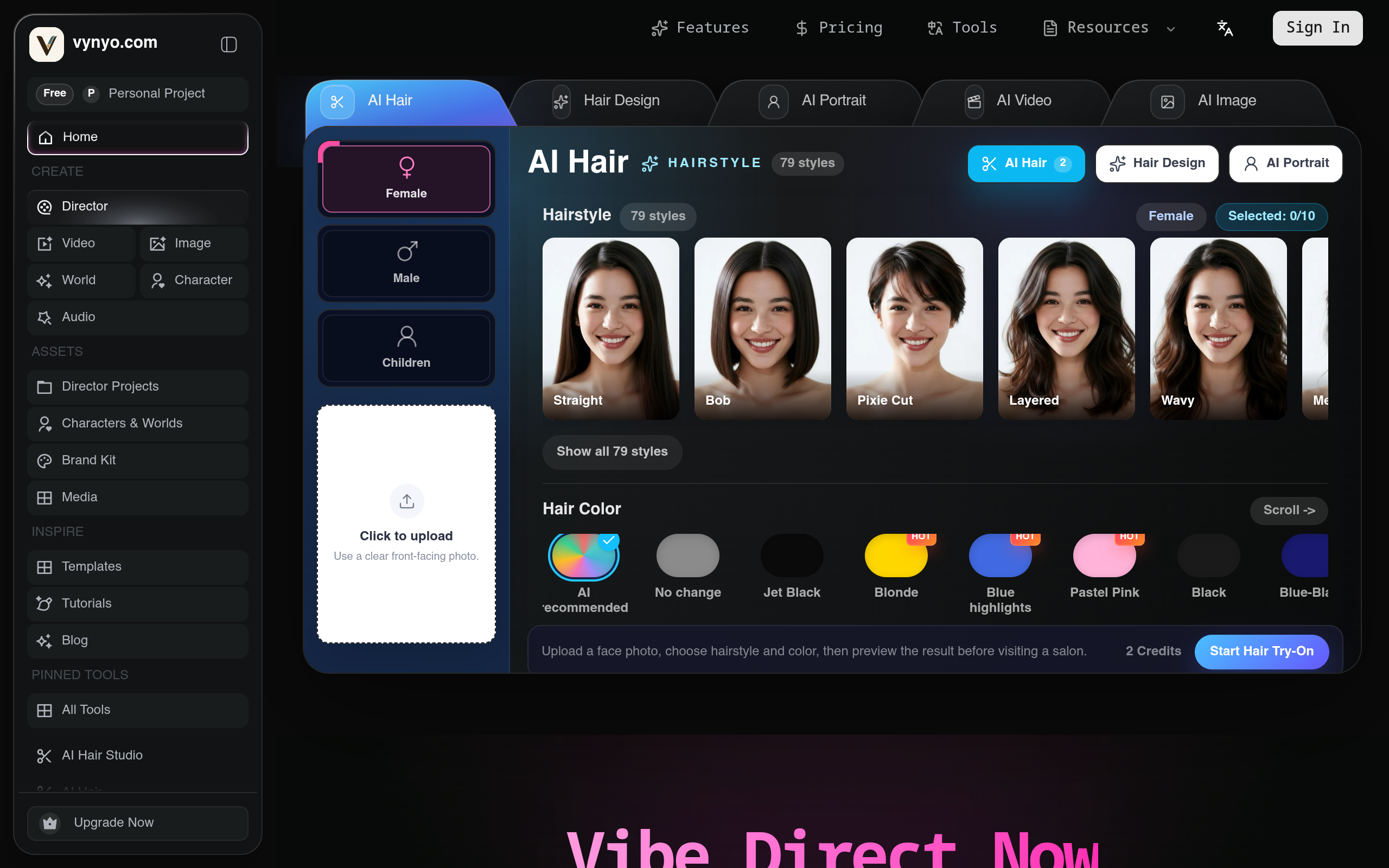
AI Hair Studio (Try-On & Design)
Upload a clear face photo to preview dozens of hairstyles and hair colors (79+ styles), try on color highlights, and get AI recommendations before visiting a salon.
AI Image Tools & Photo Generator
Create portraits, product photos, and marketing images with text-to-image and image-to-image models; includes background remover, upscaler, denoise, inpainting, and ready-made templates.
AI Video Suite
Generate and edit videos from text or images (text-to-video, image-to-video, reference-to-video), with tools for lip-sync, motion sync, relighting, background swaps, and cinematic Smart Shot prompts.
Model Library & Templates
Access multiple state-of-the-art image and video models (Seedream, Seedance, Nano Banana, Kling, etc.), plus templates, storyboards and editorial guides to speed up production.
How to Use vynyo.com
Open vynyo.com in your browser, choose an AI creative tool, provide or upload the requested input, adjust the options, and generate a preview.