
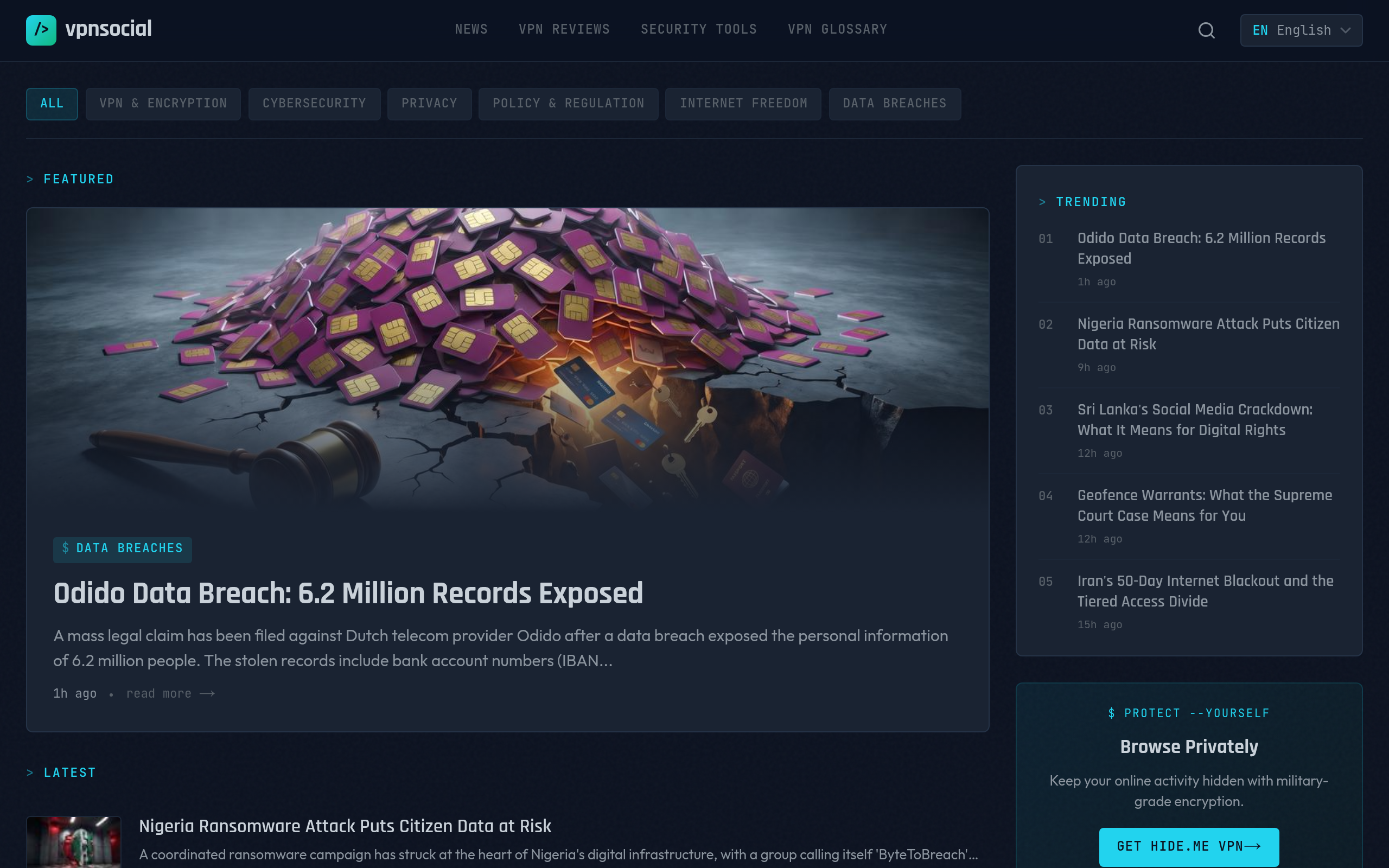
VPNSocial - Privacy Toolkit
Free privacy toolkit and VPN guides — test IP, DNS, and WebRTC leaks. 28 languages.
About
vpn.social is a multilingual privacy resource combining an expert-written blog with 11 free, no-signup tools: IP lookup, DNS leak test, WebRTC leak test, password strength checker, and more. We help readers understand online tracking, evaluate VPN providers, and take practical steps to protect their privacy. All content and tools are available in 28 languages, making vpn.social one of the most accessible privacy education hubs on the web.
Key Features
IP Lookup
Displays your public IP address, approximate geolocation, ISP, and related connection metadata so you can verify how your traffic appears to websites and services.
DNS Leak Test
Checks whether your DNS queries are leaking to your ISP or other third parties while using a VPN or proxy and explains how to fix common DNS leak issues.
WebRTC Leak Test
Detects WebRTC-based IP leaks from your browser and provides guidance to mitigate browser-level leaks that can reveal your real IP even when connected to a VPN.
Password Strength Checker
Analyzes passwords for strength and common weaknesses, offering actionable suggestions for creating stronger, unique passwords.
Multilingual Privacy Guides
Expert-written articles, VPN reviews, and step-by-step privacy guides available in 28 languages to help a global audience understand and improve online privacy.
How to Use VPNSocial - Privacy Toolkit
1) Open vpn.social and select the tool you need (e.g., IP lookup, DNS leak test, WebRTC leak test or password checker). 2) For tests, click the test/run button—no signup required—then review the results shown on-screen. 3) Read the included explanation and recommended fixes or configuration steps. 4) Follow links to in-depth articles and VPN reviews on the site for further guidance or to compare providers.