
Vowen
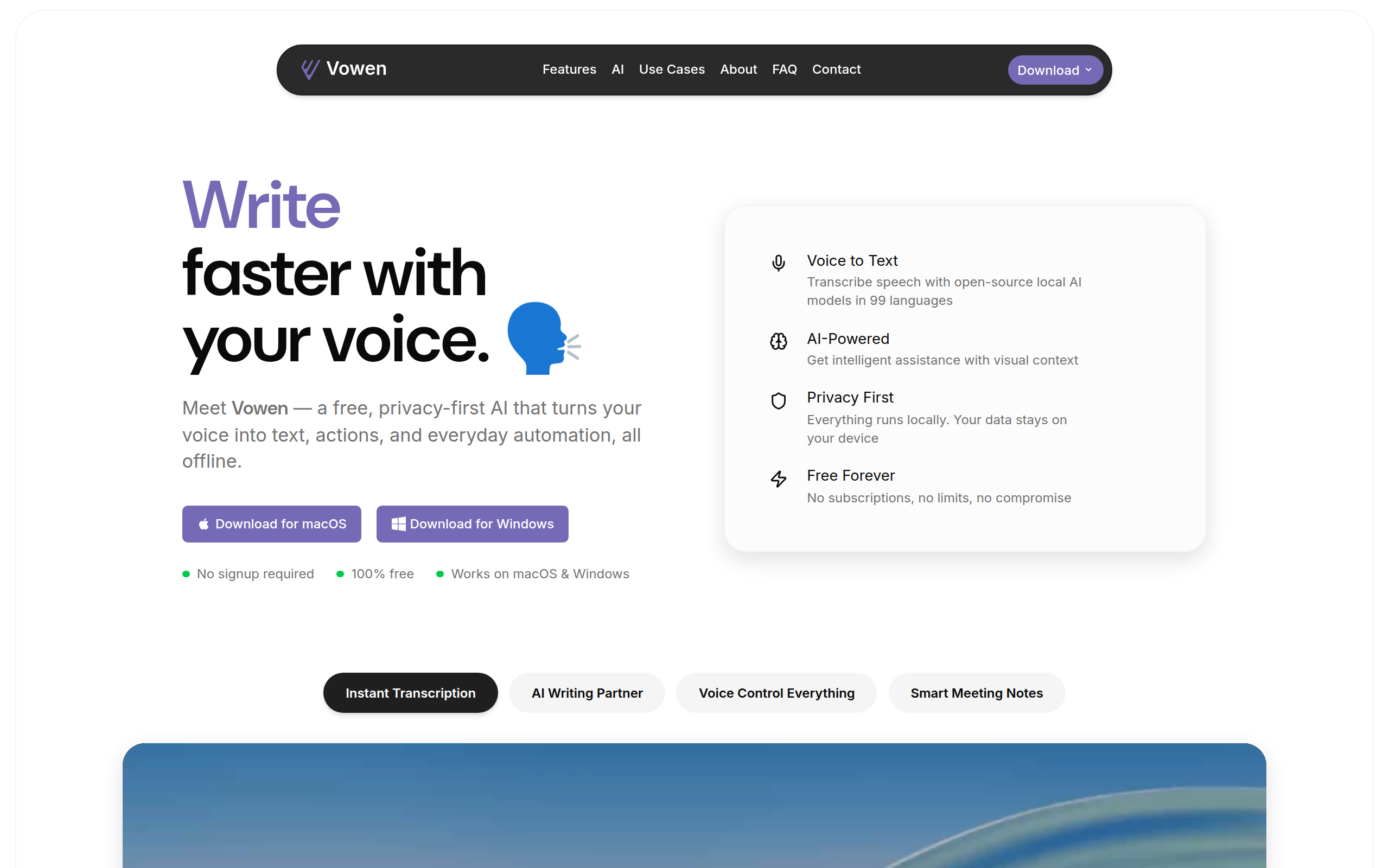
Vowen is a private, offline, voice-first productivity app for dictation, AI workflows, meeting notes, and voice control on macOS and Windows.
About
Vowen turns your computer into a true voice-first productivity machine on macOS and Windows. Vowen processes speech locally for ultra-fast, private transcription in 99 languages. Transcribe instantly Offline, secure, and blazing fast. Hold a shortcut, speak, and your words appear in any app—exactly where your cursor is. Trigger context-aware AI Enable AI Mode to generate smart replies, summaries, code, emails, translations, or explanations—automatically tailored to what you’re working on. Record meetings & take notes Capture screen and audio to produce clean, structured notes with action items, decisions, highlights, and next steps. Works with Zoom, Teams, Meet, and more (Windows coming soon). Voice-control everything Store files in your memory bank for richer context and use voice commands to launch apps, open sites, or start AI workflows. Built for developers, writers, professionals, accessibility users, and anyone who wants to work at the speed of thought.
Key Features
Offline Instant Transcription
On-device, ultra-fast transcription in 99 languages — hold a shortcut, speak, and text appears directly in any app without sending audio to the cloud.
Context-aware AI Mode
Enable AI Mode to generate summaries, replies, translations, code snippets, or polished drafts tailored to the app and content you're working on.
Smart Meeting Recorder & Notes
Capture screen and audio (Zoom, Teams, Meet, etc.) to produce structured meeting notes with highlights, action items, decisions, and exportable transcripts/subtitles (VTT/SRT).
Voice Control & Workflows
Launch apps, open sites, run AI workflows, and use custom voice shortcuts and vocabulary to automate repetitive tasks hands-free.
Memory Banks & Local Context
Store and index frequently used files locally so Vowen can answer context-aware queries and enrich AI responses with your documents.
How to Use Vowen
1) Install Vowen for macOS or Windows and launch it (no signup required). 2) Press the global shortcut and speak — your words will be transcribed directly where your cursor is in any app. 3) Toggle AI Mode or use voice commands to generate summaries, replies, translations, or run custom workflows. 4) For meetings, start a recording to capture screen and audio; Vowen will generate structured notes, action items, and exportable transcripts.