
Vorla AI
Vorla AI : All-in-One AI Video and Image Generation Plateform
About
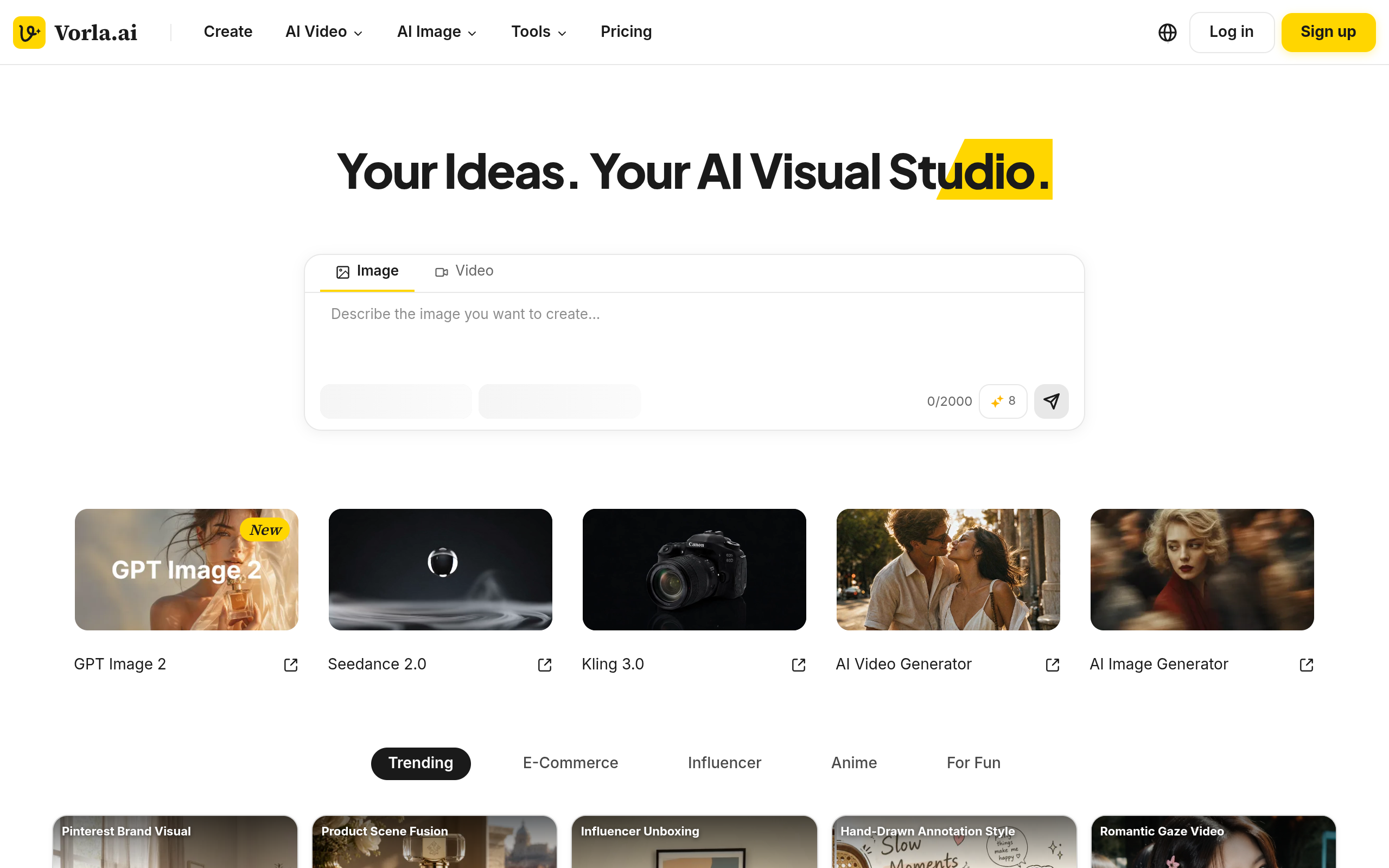
Vorla.ai is an all-in-one AI visual studio for creating and editing images and videos. It brings together advanced models such as GPT Image 2.0, Seedance 2.0, and Nano Banana Pro, allowing you to generate, refine, and transform visual content in one place. With Vorla, you can turn text into images, edit visuals, generate videos, and iterate on your ideas seamlessly, making it a complete platform for modern visual creation. Vorla is designed to be accessible for users of all skill levels, including those with no prior design or editing experience. You can simply describe what you want, and the platform will generate visuals for you. With its intuitive interface and conversational workflow, you can refine and improve your results step by step, making the creative process easy and approachable. Vorla stands out by going beyond traditional AI generators and offering a complete creative environment. Instead of focusing on one-time outputs, it supports the entire workflow—from generating visuals to refining them and managing your creative assets. By combining multiple models, editing capabilities, and a unified workspace, Vorla allows you to move from simple generation to true visual design within a single platform. Vorla supports a wide range of leading AI models within one platform, including Nano Banana Pro, GPT Image 2.0, Kling 3.0, Runway, Wan 2.6, and Seedance 2.0, along with its own proprietary model. This allows you to choose the most suitable model for different tasks, whether you are generating images, creating videos, or refining visual content.
Key Features
Unified Image & Video Generation
Create images from text prompts, convert images to videos, and generate videos directly from text or reference frames — all within the same workspace.
Multi-Model Support & Vorla Forge
Choose from leading models (GPT Image 2.0, Seedance 2.0, Kling 3.0, Nano Banana Pro, Runway, Wan 2.6) or use Vorla Forge — Vorla's proprietary model optimized for fast, consistent image and video generation.
Conversational (Chat) Editing
Refine outputs through an ongoing chat-like workflow: iterate on a result, request adjustments, explore variations, and keep edits tied to the same project conversation.
Comprehensive Editing Tools
Integrated editing features such as background removal, inpainting/outpainting, upscaling, denoising, face and body editors, filters, watermark removal and other image-enhancement tools.
Asset Management & Export
Organize creative assets, explore multiple visual directions, export high-quality images/videos and optimize outputs for ads, social, or product listings with presets and customization.
How to Use Vorla AI
Vorla is designed to be accessible for users of all skill levels, including those with no prior design or editing experience. You can simply describe what you want, and the platform will generate visuals for you. With its intuitive interface and conversational workflow, you can refine and improve your results step by step, making the creative process easy and approachable.
Use Cases
Frequently Asked Questions
Q: Is Vorla suitable for beginners with no experiences ?
A: Absolutely. Vorla is designed to be accessible for users of all skill levels, including those with no prior design or editing experience. You can simply describe what you want, and the platform will generate visuals for you. With its intuitive interface and conversational workflow, you can refine and improve your results step by step, making the creative process easy and approachable.
Q: What makes Vorla different from other AI generators ?
A: Vorla stands out by going beyond traditional AI generators and offering a complete creative environment. Instead of focusing on one-time outputs, it supports the entire workflow—from generating visuals to refining them and managing your creative assets. By combining multiple models, editing capabilities, and a unified workspace, Vorla allows you to move from simple generation to true visual design within a single platform.
Q: What is chat editing in Vorla ?
A: Chat editing in Vorla allows you to create and refine visuals through an ongoing dialogue with AI. Rather than generating a single result from one prompt, you can continue editing within the same conversation, adjusting details, exploring variations, and improving your design over time. This approach is especially useful for managing a consistent project or evolving a single creative idea into a polished result.
Q: What AI models does Vorla support ?
A: Vorla supports a wide range of leading AI models within one platform, including Nano Banana Pro, GPT Image 2.0, Kling 3.0, Runway, Wan 2.6, and Seedance 2.0, along with its own proprietary model. This allows you to choose the most suitable model for different tasks, whether you are generating images, creating videos, or refining visual content.
Q: What is Vorla Forge model ?
A: Vorla Forge is Vorla's proprietary AI model designed for fast and high-quality visual generation. It is optimized to deliver strong performance across both image and video creation, offering faster generation speeds, consistent outputs, and reliable quality. This makes it a powerful option for users who want efficient and professional-grade results within the Vorla platform.