
Voor AI
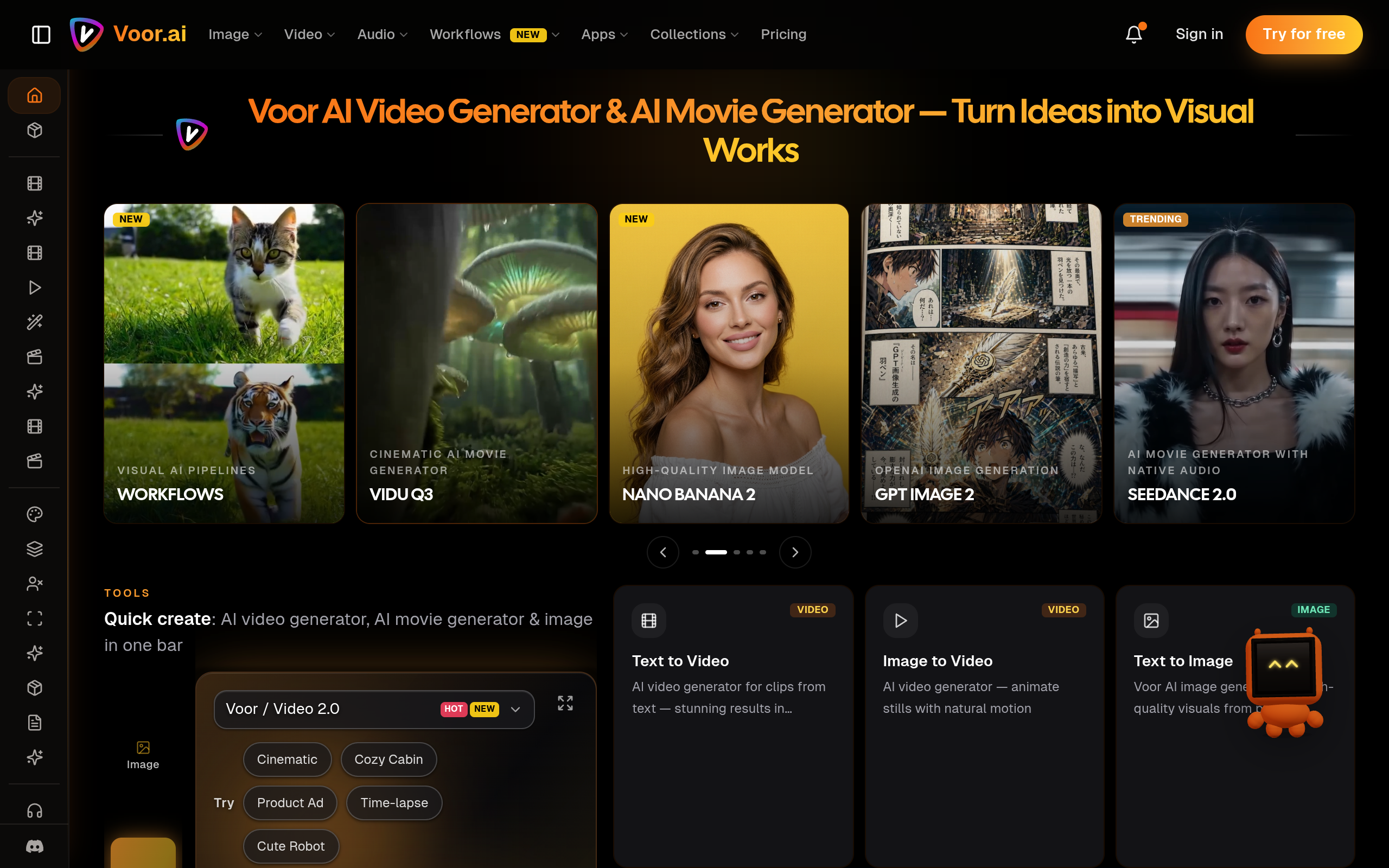
Browser AI studio for video, image, and audio creation with shared credits.
About
Voor AI is a browser-based creation platform for video, image, and audio. Generate and edit with shared credits, workflows, and multiple models without installing desktop apps.
Key Features
Multi‑format AI Generation
Generate content from text, images, or video inputs — including text-to-video, image-to-video, video-to-video, and text-to-image — using specialized models for everyday clips or cinematic scenes.
Workflow Builder & Shared Credits
Create reusable pipelines that chain multiple models and steps, run batch jobs, and share credit pools across teams to keep spend predictable and collaborative.
Multiple Models & Cinematic Movie Models
Access a library of models (e.g., Seedance, Vidu Q3, GPT Image 2) to choose cinematic motion, lighting, or stylized output depending on your project needs.
In‑browser Editing & Native Audio Tools
Edit generated outputs directly in the browser — trim and restyle video, add motion to stills, and use built‑in audio editing tools to clean, dub, or mix soundtracks.
Privacy & Security
Enterprise‑grade encryption and isolated processing environments ensure uploads are protected; Voor AI states no human reviewers for private content and implements content/usage filters for responsible AI.
How to Use Voor AI
1) Sign up or log in to Voor AI in your browser and choose the format you need (Video, Image, or Audio). 2) Provide your input: type a prompt, upload images or footage, or upload audio. Select a model or cinematic preset (e.g., Seedance or GPT Image 2). 3) Configure a workflow or edit settings (motion amount, style, audio mix, resolution), then click Generate. Use the editor to refine results, swap models, or run variations. 4) Export the final files, manage credits/shared billing, or save the workflow for batch production and team collaboration.