
VoiceRPG
Free AI voice generator with 3-second voice cloning — 200+ realistic voices for YouTube, podcasts & content creation. No sign-up required.
About
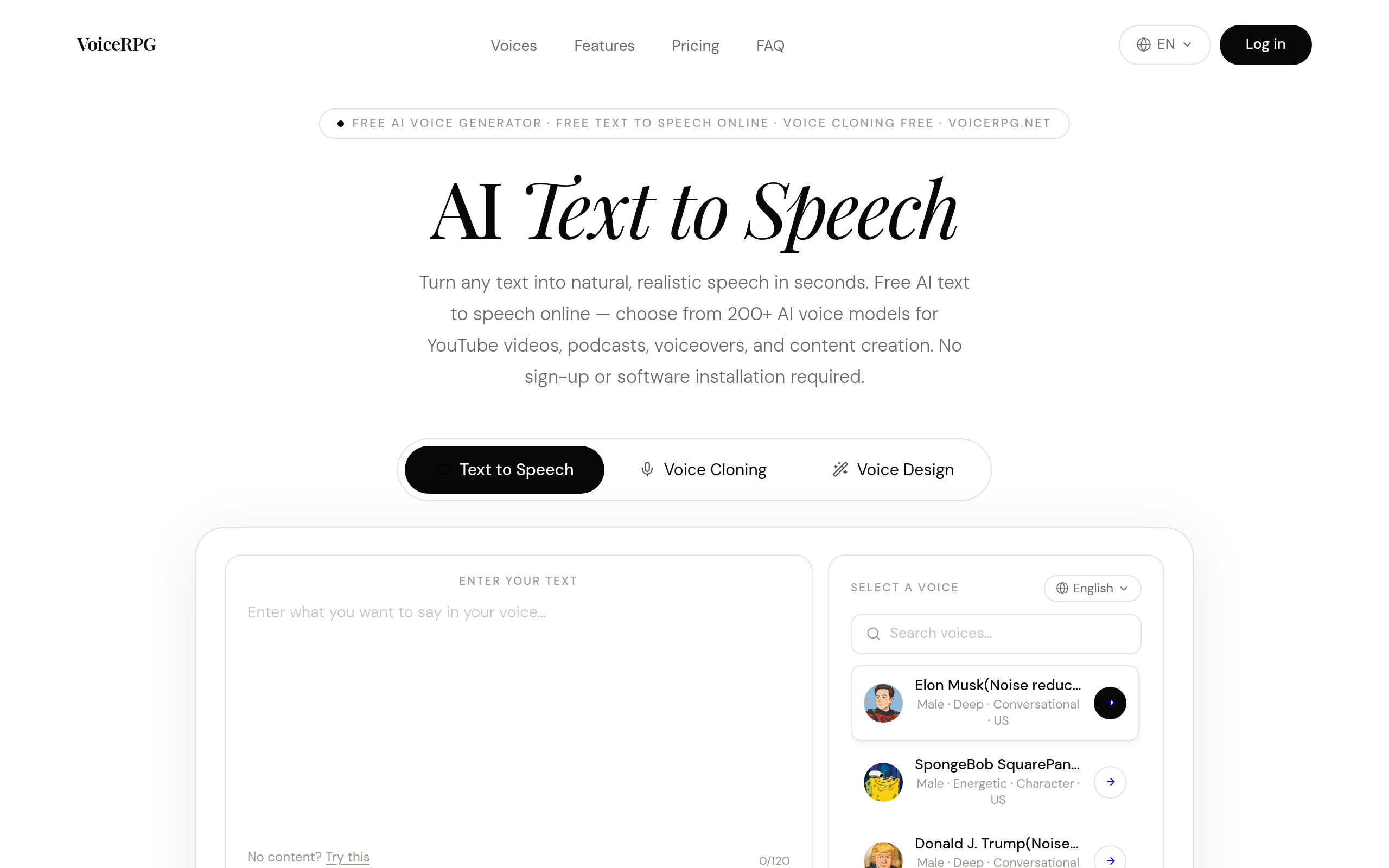
VoiceRPG is a free AI voice platform combining three tools in one: text-to-speech with 200+ natural-sounding voices, voice cloning from just a 3-second audio sample, and AI voice design that creates entirely new voices from a text description. It supports English, Mandarin, Japanese, and Korean with natural intonation and emotional expression. Free users get 900 seconds of audio generation per month, 5 voice clone models, and downloadable MP3/WAV output — no credit card or registration required. Creators use VoiceRPG for YouTube voiceovers, podcasts, audiobooks, game characters, and brand voices. A Pro plan ($9.99/mo) unlocks unlimited generation and commercial use. Everything runs in the browser, making it one of the most accessible free alternatives to ElevenLabs.
Key Features
3-Second Voice Cloning
Clone any voice from a very short (3–30s) audio sample with high fidelity — fast, no studio required, and works directly in the browser.
200+ Natural Voices & Multilingual TTS
Choose from over 200 pre-built, realistic voice models across English, Mandarin, Japanese, and Korean with natural intonation and emotional expression.
AI Voice Design (Create from Text)
Generate completely new custom voices by describing the desired voice in plain text — ideal for brand voices, characters, and prototypes without recordings.
Free Monthly Quota & Pro Upgrade
Free plan includes 900 seconds/month, 5 voice clones and downloadable MP3/WAV with no signup required; Pro ($9.99/mo) unlocks unlimited generation, commercial use, and priority access.
Browser-Based, Downloadable Output
Everything runs in-browser with ultra-low latency — preview and download MP3/WAV files immediately, no software installation needed.
How to Use VoiceRPG
1) Open voicerpg.net and choose a mode: Text-to-Speech, Voice Cloning (upload or record), or Voice Design (describe a voice). 2) For TTS: paste or type your text and select a voice model, language, and emotional tone. For Cloning: upload/record a 3–10s clear sample. For Voice Design: enter a descriptive prompt of the voice you want. 3) Preview the generated audio, tweak pitch/emotion/pace or try different voices, then generate the final output. 4) Download the MP3/WAV file. (Free users get 900s/month; sign-up not required. Upgrade to Pro for unlimited generation and commercial use.)