
Vocova
AI transcription tool — paste a link or upload a file, get transcripts with speaker labels, timestamps, and translation in 145+ languages.
About
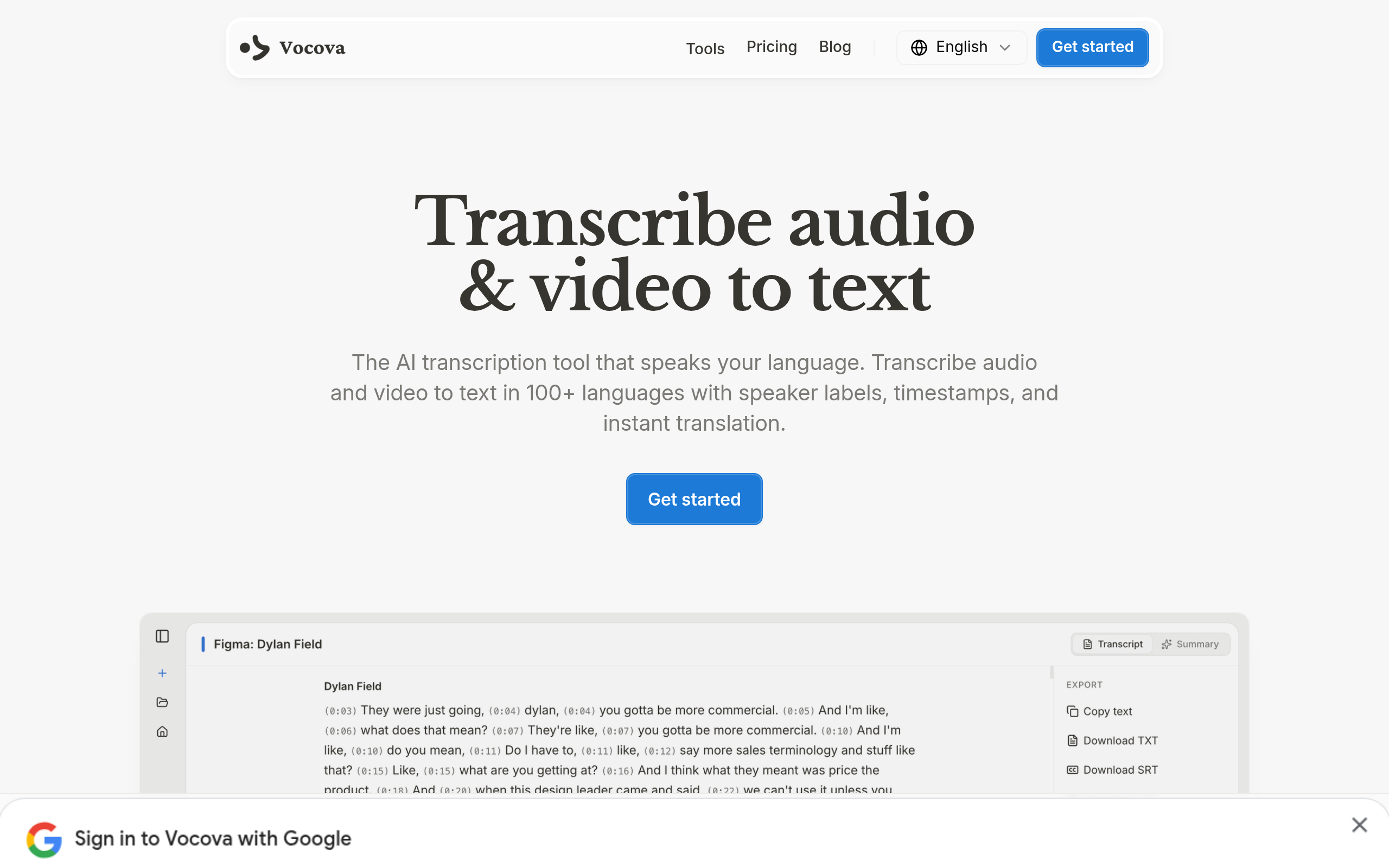
Vocova is an AI-powered transcription tool that converts audio and video to text in 100+ languages. Instead of juggling separate tools to download, transcribe, and translate, Vocova handles everything in one step. Paste a link from YouTube, TikTok, Zoom, Google Meet, and 1,000+ other platforms, or upload a file directly. Vocova processes your media and generates an accurate transcript with speaker labels and timestamps. Every detail is intentional — speaker labels that read naturally, timestamps that align precisely with every word, and bilingual exports that look like polished documents rather than raw data dumps. Key capabilities: - Transcribe in 100+ languages with automatic language detection - Automatic speaker identification (diarization) with one-click rename and merge - Translate transcripts to 145+ languages with bilingual side-by-side view - Inline editing directly in the browser - Export as PDF, DOCX, SRT, VTT, TXT, or CSV - Share transcripts with a single link — no account needed for viewers - Cloud storage — access and edit from any device Free to start, no credit card required.
Key Features
100+ Language Transcription
Transcribe audio and video with automatic language detection and native-level accuracy
Speaker Identification
Automatically detect and label speakers with one-click rename and merge
145+ Language Translation
Translate transcripts with bilingual side-by-side view and inline editing
1,000+ Platform Import
Paste a link from YouTube, TikTok, Zoom, Google Meet and more
Multiple Export Formats
Download as PDF, DOCX, SRT, VTT, TXT, or CSV
One-Link Sharing
Share transcripts instantly, no sign-up required for viewers
How to Use Vocova
1. Go to vocova.app and sign up for free 2. Paste a link from YouTube, TikTok, Zoom, or any supported platform — or upload an audio/video file directly 3. Select your audio language or use auto-detect, then start transcription 4. Review your transcript with speaker labels and timestamps, edit inline if needed 5. Optionally translate to any of 145+ languages and view side-by-side 6. Export as PDF, DOCX, SRT, or share with a single link
Use Cases
Frequently Asked Questions
Q: Is Vocova free to use?
A: Yes, Vocova offers a free plan with no credit card required. You can upgrade to Pro for higher usage limits.
Q: What audio and video formats are supported?
A: Vocova supports all common formats including MP3, MP4, WAV, M4A, WEBM, and more. You can also paste a URL from 1,000+ platforms.
Q: How accurate is the transcription?
A: Vocova uses the latest AI speech-to-text models to deliver high accuracy across all supported languages, including automatic speaker identification.
Q: Can I share my transcript with others?
A: Yes, generate a shareable link instantly. Viewers can read the transcript without creating an account.
Q: What export formats are available?
A: PDF, DOCX, SRT, VTT, TXT, and CSV. Bilingual exports are also supported.