
VocalMask
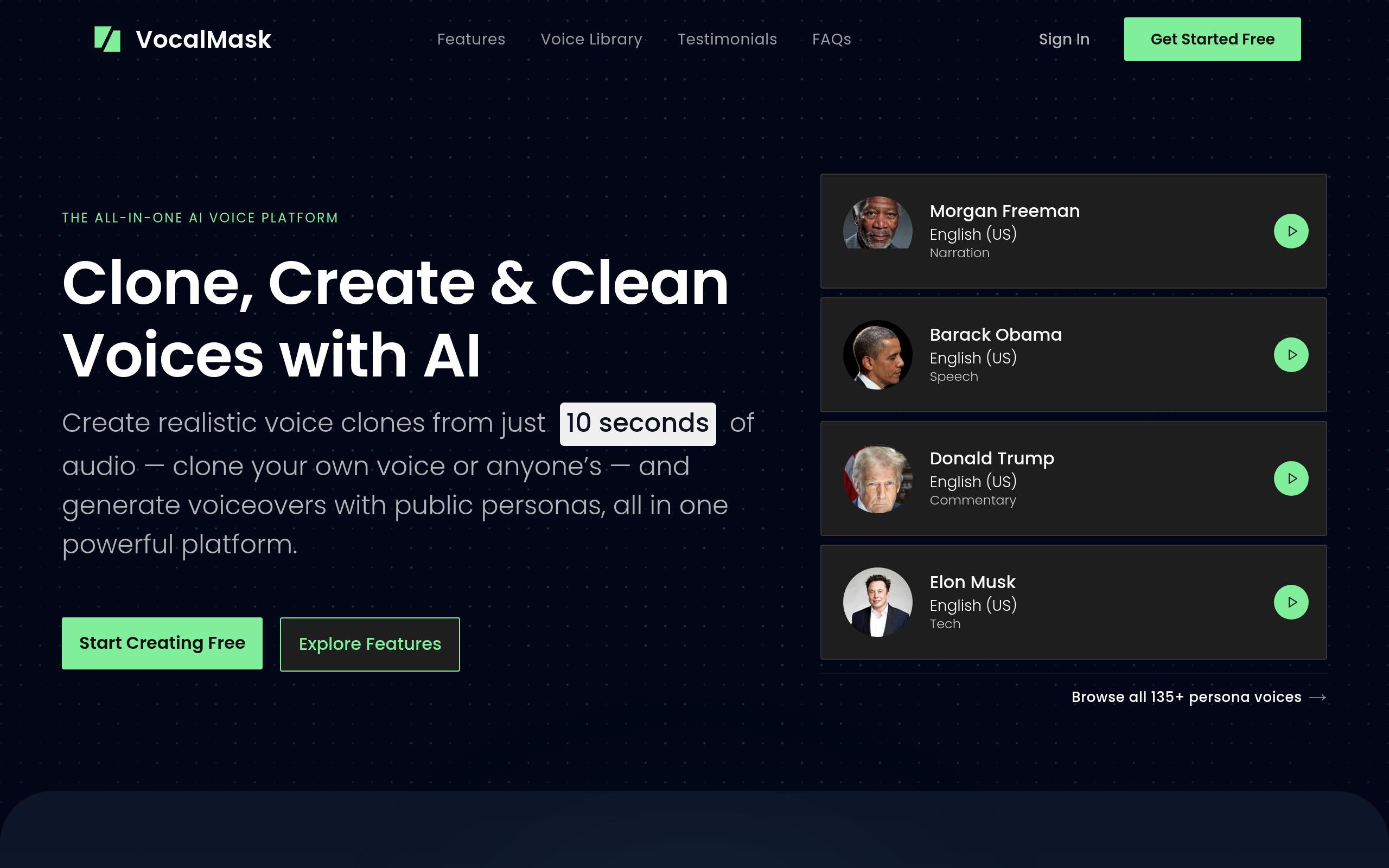
Clone any Voice with AI from just 10 seconds of audio.
About
Create realistic voice clones from just 10 seconds of audio — clone your own voice or anyone’s — and generate voiceovers with public personas, all in one powerful platform.
Key Features
Voice Cloner
Create realistic voice clones from just a short audio sample (as little as 1–10 seconds). Fine-tune tone, pace, and expression for high-quality, natural-sounding output.
Persona Voices Library
Instantly generate voiceovers using a curated library of 135+ persona voices (public-style narrators and personalities) for consistent, ready-to-use narration.
De-Noise & Audio Enhancement
Remove background noise, hum, and room artifacts and boost vocal clarity to produce studio-quality audio in seconds.
Fast Multilingual TTS & Controls
Convert scripts to speech quickly in multiple languages with controls for pacing, emphasis, and expression plus immediate preview and download options.
How to Use VocalMask
1) Pick a tool: choose Voice Cloner to replicate a voice, Persona Voices to use a preset, or De-Noise to clean audio. 2) Upload or record: upload a short voice sample (or select a persona) and type or paste the script you want voiced. 3) Adjust settings: tweak tone, speed, and expression or apply De-Noise/enhancement settings as needed. 4) Generate & download: preview the generated audio, then download a high-quality file for use in videos, podcasts, ads, or other projects.