
VidVeo3 AI
AI video creation powered by Veo 3
About
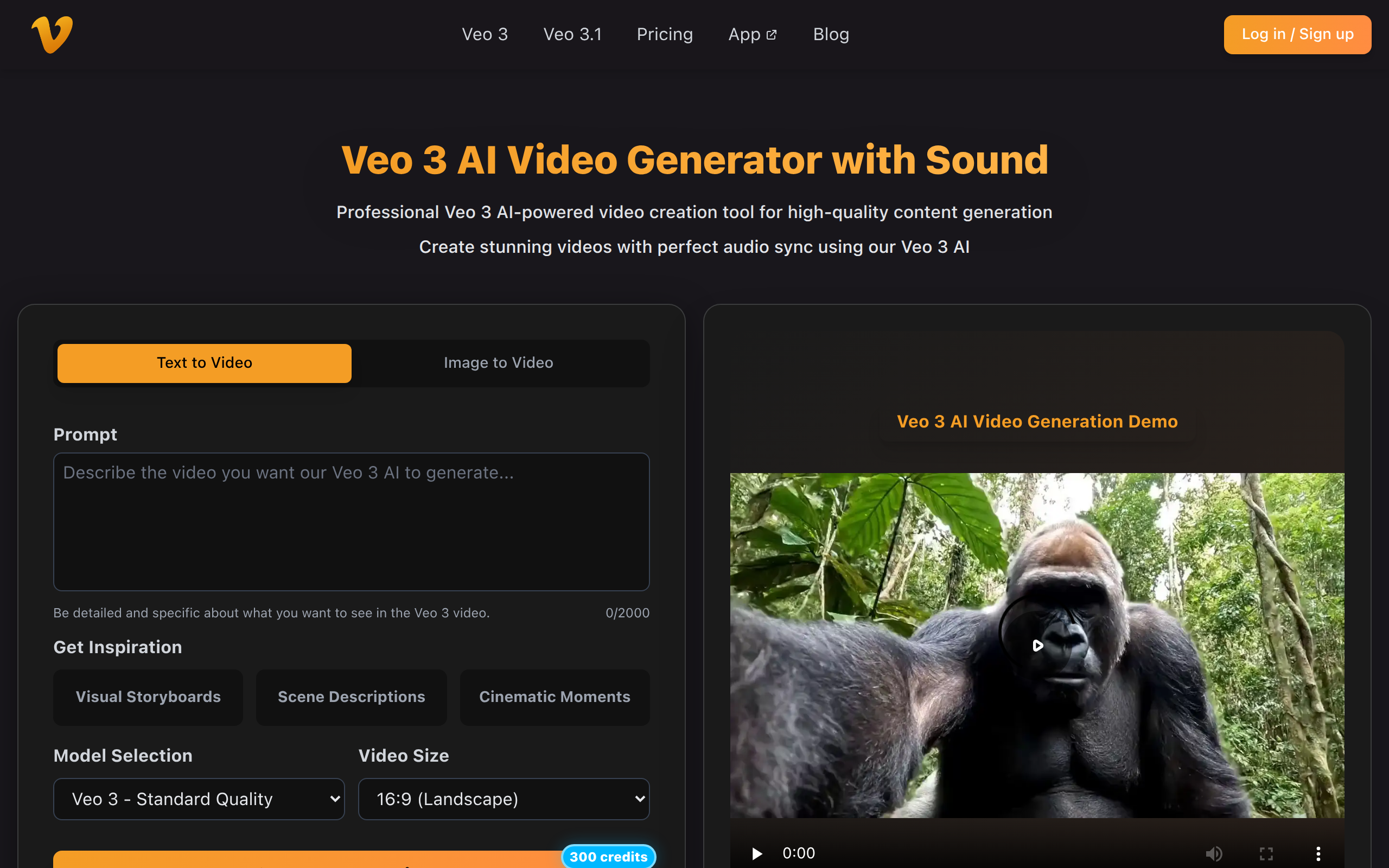
VidVeo3 is an AI-powered video creation platform that uses Veo 3 AI technology to turn text prompts or images into high-quality, cinematic short videos with natural motion and synchronized audio. It’s designed for creators, marketers, and social media users who want to generate professional videos without traditional filming or editing. 🎥 Key Features Text-to-Video & Image-to-Video: Create videos from detailed text prompts or upload an image (JPG/JPEG/PNG) to animate it into a dynamic scene. Natural Motion & Audio Sync: Veo 3 AI understands visual context to produce smooth motion and includes background audio in output videos. Multiple Quality Modes: Choose between standard and fast generation modes depending on your needs. HD Output: Generate 1080p videos ready for download and use across social media, marketing materials, or creative projects. Simple Workflow: Enter a prompt or upload an image → configure settings → generate and download your MP4 video. 🛠 How It Works Select Mode: Choose text-to-video or image-to-video generation. Configure Input & Prompt: Upload an image if needed and add a detailed prompt describing scenes or actions. Generate Video: The AI processes your input and creates an 8-second HD video. 📌 Typical Use Cases Short videos for social platforms (TikTok, Instagram, YouTube) Marketing campaigns and promotional content Creative stories and visual concepts Rapid video prototyping and experimental clips
Key Features
Text-to-Video Generation
Turn detailed text prompts (scene descriptions, styles, motion directions) into an 8-second cinematic HD video using Veo 3 AI.
Image-to-Video Animation
Upload a single JPG/JPEG or PNG (up to 10MB) and animate it into a dynamic scene with natural motion and preserved image detail.
Natural Motion & Audio Sync
Context-aware AI produces smooth, realistic motion and includes background audio (with sensitivity rules like muting for minors); higher plans add lip-sync support.
Multiple Quality & Speed Modes
Choose between standard and fast generation modes (Veo 3 / Veo 3 Fast, Veo 3.1 variants) to balance speed, quality, and credits usage.
HD MP4 Output & Download
Generate ready-to-use 1080p MP4 videos suitable for social media and marketing, with instant download and tiered plans (credits/pricing) supporting commercial usage on higher plans.
How to Use VidVeo3 AI
Select Mode: Choose text-to-video or image-to-video generation. Configure Input & Prompt: Upload an image if needed and add a detailed prompt describing scenes or actions. Generate Video: The AI processes your input and creates an 8-second HD video.