
VidBeer
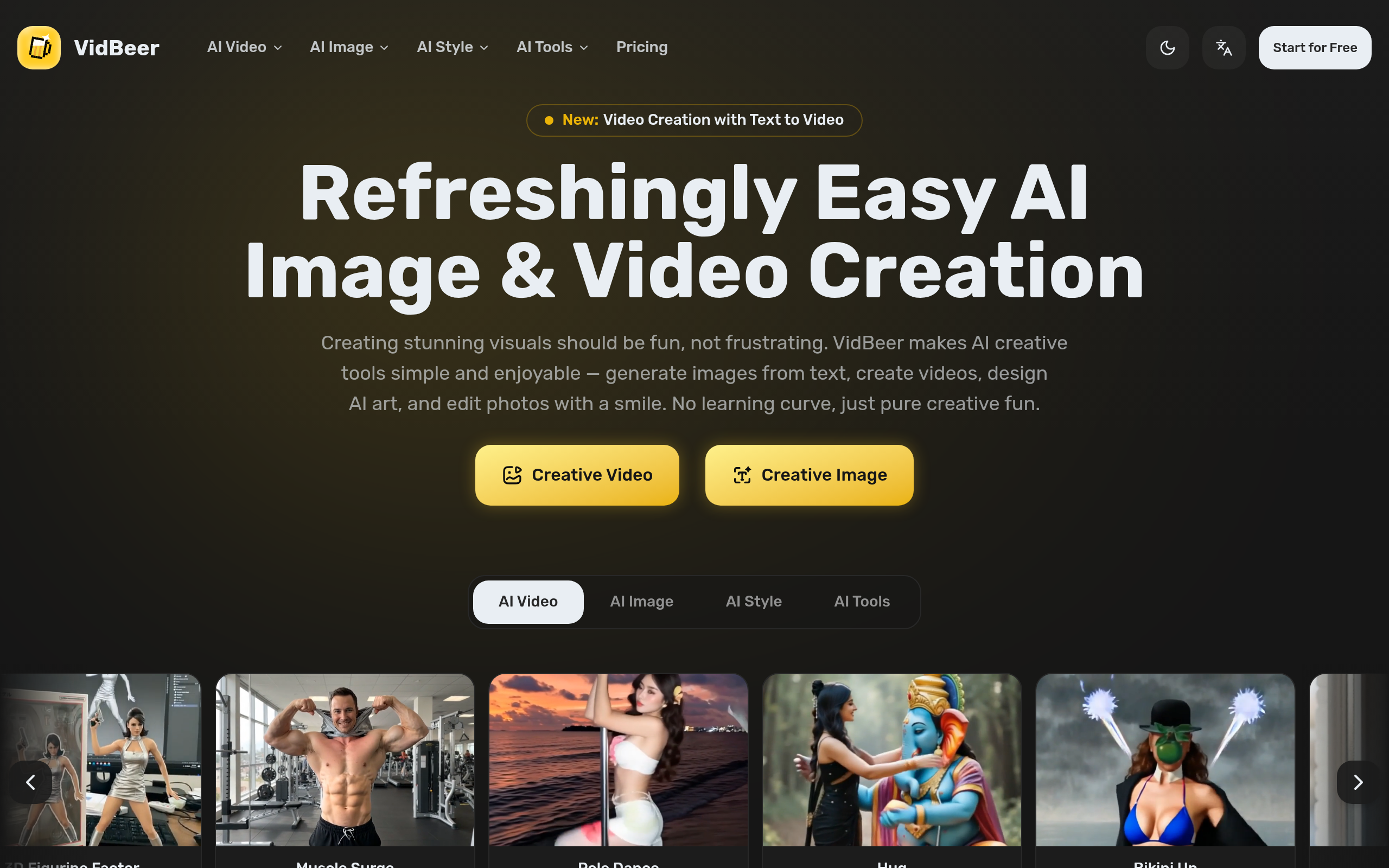
VidBeer is an AI-powered video generation platform that transforms text and ideas into engaging, high-quality videos instantly.
About
VidBeer is a powerful AI video generator that enables users to create engaging videos from text prompts. With automation and intelligent rendering, it simplifies video production for social media, marketing campaigns, and short-form content. 📈 Lessons Learned Building VidBeer taught us several key lessons. 🧠 Simplicity drives adoption Users prefer intuitive workflows. 💰 Cost optimization is critical AI workloads scale quickly. ⚡ Performance impacts retention Faster rendering improves engagement. 🔁 Continuous iteration User feedback drives product evolution. 🔮 Future Roadmap We plan to expand VidBeer with: More AI video styles Real-time rendering improvements Advanced editing tools Collaboration features API access Our goal is to make VidBeer a complete AI video creation ecosystem.
Key Features
Instant Text-to-Video
Generate short, polished videos by typing a prompt. VidBeer turns text descriptions into animated video clips with minimal configuration.
Image-to-Video Conversion
Transform a still photo into a dynamic video by applying motion, transitions and selected styles to create eye-catching clips.
Large Style Library
Choose from 400+ artistic and cinematic styles (e.g., Pixar 3D, Van Gogh, manga) to change the look and mood of images and videos instantly.
One‑Click Photo Editing Tools
Includes background remover, object eraser, recolor, watermark removal and other quick image edits to prepare assets for video creation.
Templates & Fast Rendering
Prebuilt templates and optimized rendering enable rapid production of social clips, ads and thumbnails with short turnaround times.
How to Use VidBeer
1) Sign up or log in to VidBeer. 2) Pick a tool: Text-to-Video to create from a prompt or Image-to-Video to animate a photo. 3) Enter your prompt or upload an image, then choose a style, template, and any edits (background removal, object erase, color). 4) Render the video, preview and download or share directly to social platforms.