
Vermeer AI
Vermeer AI — Best All-in-One Free AI Image Platform
About
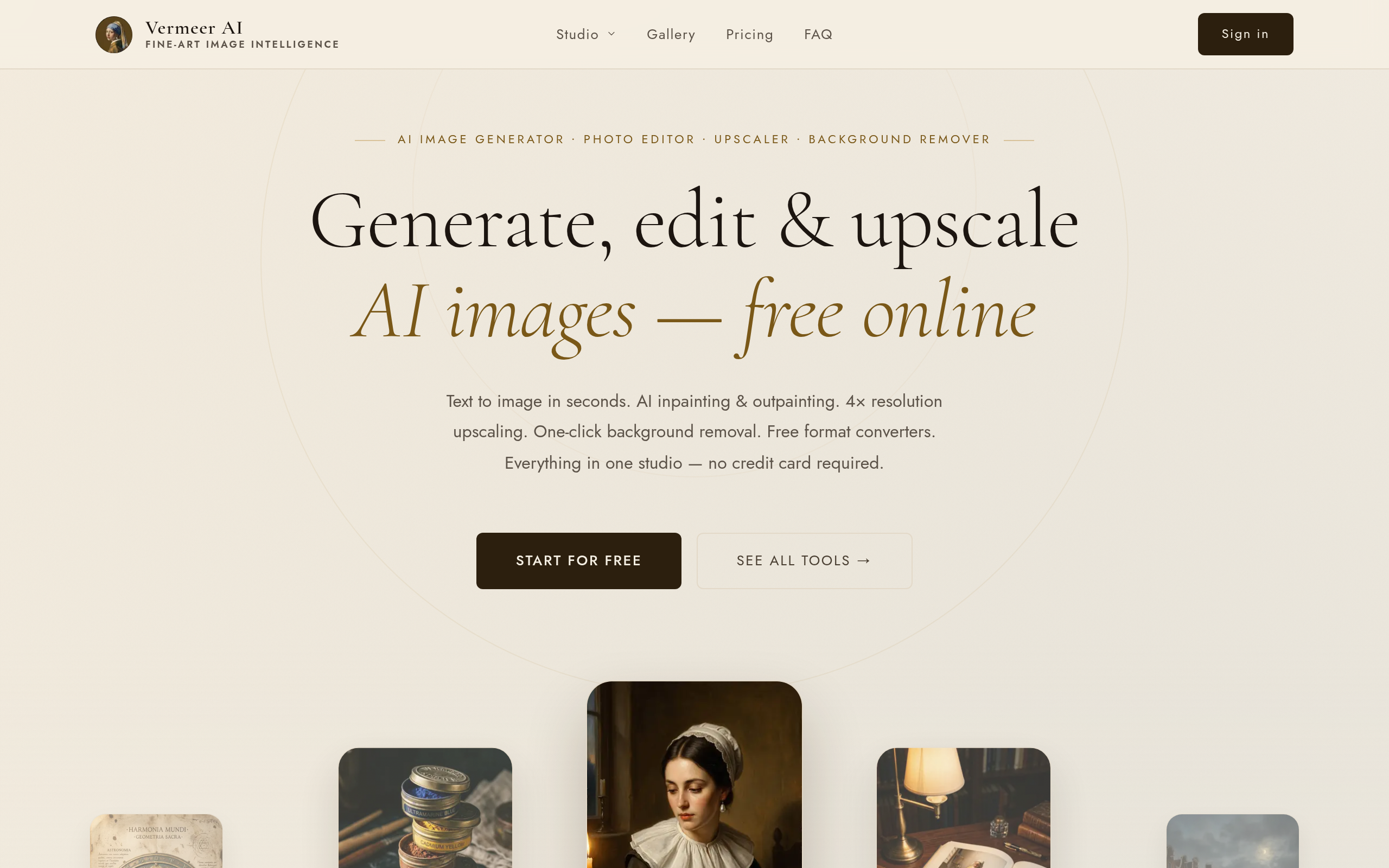
Vermeer AI is a studio-grade, free AI image platform at vermeerai.art, designed for creators who want professional results without professional software. What you can do with Vermeer AI: • AI Image Generator — Turn any text prompt into stunning artwork. Photorealistic, anime, oil painting, cinematic — any style, in seconds. All generated images are CC0 licensed for free commercial use. • AI Photo Editor — Remove objects, change backgrounds, adjust lighting, and apply artistic effects using AI. No Photoshop needed. • AI Background Remover — Remove backgrounds from portraits, product shots, or complex scenes in one click. Export as transparent PNG. • AI Image Upscaler — Enhance and enlarge images up to 4× resolution with AI-powered detail reconstruction. Ideal for printing and publishing. • HEIC to JPG Converter — Convert iPhone photos to universally compatible JPG format instantly. • WebP to PNG Converter — Convert WebP images to lossless PNG with full transparency support. Privacy-first: Vermeer AI processes images in real-time and deletes them immediately after delivery. No prompts stored, no images logged, no data sold. Free tier available with no credit card required. Premium and Ultimate plans unlock higher resolution and unlimited credits.
Key Features
GPT Image 2 Text-to-Image Generator
Generate photorealistic, painterly, anime, or cinematic images from natural-language prompts using OpenAI’s GPT Image 2, with commercial-friendly CC0 licensing.
AI Photo Editor (Inpainting & Outpainting)
Edit images with AI-powered inpainting and outpainting to remove or replace objects, extend scenes, transfer styles, and adjust lighting — no Photoshop required.
One‑click Background Remover
Automatically remove backgrounds from portraits, product shots, and complex scenes with clean edges and transparent PNG export for easy compositing.
AI Image Upscaler (up to 4×)
Increase image resolution up to 4× while reconstructing fine detail and texture, ideal for prints, high-resolution exports, and professional publishing.
Fast Format Converters (HEIC & WebP)
Browser-based HEIC→JPG/PNG/PDF and WebP→JPG/PNG converters (including batch support) for instant, device-compatible image exports with no account required.
How to Use Vermeer AI
1) Go to vermeerai.art and (optionally) create a free account to get daily credits. 2) Choose a tool: 'Generate' for text-to-image, 'Photo Editor' to inpaint/outpaint, 'Background Remover' to extract subjects, or 'Upscaler' to enlarge an image. 3) For generation: enter a text prompt, pick style/resolution, then click generate. For editing: upload an image, apply edits or masks, preview results, and refine. 4) Download the final image (4K/transparent PNG options available). Images are processed in real-time and deleted after delivery.