
VeoNano
Create cinematic AI videos and high-fidelity AI images with Veo and Nano Banana model workflows.
About
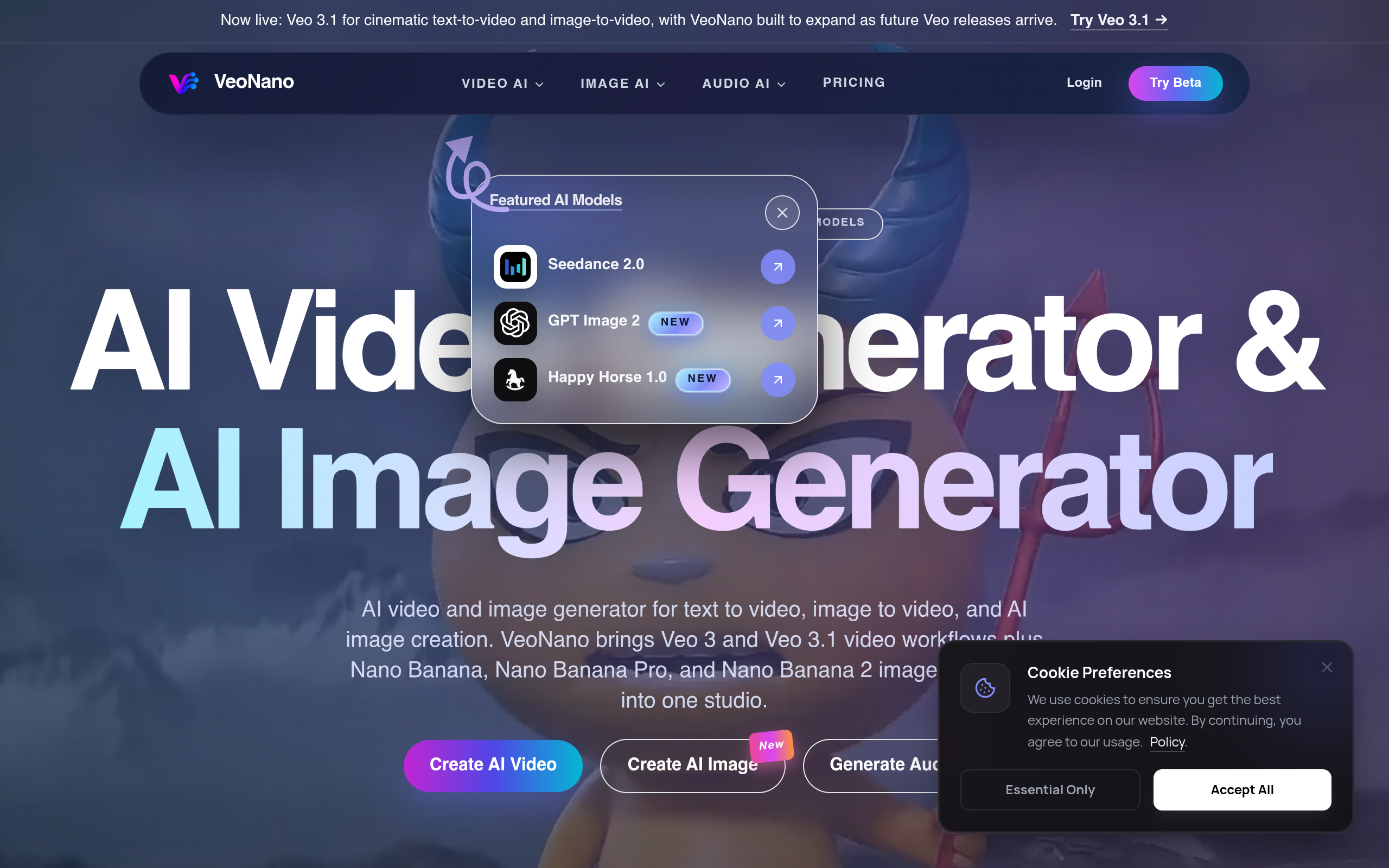
VeoNano is an AI video and image creation studio for text-to-video, image-to-video, and high-fidelity image generation. It brings Veo video workflows and Nano Banana image workflows together with creative audio tools for ads, social clips, storyboards, and marketing visuals.
Key Features
Veo Cinematic Video Workflows
Veo 3.1-based text-to-video and video-to-video workflows for smoother motion, stronger prompt adherence, scene consistency, and 4K export options.
Nano Banana High-Fidelity Images
Nano Banana, Nano Banana Pro, and Nano Banana 2 workflows for photorealistic and highly detailed image generation, edits, and variations suitable for frames and storyboards.
Image-to-Video Motion
Convert a single reference image into short clips with camera motion, subject consistency, and prompt guidance to create mood films or animated concept frames.
Integrated Audio Tools
Built-in audio generation and editing (voice, music, SFX, and audio-to-video) so trailers, ads, and short-form edits can be finished without switching platforms.
Multi-model Studio & Export Options
One studio that combines multiple model families (Veo and Nano Banana), with tiered credits, faster queues, higher resolutions, and export-ready formats for marketing and production use.
How to Use VeoNano
1) Sign up or log in and use starter credits to experiment. 2) Choose a workflow: Text-to-Video (Veo), Image-to-Video (Veo), or Image Generation/Edit (Nano Banana). 3) Enter your prompt or upload reference images, adjust parameters (duration, resolution, motion strength, style, model variant). 4) Preview results, refine prompts or frames, add generated audio (voice, music, SFX), then export the final clip or image.