
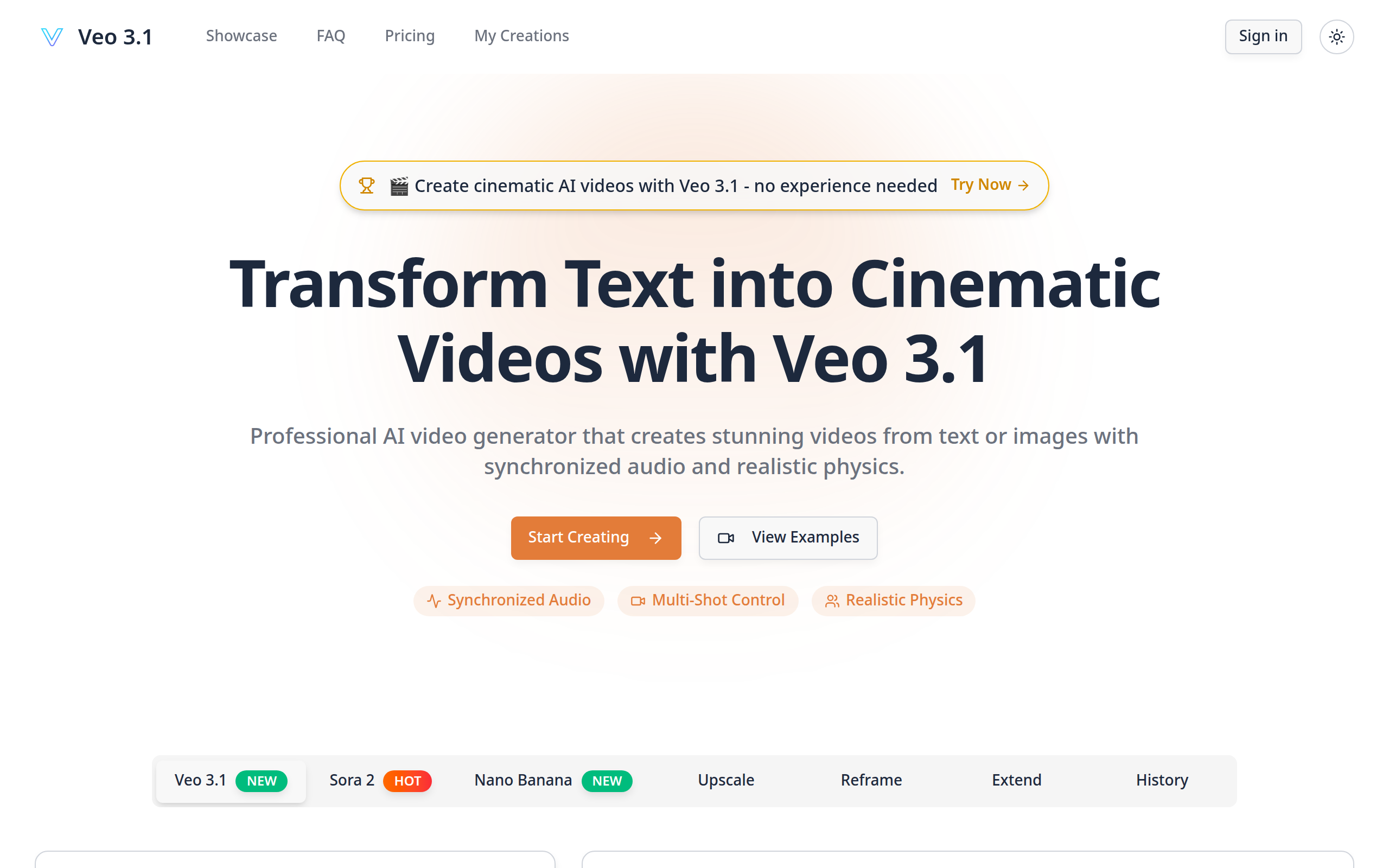
Veo 3.1- Cinematic AI Video Generator with Realistic Physics
Generate cinematic AI videos from text or images with Veo 3.1. Features synchronized audio, realistic physics, and multi-shot control. No editing skills needed.
About
Veo 3.1 empowers you to create stunning, cinematic AI videos from simple text prompts or images, no editing skills required. This tool features synchronized audio, realistic physics, and multi-shot control, allowing you to bring your creative visions to life effortlessly. You can produce high-quality video content quickly and easily, opening up new possibilities for storytelling and digital creation.
Key Features
Synchronized Audio & Video
Automatically generates dialogue, sound effects, and ambient audio that perfectly matches visual content from a single text prompt.
Realistic Physics Simulation
Objects behave naturally, adhering to real-world physics, ensuring authentic movements and interactions.
Extended Video Length
Create videos up to 10 seconds in duration with consistent 1080p resolution and coherent storytelling throughout.
Multi-Shot Scene Control
Design complex sequences with multiple camera angles while maintaining consistent characters, lighting, and environment.
How to Use Veo 3.1- Cinematic AI Video Generator with Realistic Physics
1) Open Veo 3.1 (sign up or log in) and choose your generation mode: Text-to-Video or Image-to-Video. 2) Enter a detailed prompt or upload source images; specify style (cinematic, realistic, anime), desired length (up to 60s), resolution (1080p) and any scene or character consistency instructions. 3) Configure multi-shot/camera controls, audio settings (synchronized audio on/off) and physics preferences if needed. 4) Start generation, review the rendered preview, make prompt or camera adjustments as necessary, then download or export the final video (commercial use is supported per site licensing).