
Veo 3.1 AI Pro
Create 60-second cinematic 1080p videos with Google Veo 3.1 AI. Text-to-video and image-to-video generation. Multi-shot storytelling, character consistency, watermark-free output.
About
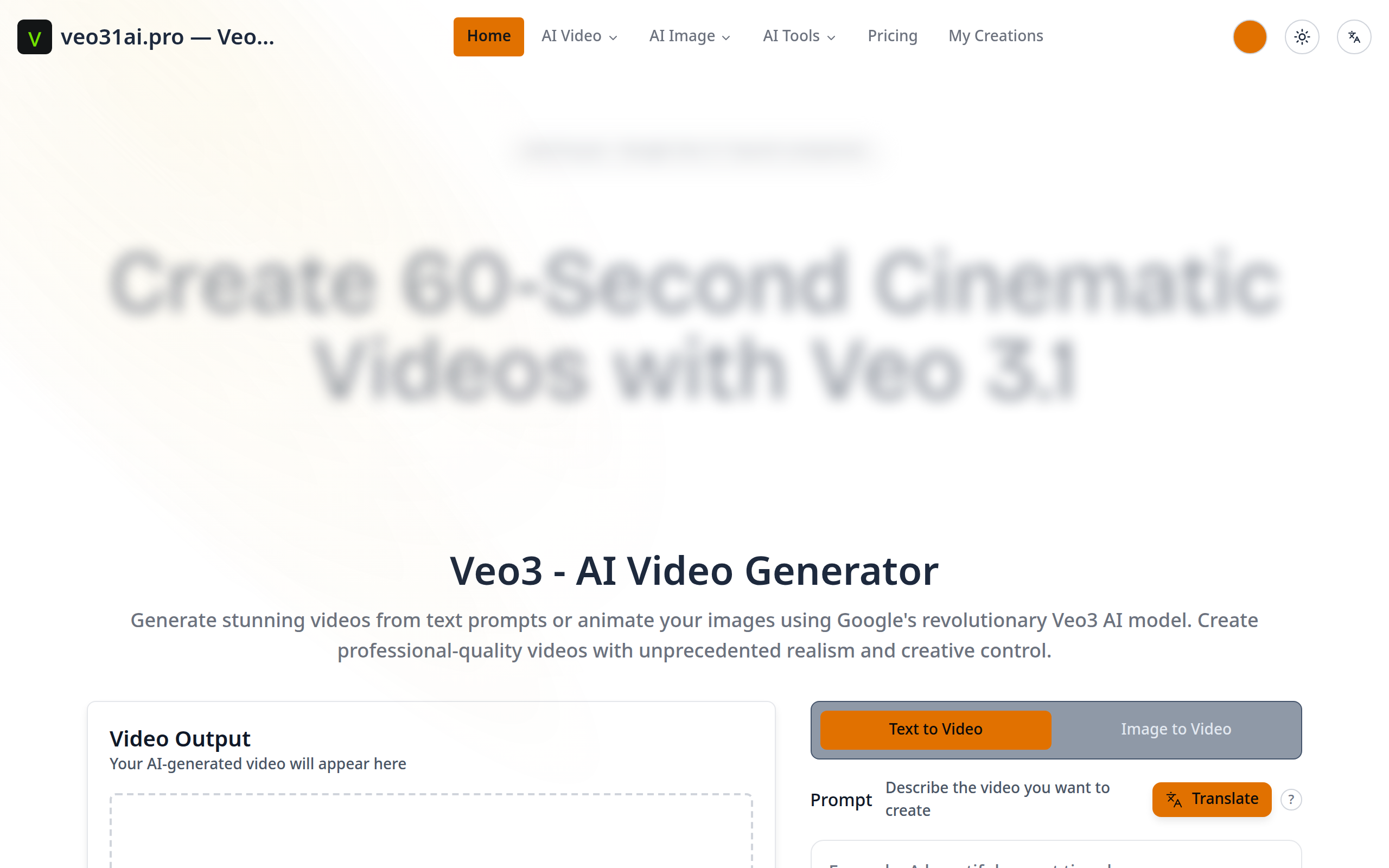
Veo 3.1 AI Pro is a professional AI video generator powered by Google's revolutionary Veo 3.1 technology. Create stunning 60-second cinematic videos with native 1080p quality from simple text prompts or static images. Key Features: - Text-to-Video Generation: Describe your vision and watch it come to life - Image-to-Video Animation: Transform static images into dynamic videos - Native 1080p Quality: True HD output, not upscaled - Multi-Shot Storytelling: Build complex narratives with multiple scenes - Character Identity Lock: Maintain consistent characters across frames - Voiceover Audio Sync: Perfect audio-visual synchronization - Watermark-Free Output: Professional, clean videos ready to use Perfect for content creators, filmmakers, marketers, social media managers, and anyone who needs professional video content without the complexity of traditional video editing software. No video editing experience required - just describe your idea or upload an image, and Veo 3.1 AI creates cinema-quality videos in seconds.
Key Features
Google Veo 3.1 AI Technology
Powered by Google's revolutionary Veo 3.1 AI for industry-leading video generation quality and realism
Text-to-Video Generation
Transform text prompts into stunning 60-second cinematic videos with native 1080p quality
Image-to-Video Animation
Bring static images to life with AI-powered animation and professional character movements
Multi-Shot Storytelling
Create complex narratives with multiple scenes while maintaining character consistency across frames
Native 1080p Output
True HD quality video generation, not upscaled. Watermark-free professional output ready to use
Voiceover Audio Sync
Perfect audio-visual synchronization for professional narration and storytelling
How to Use Veo 3.1 AI Pro
1) Sign in or create an account at veo31ai.pro and open the generator. 2) Pick a mode: Text-to-Video (enter a descriptive prompt) or Image-to-Video (upload a static image). 3) Configure output settings: aspect ratio (16:9 or 9:16), native 1080p quality, optional seed and character identity lock, and add voiceover or upload audio. 4) Generate the video, review the preview, then download the watermark-free MP4 or iterate by adjusting prompts/scenes.