
Veevid AI - Audio-Visual AI Generator with Sound
Create Fully Immersive Videos with Perfectly Synced Audio.
About
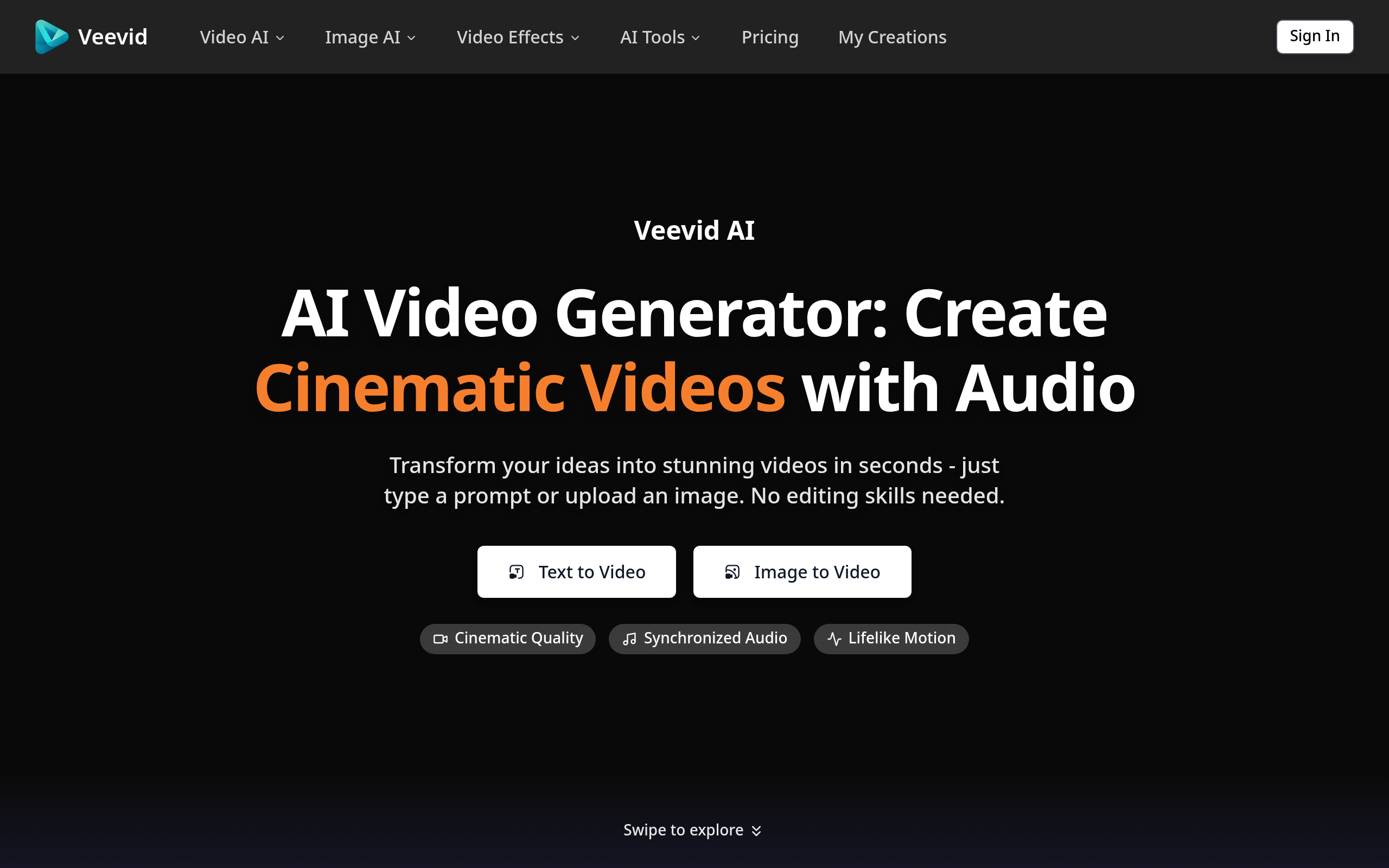
Veevid AI solves the problem of silent video. Its "Synchronized Audio" feature analyzes your "Text to Video" or "Image to Video" inputs to generate matching soundscapes. The result is a complete audio-visual experience that captivates audiences far more effectively than visuals alone.
Key Features
Synchronized Audio
Automatically generates background sounds and sound effects that align with the visual actions in your video for a fully immersive audio-visual experience.
Text-to-Video Generator
Convert plain text prompts into cinematic, high-quality videos in seconds, supporting multiple visual styles (realistic, anime, 3D, retro, etc.).
Image-to-Video Animation
Animate static photos or illustrations with lifelike motion, smooth transitions and cinematic camera moves while preserving scene consistency and details.
Multi-Model Selection
Access and switch between several cutting-edge AI models (Seedance, Sora 2, Veo 3, Wan, Grok, Runway, etc.) to achieve different looks and behaviors without leaving the platform.
Post-processing & Upscaling
Built-in AI tools to enhance color and clarity, upscale outputs up to 4K, and resize for social platforms — enabling studio-quality exports instantly.
How to Use Veevid AI - Audio-Visual AI Generator with Sound
1) Enter a text prompt describing the scene or upload a reference image. 2) Choose your preferred AI model, aspect ratio, duration and enable Synchronized Audio (pick audio style or intensity if available). 3) Click Generate and wait for the AI to render the synchronized audio-visual video. 4) Preview the result, apply any post-processing/upscaling, then download or share to your target platform.