
UUScribe
AI-powered audio, video, and YouTube transcription with speaker labels, timestamps, translation, and exports.
About
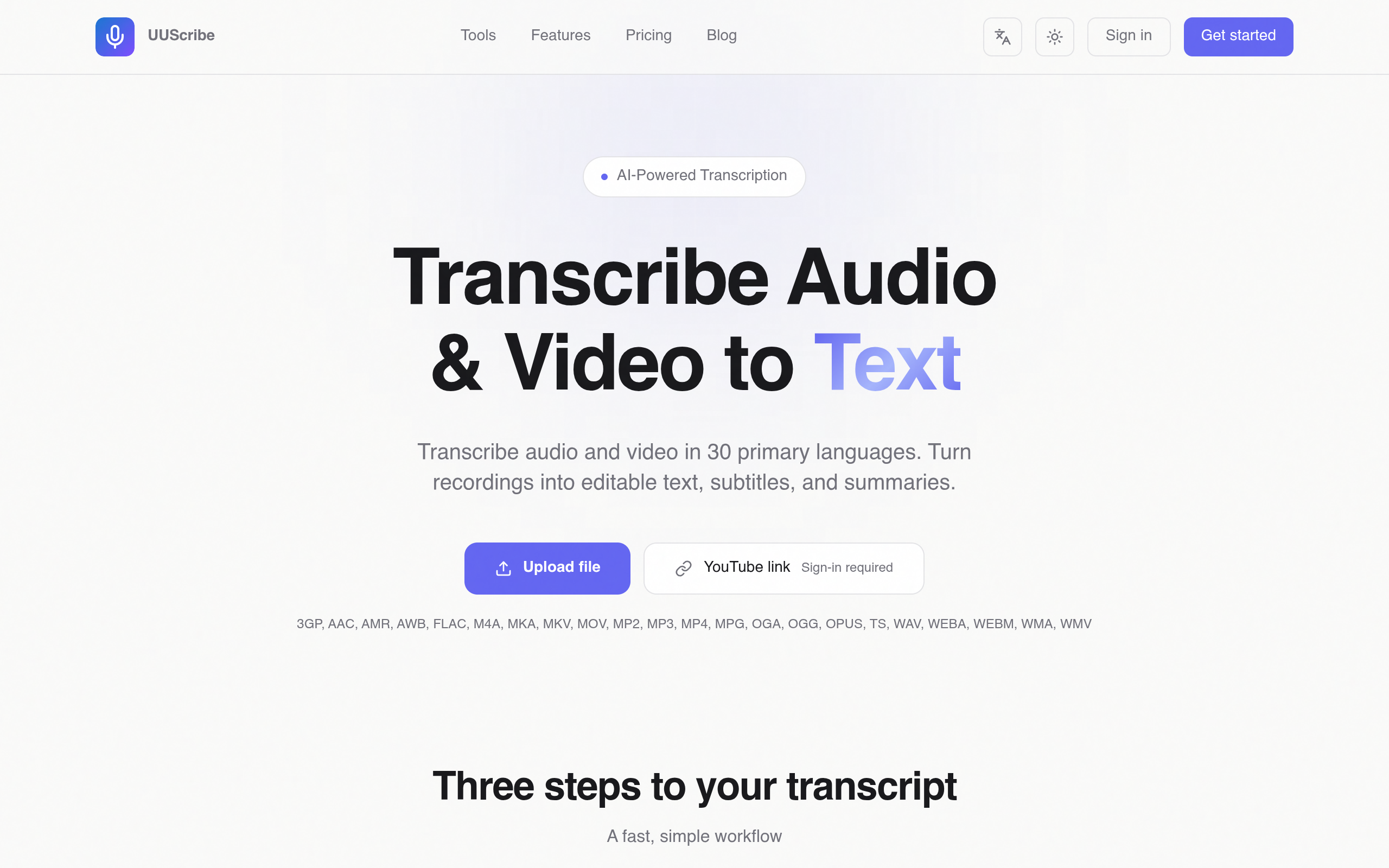
UUScribe is an AI-powered audio and video transcription web and Android app by UU Studio. It supports 22 audio and video formats across 30 primary languages, plus YouTube URL transcription (sign-in required). Features include speaker diarization, timestamps, online editing, AI summaries and mind maps, audio and video translation, AI voiceover in 11 languages, and exports to TXT, PDF, DOCX, SRT, VTT, and CSV.
Key Features
AI Transcription with Speaker Diarization
Automatic speech-to-text transcription with speaker detection and timestamps to distinguish speakers and create searchable, editable transcripts.
Multi-format & Multi-language Support
Accepts 22 audio/video file formats and transcribes in 30 primary languages, plus direct YouTube URL transcription (sign-in required).
Translation & AI Voiceover
Translate transcripts into other languages and optionally generate AI voiceovers (MP3/WAV) in multiple languages using credits.
Subtitle Generator & Flexible Exports
Auto-generate timed subtitles and export transcripts/subtitles in TXT, PDF, DOCX, SRT, VTT, and CSV for publishing or analysis.
Online Editor, Summaries & API
Edit transcripts in-browser, produce AI summaries and mind maps, and integrate programmatically via a REST API for Pro/Pay-as-you-go plans.
How to Use UUScribe
1) Upload your audio/video file (or paste a YouTube URL — sign in required) or drag-and-drop a supported file. 2) Select the transcription language and optional settings (speaker labels, timestamps, translation, voiceover). 3) Start the AI transcription — processing usually completes in minutes. 4) Review and edit the transcript online, then export as TXT/PDF/DOCX or subtitle files (SRT/VTT), or download translated text/voiceover.