
Unsora AI
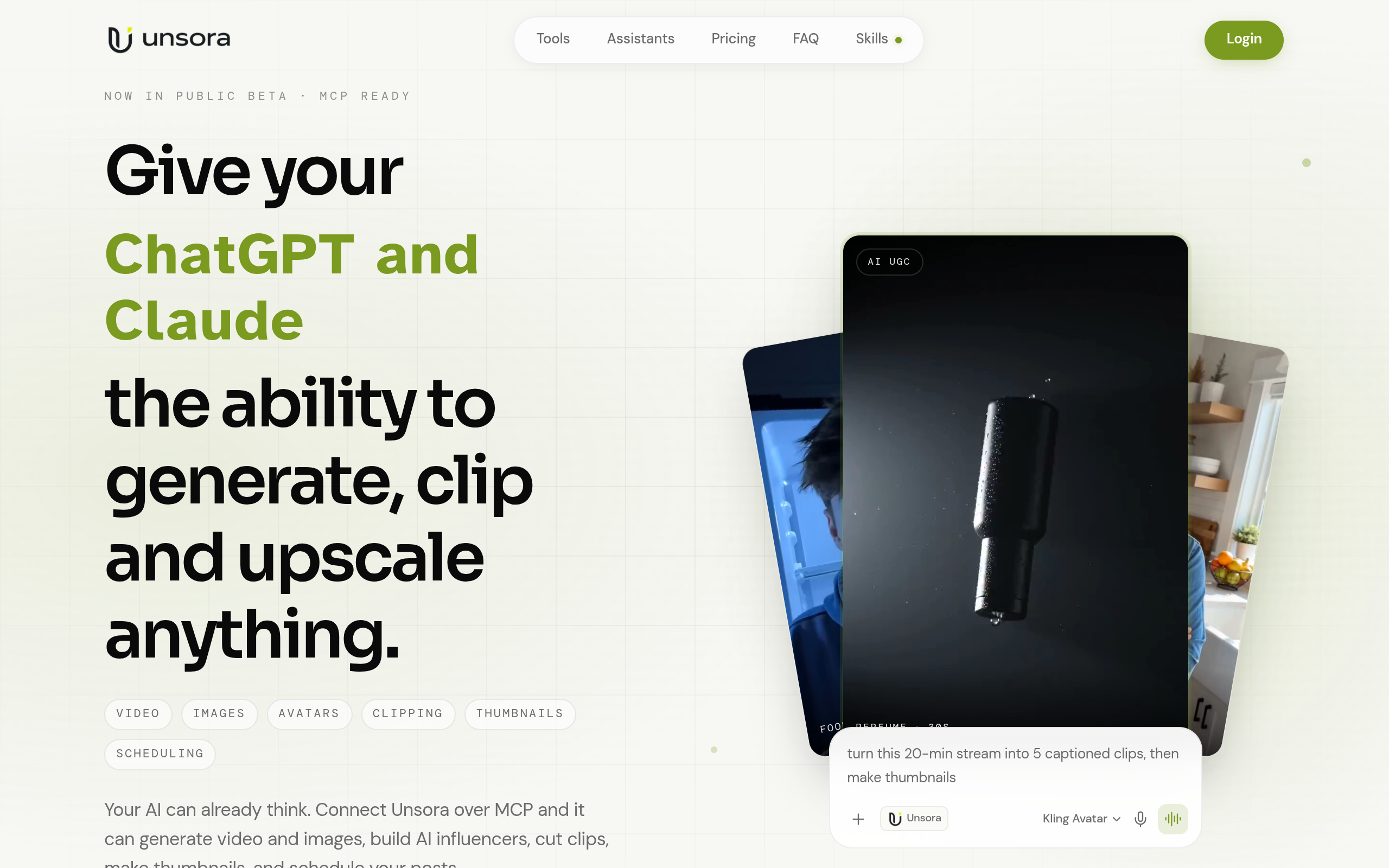
Connect Unsora AI to ChatGPT or Claude over MCP and your assistant can make video, images, AI influencers, clips, thumbnails, and scheduled posts.
About
Unsora AI gives your AI assistant creative hands. Connect it once over MCP to ChatGPT, Claude, OpenClaw, or Hermes, and a full creative toolkit becomes something your assistant can call mid-conversation. Ask in plain language and get a finished file back. Cinematic video from a prompt and reference images. Ultra-realistic images. A recurring AI influencer who fronts your spots. Long streams cut into short captioned clips. Thumbnails from a prompt or a frame. Subtitles added, styled, or removed. Motion control that drives a still with camera moves from a reference clip. Upscaling to 4K for video and 8K for images. It runs leading models from Google, ByteDance, Kuaishou, and OpenAI, including Seedance 2.0, with new tools added often. When the file is ready, publish it without leaving the thread. Unsora pushes to TikTok, YouTube, X, Instagram, and more, or queues it for later. No editing experience needed, nothing to install. Every plan starts with a 3-day free trial.
Key Features
Video Generator
Create cinematic video from plain-language prompts and reference images — finished clips delivered inline inside your chat assistant.
Image Generator & Upscaler
Produce ultra-realistic images from text prompts and upscale images to 8K (video upscaling to 4K) to recover detail and deliver production-ready assets.
Influencer Studio (AI Avatars)
Build recurring AI faces/presenters that can front product spots, explainers, and brand videos without a physical shoot.
Clipping & Subtitle Tools
Automatically cut long streams into short captioned clips, add or style subtitles, or remove burned-in subtitles for reuse.
Publish & Schedule
Publish assets directly from the chat to TikTok, YouTube, Instagram, X, Facebook and queue scheduled posts — no additional apps required.
How to Use Unsora AI
1) Connect Unsora to your assistant: add the Unsora MCP server/skill to ChatGPT, Claude, OpenClaw, or Hermes (one-link setup). 2) Ask in plain language: request a clip, image, thumbnail, avatar, or to clip/ subtitle/upscale an existing file — include reference images or a source video if needed. 3) Review & refine: the finished file arrives inline in the conversation; request edits or variations as needed. 4) Publish or schedule: post directly to connected social channels or queue the asset for later publishing.