
Unifyca
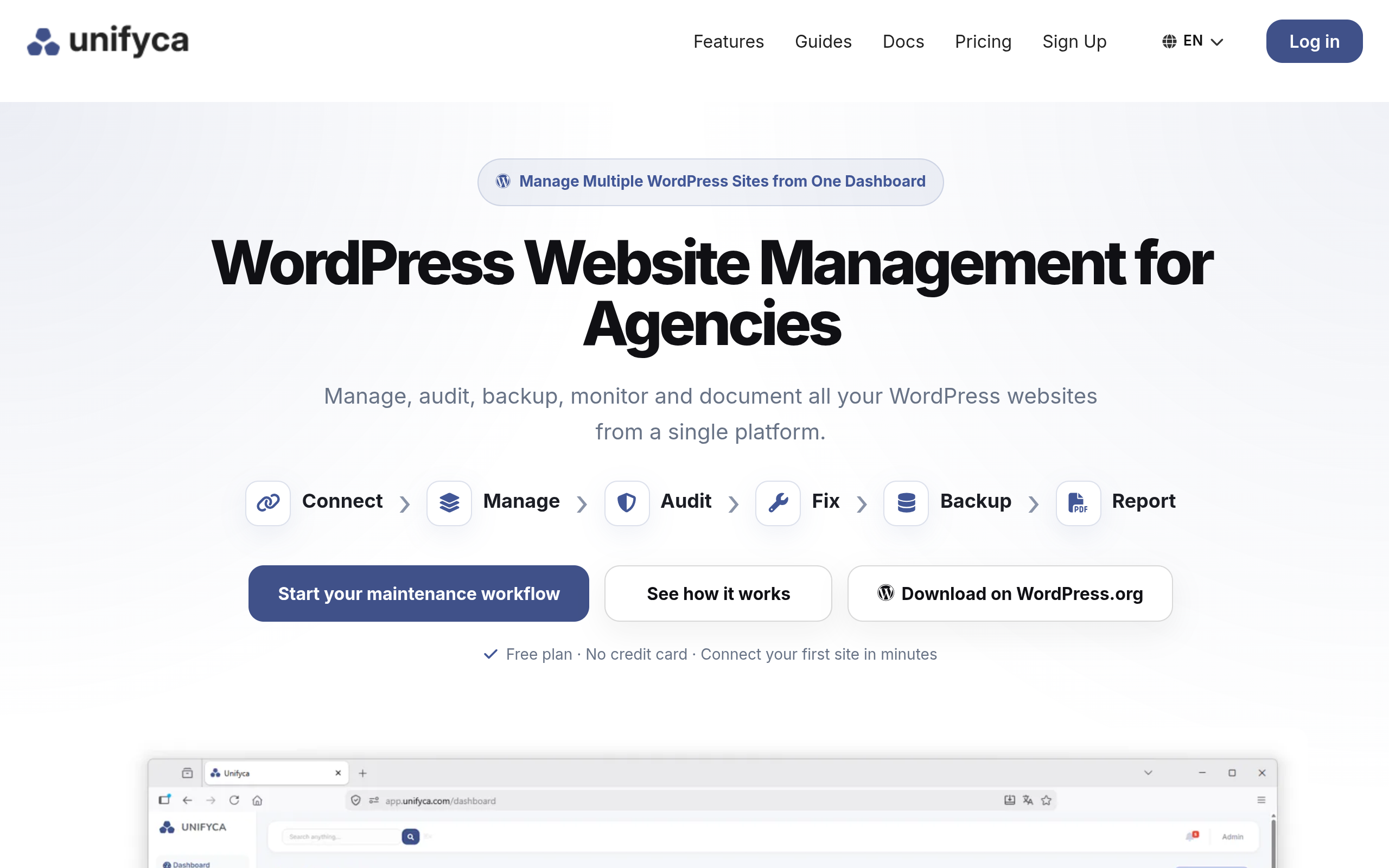
WordPress website management platform for agencies. Audit, update, back up and document every client website from one dashboard.
About
Unifyca is a WordPress website management platform built for agencies, freelancers and IT professionals who maintain multiple client websites. Instead of logging into dozens of WordPress dashboards, Unifyca lets you manage everything from one centralized workspace. Connect your websites to run WordPress audits, detect outdated plugins, themes and core versions, apply maintenance fixes, create manual or scheduled backups, monitor uptime, and generate white-label maintenance reports. Beyond maintenance, Unifyca also centralizes website documentation, including hosting accounts, domains, FTP and SSH access, email settings, SSL certificates, credentials, brand assets, project notes and technical information. The result is a complete operational platform that helps agencies reduce manual work, improve consistency, document every client website and deliver professional maintenance services at scale.
Key Features
Centralized Website Documentation
Store and organize hosting, domains, SSL details, FTP/SSH credentials, WordPress users, plugins, themes, licences, technical notes and brand assets in a single secure workspace per client and site.
Automated Audits & Fix Center
Run scheduled or on-demand audits across all connected WordPress sites to detect outdated plugins, themes and core, security/configuration issues and SEO warnings, then apply safe fixes in bulk from a centralized Fix Center.
Backups & Restore Management
Create manual or scheduled backups, keep a clear backup history for each site, and restore from backups to recover quickly before or after maintenance or incidents.
Uptime Monitoring & Alerts
Continuous uptime checks with alerts and status tracking so teams can respond to outages quickly and maintain SLAs for clients.
White-label Maintenance Reports & History
Automatically log every update, fix and check per site and generate clean, branded reports for clients to prove value and justify recurring maintenance fees.
How to Use Unifyca
1) Connect sites: Install the Unifyca Audit Connector on each WordPress site and link them to your Unifyca workspace (supports bulk onboarding for many sites). 2) Audit & review: Run an automatic audit or review the daily dashboard to see outdated plugins/themes, core updates, security warnings and uptime issues. 3) Maintain & protect: Apply safe fixes in bulk via the Fix Center, schedule or run backups before updates, and use the maintenance history to track actions. 4) Document & report: Centralize credentials and technical documentation for each client, set renewal/SSL alerts, and send white‑label monthly maintenance reports to clients.