
TwinMind
AI note taker for meetings, lectures and searchable conversation memory. Free plan includes unlimited transcription.
About
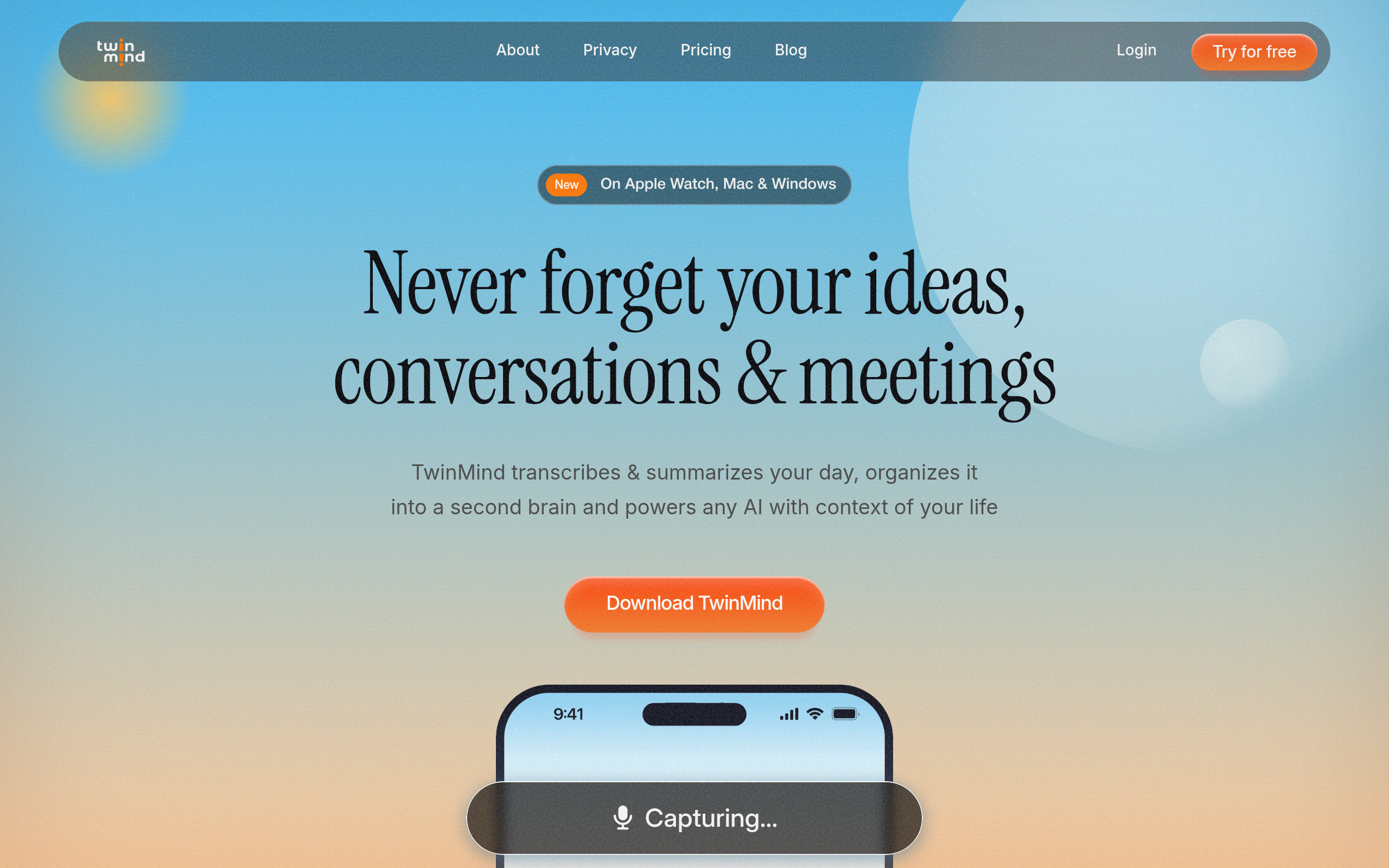
TwinMind transcribes meetings, lectures and everyday conversations in 140+ languages, then creates summaries, action items and searchable memories. Apps are available for mobile, Apple Watch, Mac, Windows and Chrome. The free plan includes unlimited transcription. Eligible paid plans add context-aware Gmail drafts and read-only memory connections for compatible AI tools. Optional local-only notes are available on iOS.
Key Features
Unlimited Transcription
Free plan includes unlimited automatic transcription of meetings, lectures and conversations into searchable text.
Multi-language Real-time Transcription & Translation
Transcribes speech in 140+ languages, with automatic language detection and optional real-time translation.
Summaries, Action Items & Drafts
Generates concise summaries, extracts action items and can create context-aware Gmail drafts or reports from conversations.
Searchable Personal Memory & Organization
Automatically organizes transcripts into a private 'second brain' (people, places, projects) that you can search and query across time.
Privacy Controls & Offline Mode
On-device/offline transcription option that deletes audio after transcription by default, optional encrypted cloud backups, and controls to limit what is stored or shared.
How to Use TwinMind
1) Install the TwinMind app on your device (iOS, Android, Mac, Windows, Chrome, Apple Watch). 2) Start a capture or enable background capture during meetings, lectures or conversations — TwinMind will transcribe automatically. 3) Review the generated transcript; use the AI tools to create summaries, extract action items, or generate Gmail drafts and reports. 4) Search your TwinMind memory to find past conversations, people or projects and connect it to compatible AI tools for context-aware answers.