
TurboStarter
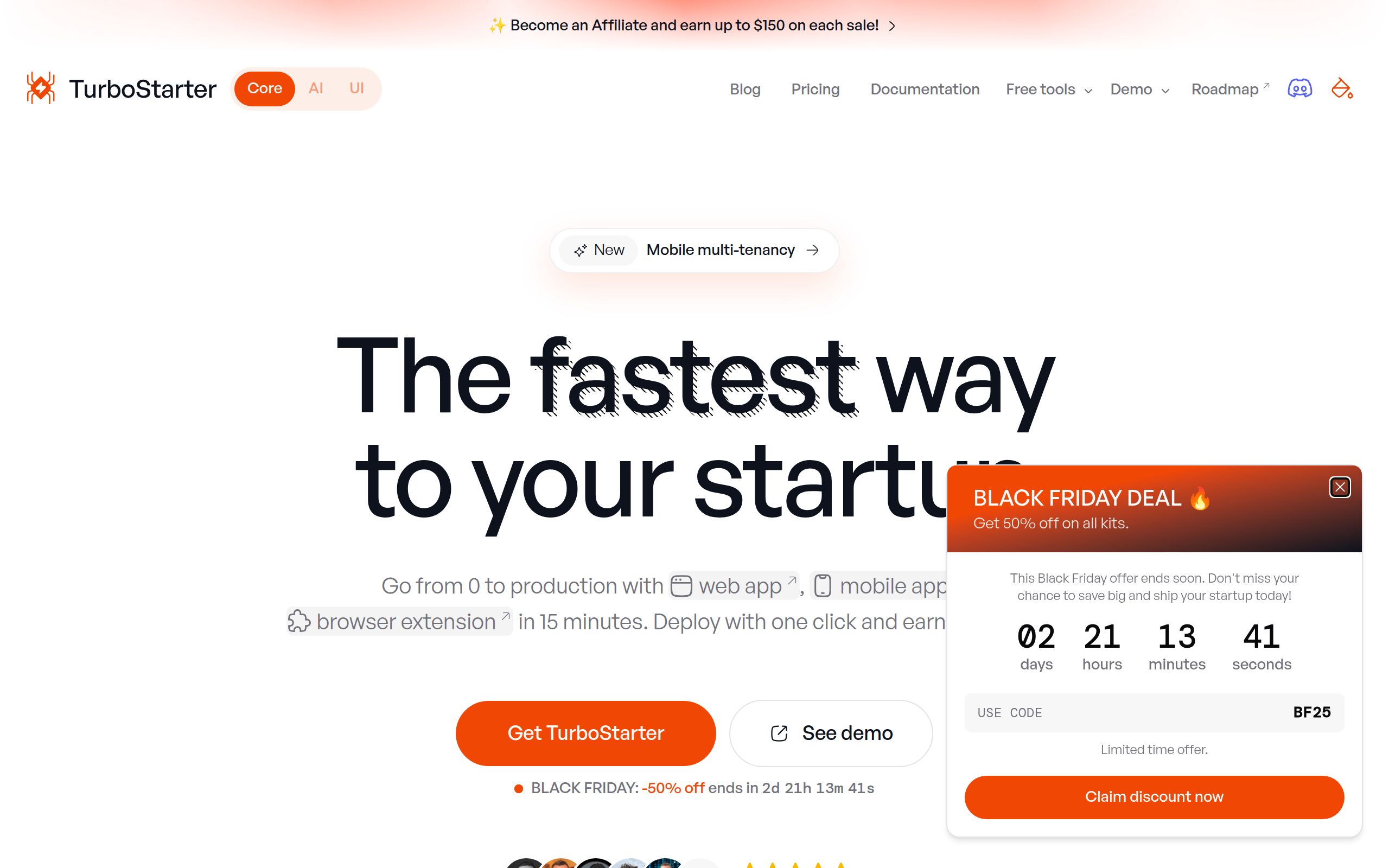
TurboStarter is a cross-platform SaaS starter kit to ship web, mobile & extension apps fast with auth, billing, i18n and one-click deploy.
About
TurboStarter is a battle‑tested starter kit for founders and teams who want to skip boilerplate and go straight to building features. It gives you a unified codebase for web, mobile and browser extensions, with opinionated integrations for auth, billing, multi‑tenancy/organizations, admin, SEO, internationalization, and a marketing site. Out of the box, you get a beautiful landing page, CLI tooling, 25+ ready‑to‑launch SaaS ideas, and a scalable architecture powered by Turborepo, Drizzle, and PostgreSQL. This makes it ideal for solo founders, agencies, and product teams who want to validate ideas fast, iterate with AI coding tools, and ship polished multi‑platform products without spending weeks on setup.
Key Features
Unified Cross‑Platform Codebase
Single, opinionated codebase for web (Next.js), mobile (Expo/React Native) and browser extensions so you can build and maintain one product ecosystem instead of three separate projects.
Built‑in Auth, Billing & Multi‑Tenancy
Production-ready integrations for authentication (email, magic link, social, 2FA), payments (Stripe, Lemon Squeezy, Polar), and organization/team support (roles and RBAC) to ship SaaS features fast.
One‑Click Deploy & CLI Tooling
Project CLI to bootstrap apps, customize providers and configurations, plus one-click deployment to publish web, mobile and extension targets quickly.
Marketing & SEO Ready
Conversion-optimized landing page, SEO/meta support, sitemaps and store listing scaffolding so you can launch with a polished marketing presence out of the box.
Starter Ideas, AI‑ready Code & Extensible Stack
25+ ready-to-launch SaaS templates, AI-editor-friendly code (Cursor, Copilot), and a scalable stack (Turborepo, Drizzle, PostgreSQL/Supabase) to prototype and iterate rapidly.
How to Use TurboStarter
1) Purchase or download the TurboStarter package and clone the repository. 2) Use the provided CLI to create a new app: select the target platforms, configure providers (auth, billing, database) and apply the chosen SaaS template. 3) Customize UI, features and translations (i18n) to match your product; connect Stripe/Lemon Squeezy/Polar and set up organizations/roles if needed. 4) Run local tests and then use the one-click deploy command to publish your web app, push the mobile build to stores, and publish the browser extension.