
TuneImage
AI photo editor: upload one image, describe the change in English, get a 1K PNG. Freemium, one-time packs.
About
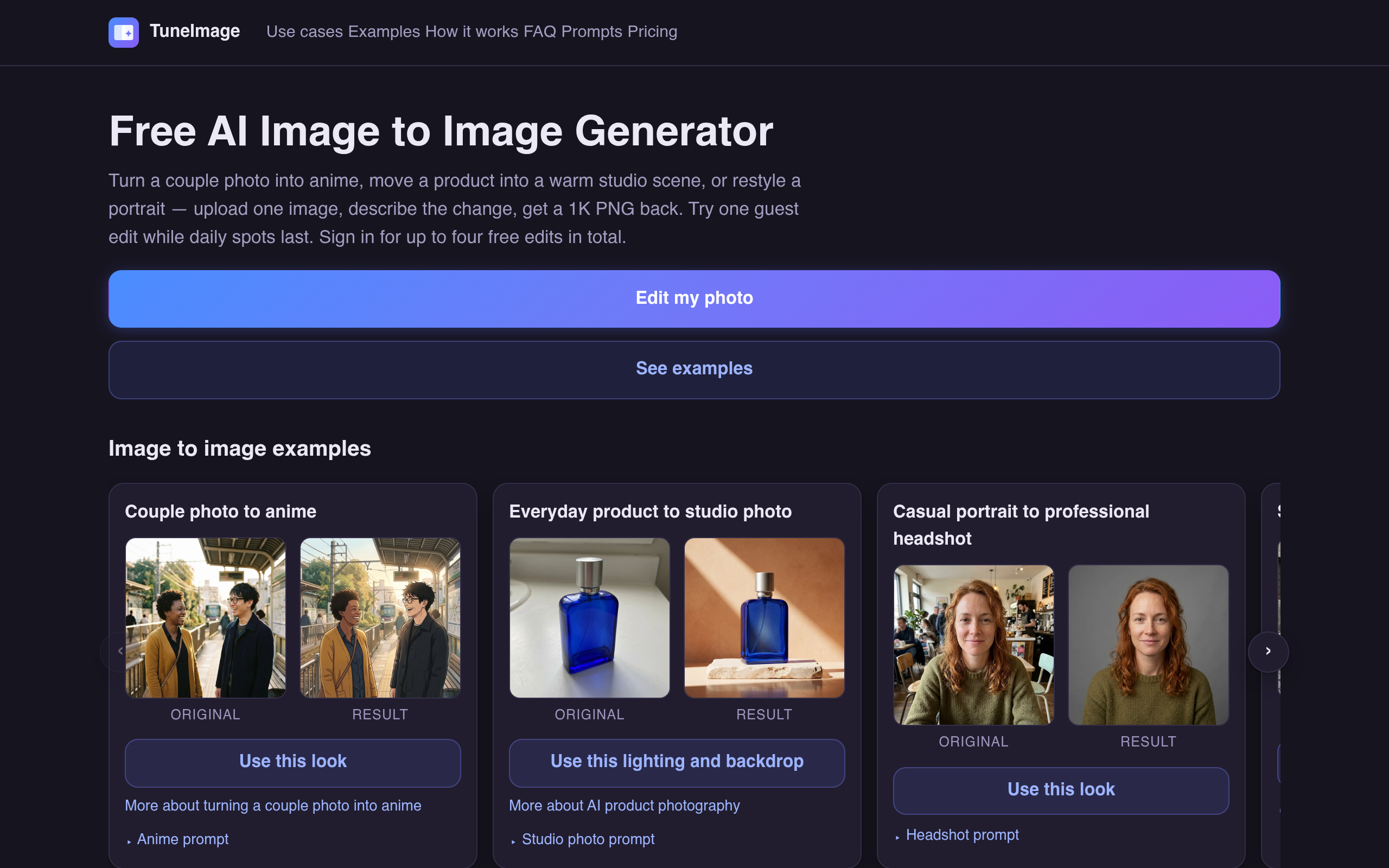
TuneImage is a browser-based AI photo editor. Upload one image, describe the change you want in plain English, and download one 1K PNG. Common uses include changing outfits in a portrait (for example sweater to denim jacket, T-shirt to blazer, a full navy suit, or a dress with boots), recoloring items in a photo, creating product-photo looks, and turning couple photos into anime-style art. Results vary from image to image: it does not promise perfect faces, hair, or exact colors, and it is not a size-prediction or exact retail try-on tool. You can try one free guest edit while daily spots last, or sign in for up to four free edits in total (including the guest edit). After that, one-time credit packs start at $6.99 for 60 edits via PayPal — no subscription.
Key Features
Prompt-driven Image Edits
Upload a single JPG/PNG/WebP image and describe the change in plain English; the service generates a revised 1K PNG based on your instruction.
Preset Styles & Example Library
Choose from quick styles (Anime, Watercolor, Cinematic, Studio portrait) or pick from curated example edits to jumpstart prompts and preserve desired elements.
Flexible One-time Credits (Freemium)
Try a limited number of free edits (guest/daily and sign-in allowances). Afterwards, purchase one-time credit packs (no subscription) to continue editing.
Privacy & Temporary Storage
Uploaded images are private, EXIF metadata is removed, transparent backgrounds are flattened, and uploads are deleted after 24 hours.
How to Use TuneImage
1) Upload: Drag & drop or choose a JPG/PNG/WebP (up to 10 MB, at least 512 px on the short side). 2) Describe: Enter a clear English instruction describing the edit (use examples/presets if helpful). 3) Configure: Optionally choose an aspect ratio or quick style, then press Generate edit (each successful edit uses one credit). 4) Download: When processing finishes, review and download the 1K PNG. Free trial edits and one-time credit packs are available if you need more attempts.