
TryClothAI (AI Clothes Changer)
Change one garment in a photo in seconds with AI.
About
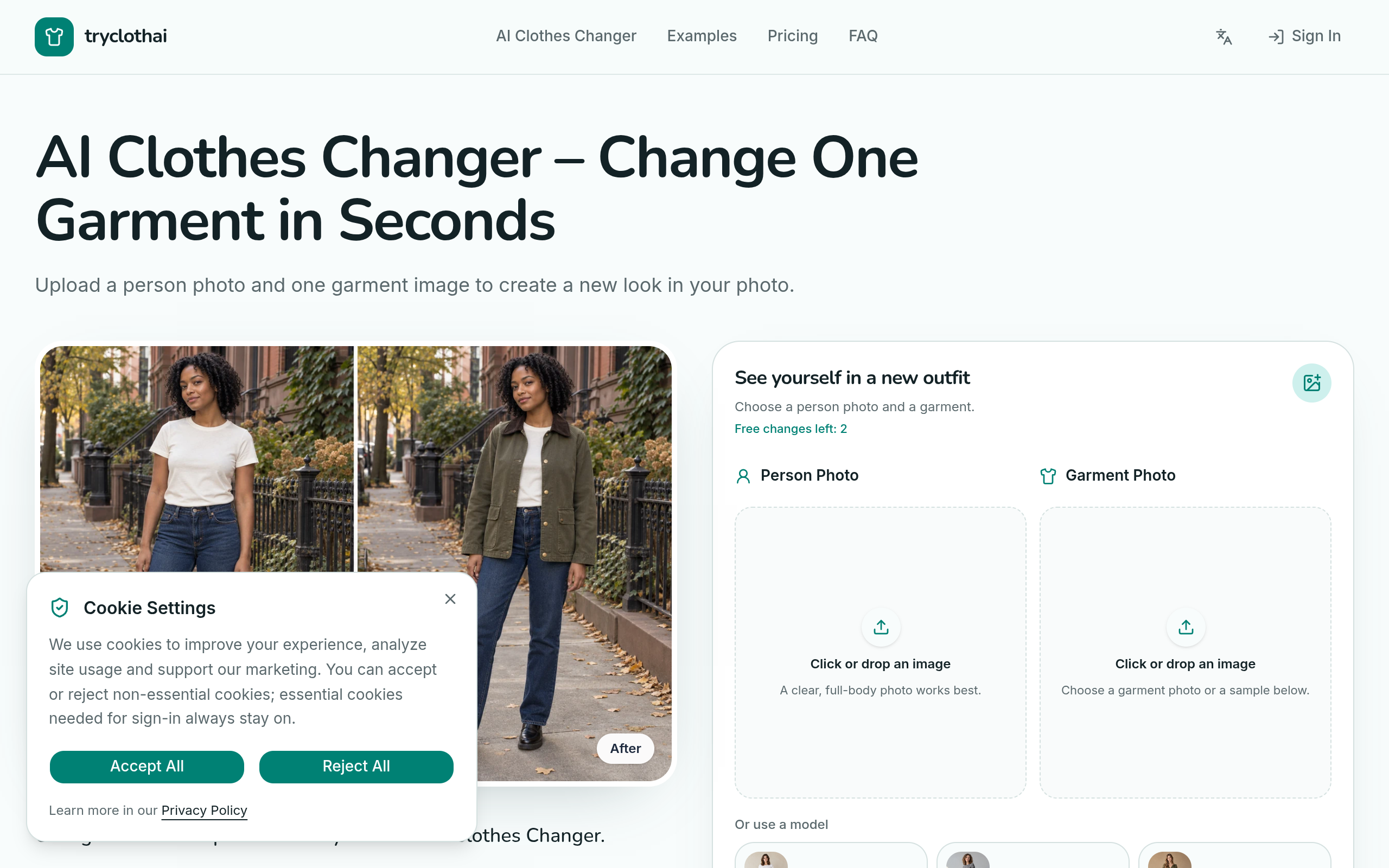
TryClothAI is an AI clothes changer for still photos. Upload a clear person photo and one garment image—a dress, T-shirt, jacket, jeans, or similar—and generate a new outfit preview in seconds. Use it to try before you buy, explore styles, or create social and event looks. A few free changes are available without signing up; paid credit packs and monthly plans remove the watermark.
Key Features
Fast outfit generation
Generates a preview of the person wearing a selected garment in seconds, enabling quick experimentation with multiple looks.
Upload or choose sample garments
Use your own flat-lay or garment photos or pick from sample items provided on the site to create realistic outfit swaps.
High-fidelity pattern & texture rendering
Preserves prints, plaids, florals and fabric textures so garment details appear naturally on the generated preview.
Download & compare results
Download generated images to save or share and compare multiple garment previews side-by-side while keeping the original photo unchanged.
Credits, watermark & pricing options
Offers a free trial allowance with sign-up optional; paid credit packs and monthly plans remove watermarks and provide higher generation quotas.
How to Use TryClothAI (AI Clothes Changer)
1) Choose a clear person photo: upload a well-lit, full-body photo (or select a sample model). 2) Select or upload a garment image: pick a sample (dress, T‑shirt, jacket, jeans) or upload a flat-lay or garment photo. 3) Generate the preview: click Generate to create a new still image showing the person wearing the selected garment. 4) Download or repeat: download the result to save or share; upload another garment to compare different looks.