
Triple 3D
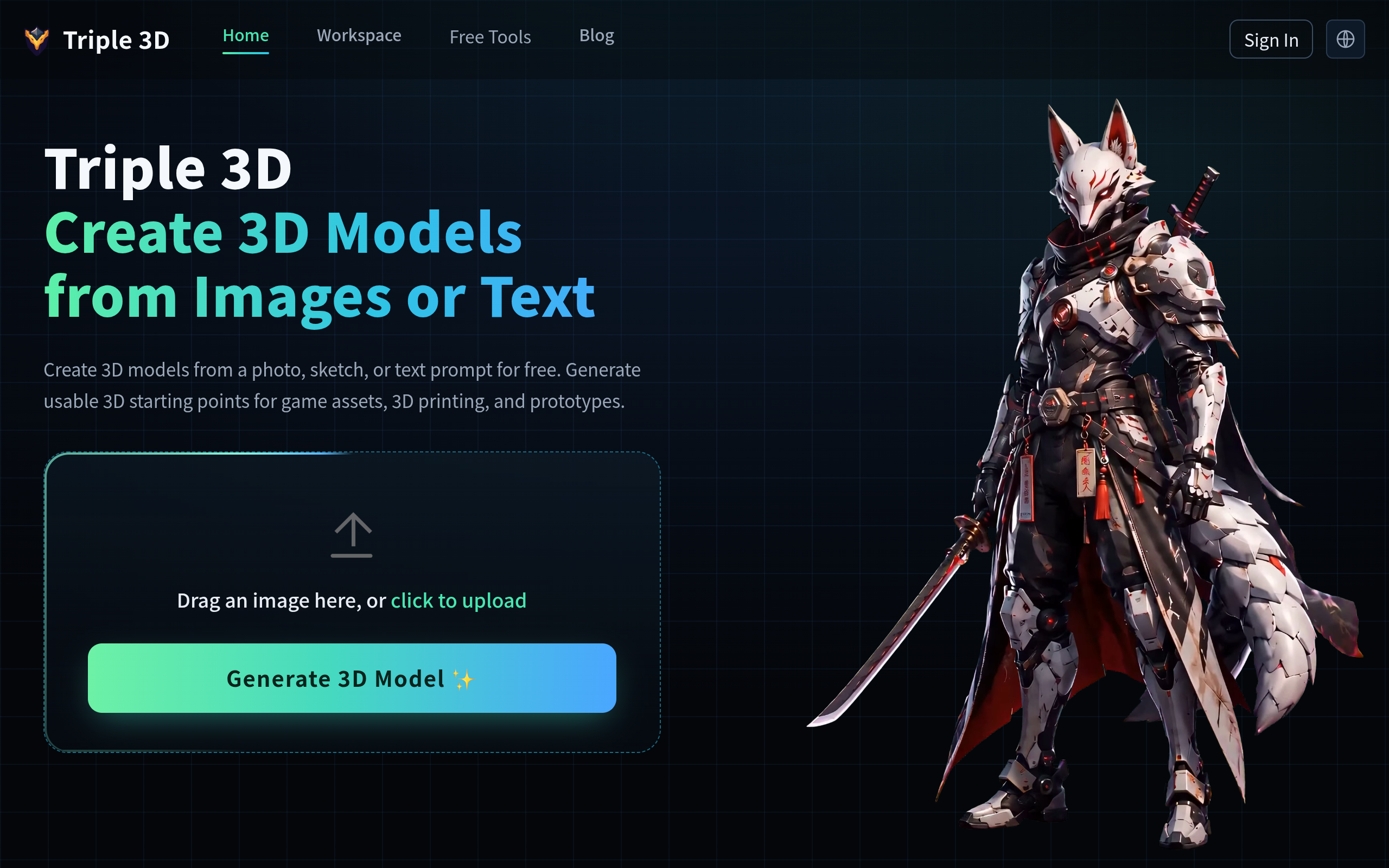
Triple 3D is a AI 3D model generator that helps you turn images, sketches, and text prompts into editable 3D models. Built for game development, 3D
About
Triple 3D is a practical AI 3D model generator for anyone who needs to turn images, sketches, and text prompts into editable 3D models. It supports game assets, 3D-printing concepts, prototypes, props, characters, and product visuals and is designed for game development, 3D printing, design concepts, and product visualization. Users can get started in a few clicks, without complicated setup. Key capabilities include image-to-3D, text-to-3D, low-poly and detailed outputs, previews, and export options. Lets users generate, preview, and download models through a simple web workflow.
Key Features
Image-to-3D Generation
Turn photos, sketches, or reference images into 3D models that preserve silhouette, volume, and basic texture for fast starting assets.
Text-to-3D Prompting
Generate 3D models directly from natural-language prompts to rapidly explore props, creatures, characters, and objects.
Mode Selection (Game & 3D Printing)
Choose Game Asset or 3D Printing mode to tailor generation for low-poly game-ready assets or printable, watertight models with thickness and scale awareness.
Online Preview & Inspection
Rotate, zoom, and inspect generated models in the browser before downloading to check shape, texture, scale, and potential issues.
Export & Format Support
Download generated models in common formats (GLB/OBJ/STL/etc.) for use in game engines, 3D editors, or slicers for printing.
How to Use Triple 3D
1) Start by uploading a clear image/sketch or entering a descriptive text prompt and choose Image-to-3D or Text-to-3D. 2) Select the target mode (Game Asset or 3D Printing) and pick detail level (low-poly vs detailed) or other generation settings. 3) Click Generate and use the online preview to rotate and inspect the model, checking silhouette, texture, scale, and printability. 4) When satisfied, export the model in the desired format (GLB/OBJ/STL) and continue refining it in your 3D editor, game engine, or slicer.