
Transkripe
https://www.transkripe.com/
About
Transkripe turns public YouTube videos into clean transcripts, summaries, notes, key points, quizzes and reusable content drafts. It uses captions when available and can create AI transcripts from video audio when captions are missing
Key Features
Caption-first & AI Audio Transcription
Automatically uses available YouTube captions for free transcripts; if captions are missing or unusable, creates accurate AI-generated transcripts from the video audio (credit-based, with refunds for failed transcriptions).
Multi-format AI Outputs
Generate short or long summaries, study-style notes with headings, bulleted key points, quiz questions, and content drafts (blog intros, social posts, scripts) all grounded in the transcript.
Export & Reuse
Copy or download transcripts and AI outputs in plain text (e.g., .txt) and repurpose content for articles, newsletters, presentations, or subtitles (SRT/VTT workflows explained in guides).
Language & Scalability
Supports transcription in 100+ languages for global videos and a lightweight web workflow with optional sign-in and credit management for larger jobs.
How to Use Transkripe
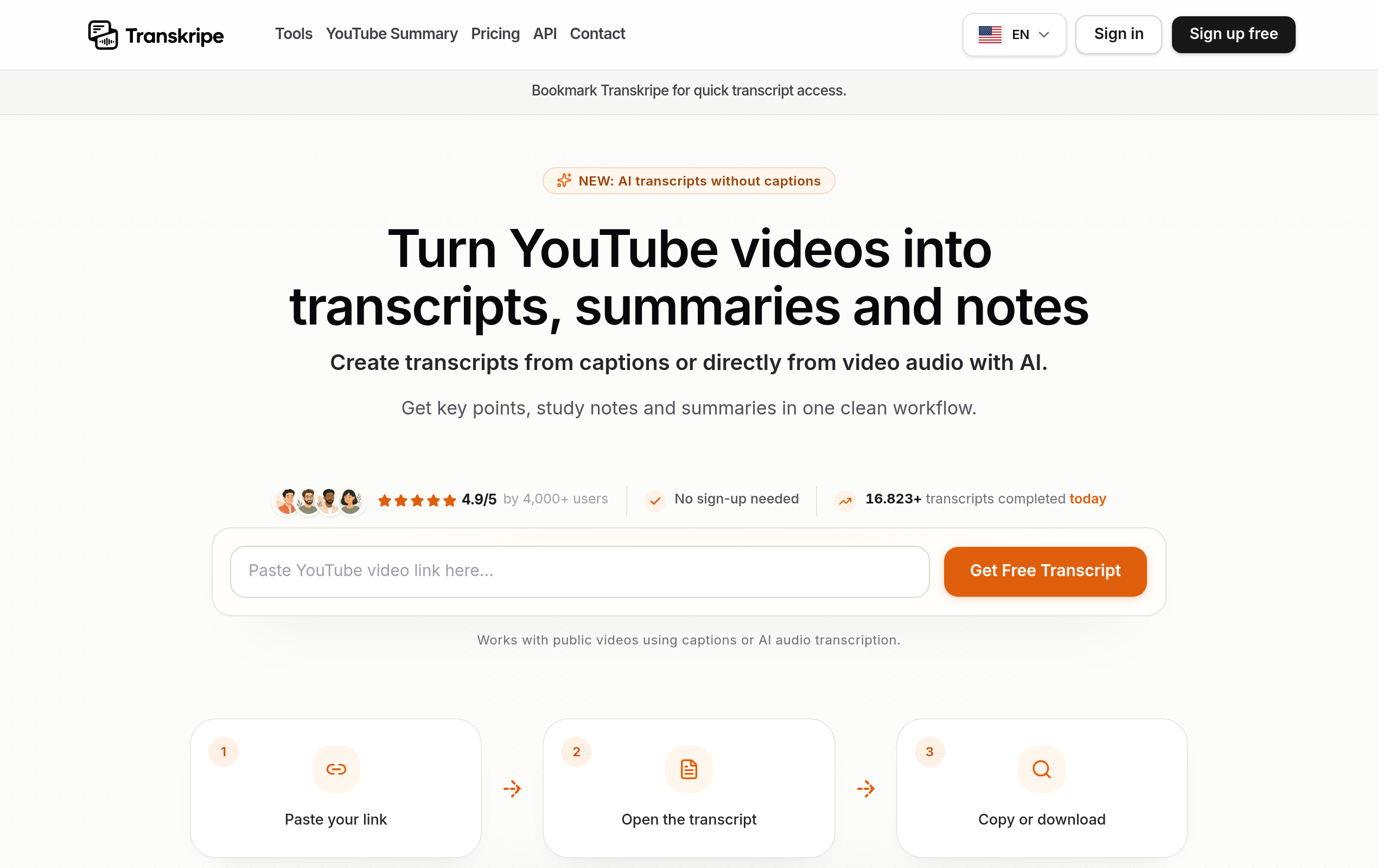
How to use Transkripe Go to transkripe.com. Paste a public YouTube video link. Click Get Free Transcript. Copy or download the transcript. Use the AI tools to turn it into a summary, notes, key points, quiz, blog draft, newsletter, LinkedIn post, or short-form script. If the video has captions, Transkripe can extract them for free. If it has no captions, Transkripe can create an AI transcript from the video audio.