
TrackMedia
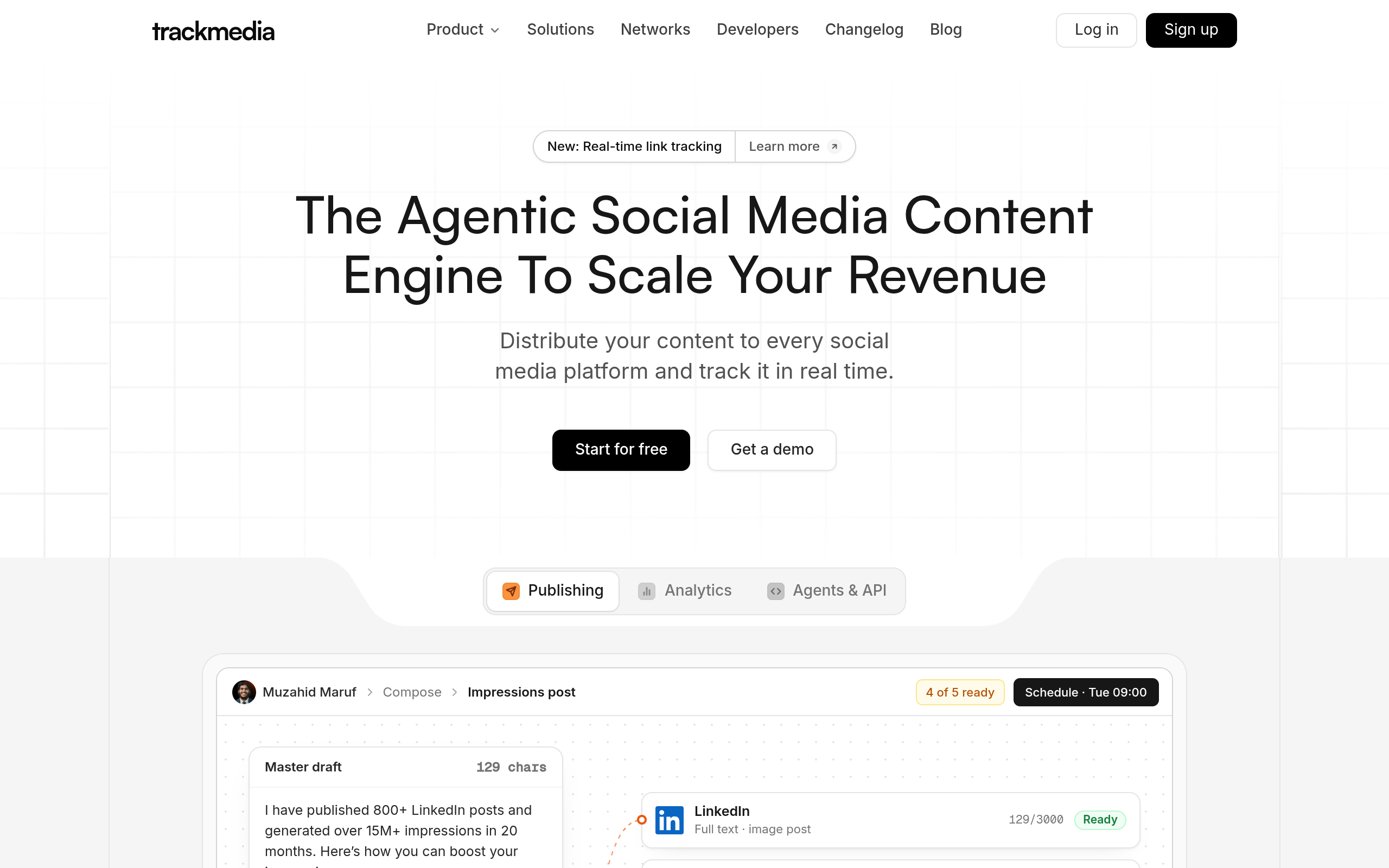
The agentic social media content engine: publish to 20 networks and track every click in real time. Built for humans and AI agents.
About
TrackMedia is the agentic social media content engine built to help you scale revenue from the content you already create. Write your content once and publish it to 20 networks from a single place, instead of rewriting and re-posting the same update on every platform. Then see what actually happened: TrackMedia tracks every click in real time, so you can tell which posts, channels and campaigns bring in visitors and revenue. It is built for both humans and AI agents. People get a clean workspace for Publishing and Analytics, while AI agents can do the same things programmatically through an API and an MCP server, so content operations can run without manual copy and paste. TrackMedia is for creators and indie makers who want to grow an audience across many networks, marketers and small teams who need to prove which social channels drive traffic and sales, and developers and agent builders who want to plug social publishing and click analytics into their own products. Visit trackmedia.app to get started.
Key Features
Multi-network Publishing
Write a single master draft and publish per-network versions across 20+ platforms with automatic trimming, cropping and platform-specific previews so you don't have to rewrite posts for each network.
Real-time Click Tracking & Analytics
Every link becomes a tracked short link with UTMs so you can see clicks, visitors and revenue attribution in real time — down to the post, network and campaign level.
AI Agents & API Integration
Programmatic publishing and analytics via an API and MCP server so AI agents (Claude, ChatGPT, your bots) can prepare, schedule and, with permissions, publish or report — enabling automated content operations.
Smart Scheduling & Queues
Timezone-aware queues, DST-safe scheduling and per-slot queues let you schedule posts reliably across regions and keep consistent publishing cadence.
Preflight Checks & Media Optimization
Built-in preflight validation for character limits, aspect ratios, codecs and platform rules with human-readable error messages to avoid silent failures at publish time.
How to Use TrackMedia
1. Sign up at trackmedia.app (you can start for free). 2. Connect the social networks you want to publish to. 3. Write your post once, choose the networks it should go to, and publish or schedule it. 4. Open Analytics to see clicks, visitors and results for each post and network in real time. 5. Using AI agents? Connect them through the API or the MCP server so they can publish and read results for you.