
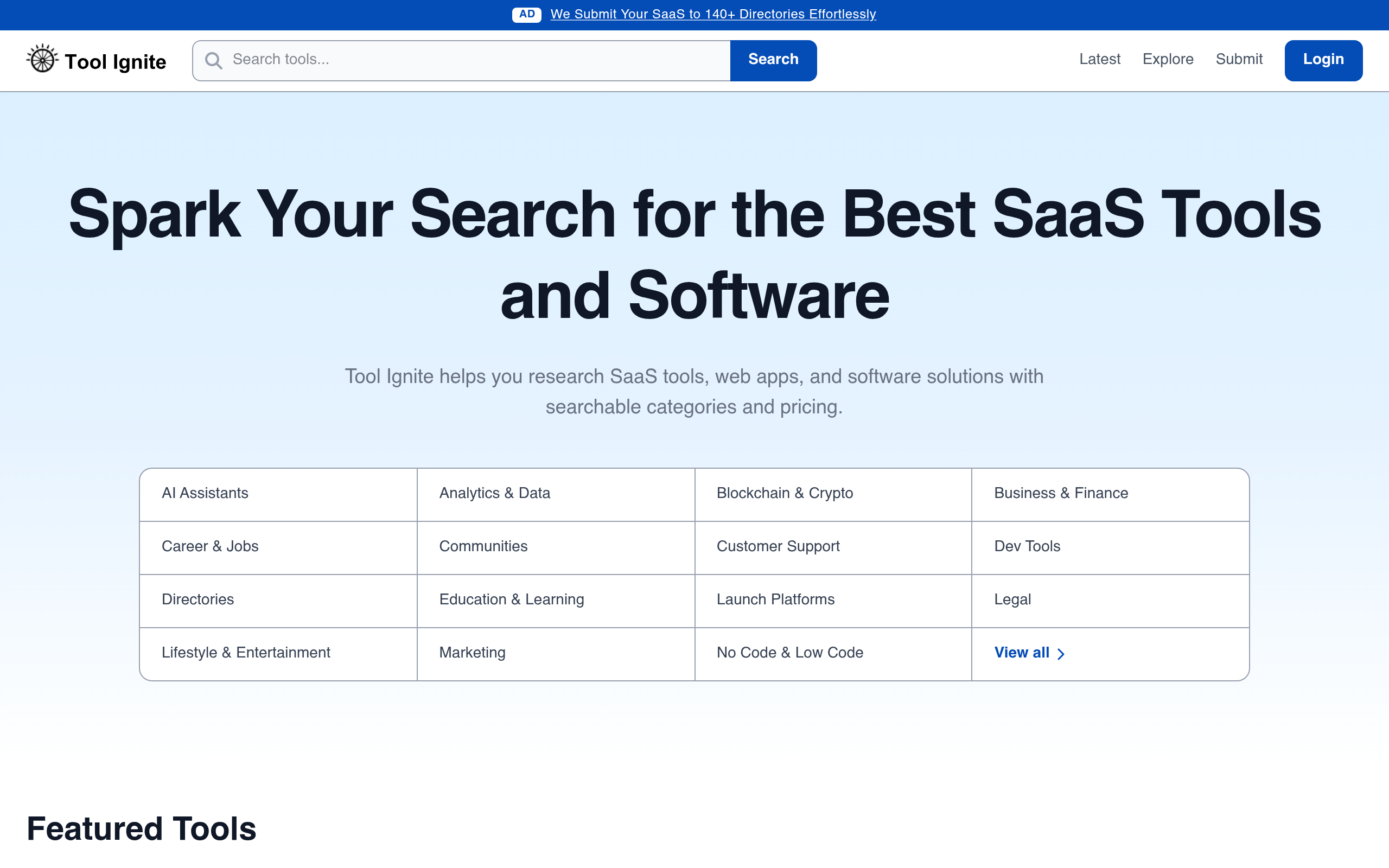
Tool Ignite
A professional software directory designed for fast, searchable discovery of SaaS tools, web apps, and software solutions with clear pricing.
About
Tool Ignite is a curated software directory that helps professionals, startup founders, and dev teams skip the noise of sponsored content. The platform organizes a wide range of SaaS tools—including marketing automation, AI assistants, and developer environments—into structured categories. Each listing provides a clear description, transparent pricing, and practical context to facilitate real comparisons. Every tool is editorially reviewed to ensure quality, helping users find affordable replacements for enterprise software or the perfect stack for their specific workflow and budget.
Key Features
Curated Listings & Editorial Reviews
Hand-picked SaaS and software listings with editorial summaries, pros/cons, and context to help users assess quality and fit quickly.
Transparent Pricing & Plans
Clear pricing information and plan comparisons for each listing so users can evaluate cost and value without visiting multiple vendor pages.
Advanced Search & Filtering
Powerful, fast search with filters (category, pricing, freemium/paid, use case, tags) to narrow results and find the best-fit tools.
Compare, Save & Submit Tools
Side-by-side comparisons, bookmarking for team review, and an easy submission flow for vendors to add or update listings across directories.
How to Use Tool Ignite
1) Start by entering keywords or select a category from the homepage (e.g., Dev Tools, Marketing, AI Assistants). 2) Apply filters (pricing, freemium/paid, tags) and sort by relevance or recency to narrow results. 3) Open a listing to read the editorial review, view pricing, feature highlights, and related tools. 4) Use the compare or bookmark options to shortlist tools, share with teammates, or submit a new tool via the Submit page.