
Tool Dynamo
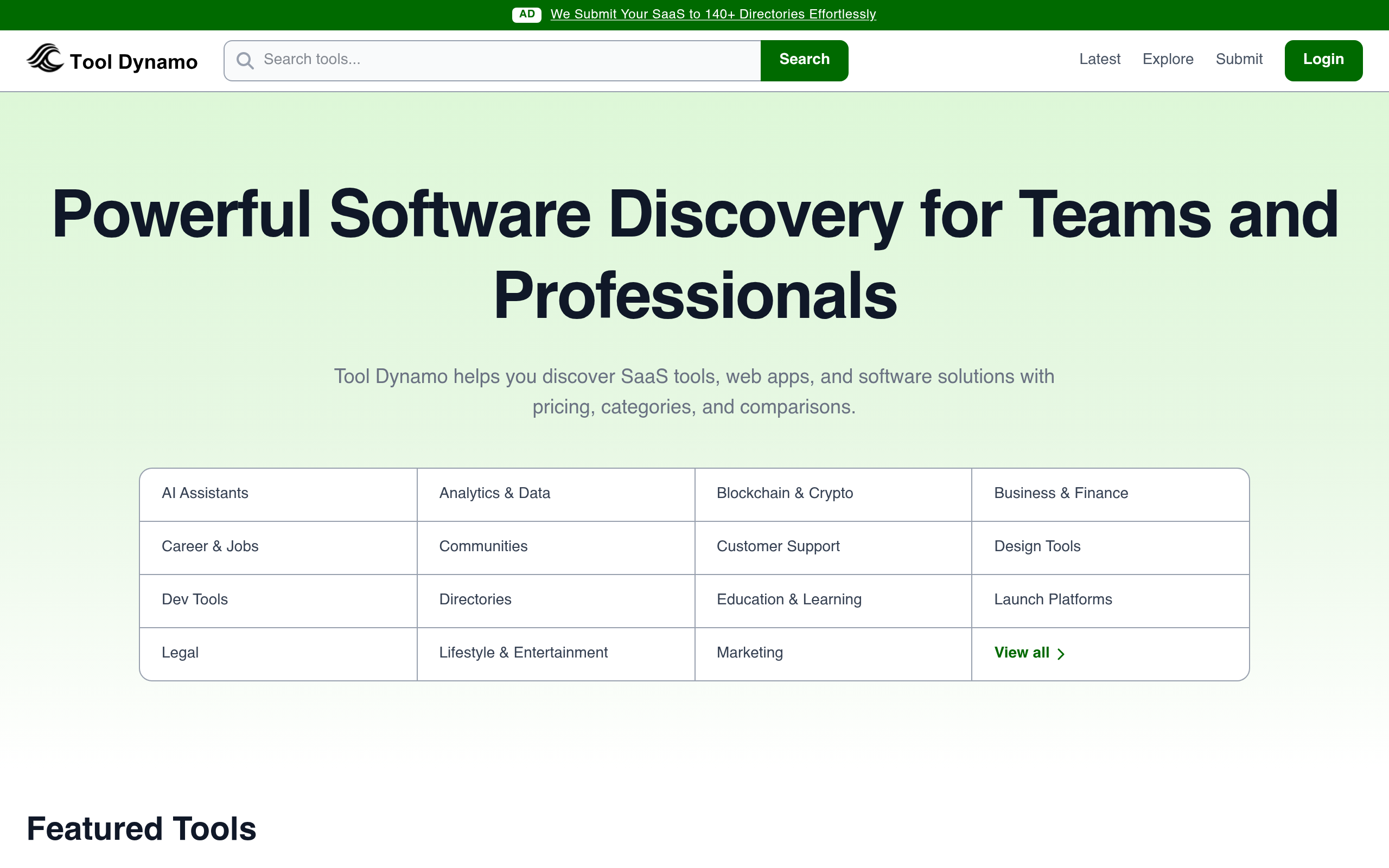
A powerful software directory for teams and professionals to discover SaaS tools, web apps, and software solutions with clear pricing and comparisons.
About
Tool Dynamo is a comprehensive software directory built to streamline the search for high-impact SaaS tools and web applications. By organizing the software market into structured categories, it eliminates the need to sift through irrelevant search results or biased recommendation lists. The platform covers major segments including email marketing, cloud computing, and AI-powered productivity. Designed for action-oriented professionals like marketing managers and engineering leads, Tool Dynamo provides clear descriptions and honest pricing to help users make informed decisions that fit their specific workflow and budget.
Key Features
Curated Categories & Advanced Filters
Organized taxonomy of SaaS categories (marketing, dev tools, AI, etc.) with filters for features, pricing, integrations, and ratings to quickly narrow options.
Pricing Transparency & Plan Comparison
Clear, up-to-date pricing and plan details for each product plus built-in comparisons so you can evaluate total cost and feature differences side-by-side.
Side-by-side Comparisons & Reviews
Compare multiple tools in a single view including descriptions, pros/cons, user reviews, and feature matrices to speed decision-making.
SaaS Submission & Distribution
Submit your product to Tool Dynamo and leverage their submission network (e.g., distribution to multiple directories) to increase visibility.
Team Workspaces & Saved Shortlists
Create shared lists, save favorite tools, and collaborate with teammates to build vendor shortlists and track evaluation progress.
How to Use Tool Dynamo
1) Start by searching a keyword or browsing a category (e.g., email marketing, dev tools, AI). 2) Apply filters for pricing, features, integrations, and plan type to narrow results. 3) Open tool pages to view descriptions, transparent pricing, user reviews, and add items to a comparison. 4) Use the side-by-side comparison and saved workspaces to share shortlists with your team or submit your own SaaS listing for broader distribution.