
TimoDesk
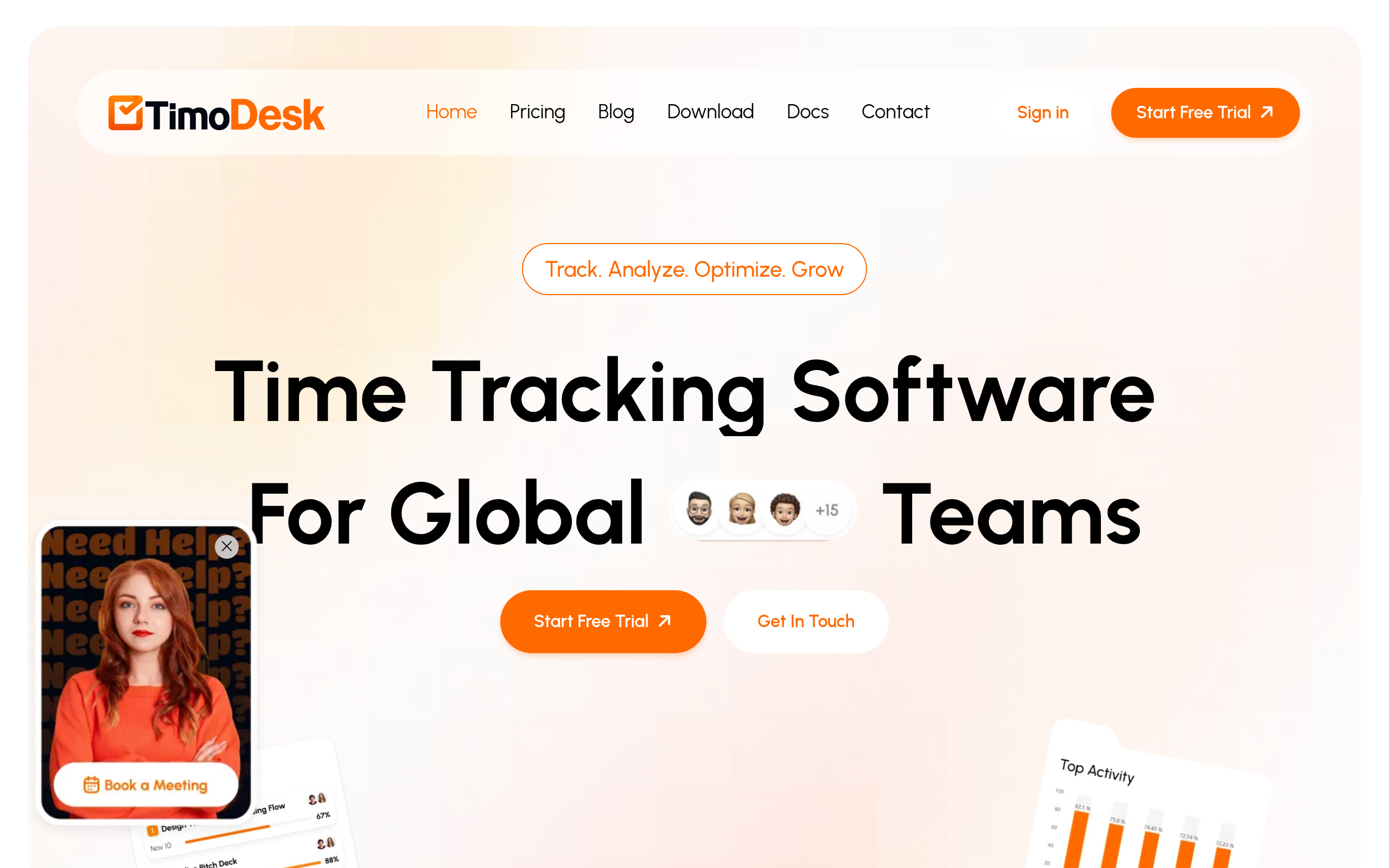
TimoDesk is a time-tracking and productivity software that helps teams track work hours, tasks, screenshots, and activity for better project managemen
About
TimoDesk – Best Employee Time Tracking Software in Bangladesh TimoDesk is a powerful employee time tracking and productivity monitoring software designed to help businesses manage teams efficiently, whether they work remotely or in-office. It allows companies of any size to track work hours, monitor activities, and analyze team performance in real time. With its intuitive interface and all-in-one functionality, TimoDesk simplifies workforce management and improves overall productivity. All-in-One Productivity Suite TimoDesk transforms daily work chaos into structured, measurable insights. From automatic time tracking to activity monitoring and detailed reporting, everything is available in a single dashboard. Businesses no longer need multiple tools to manage employees, tasks, and productivity. Designed for Every Team Type Whether you are managing freelancers, remote teams, startups, or large organizations, TimoDesk adapts to your workflow. It helps teams move from confusion to clarity by providing accurate data on how time is spent and where improvements can be made. Smart Tracking & Monitoring With features like screenshot monitoring, app usage tracking, and idle time detection, TimoDesk ensures transparency and accountability. Managers can easily understand team behavior and optimize performance without micromanaging. Project & Task Management TimoDesk is not just a time tracker—it also helps organize projects and tasks. Assign work, monitor progress, and ensure deadlines are met, all from one centralized platform. Data-Driven Reports & Insights The software provides visual, easy-to-understand reports that help businesses make smarter decisions. These insights allow managers to identify productivity trends, improve efficiency, and allocate resources effectively.
Key Features
Automatic Time Tracking
Tracks work hours, active time, idle time, and tasks without manual input
Activity Monitoring
Records app usage, productivity levels, and work behavior
Screenshot Monitoring
Captures screenshots for transparency and progress tracking
Project & Task Management
Organize projects, assign tasks, and monitor progress in one place
Detailed Reports & Analytics
Get daily, weekly, and monthly performance insights
How to Use TimoDesk
How to Use TimoDesk Start by signing up on TimoDesk and creating your workspace with your company details. Next, invite your team members via email and assign roles like admin or employee. Download and install the desktop app to enable automatic tracking features such as work hours, activity monitoring, and screenshots. Then, create projects and tasks, assign them to your team, and set deadlines for better organization. Team members can start tracking time with a single click when they begin work. TimoDesk will automatically record active time, idle time, and app usage. Managers can monitor real-time activity, view screenshots, and ensure productivity across the team. Finally, use the reports and analytics dashboard to review performance, identify trends, and make data-driven decisions to improve workflow and efficiency.