
ThoughtStack.ai
AI research workspace for founders — organized cards, not chat transcripts you'll lose track of.
About
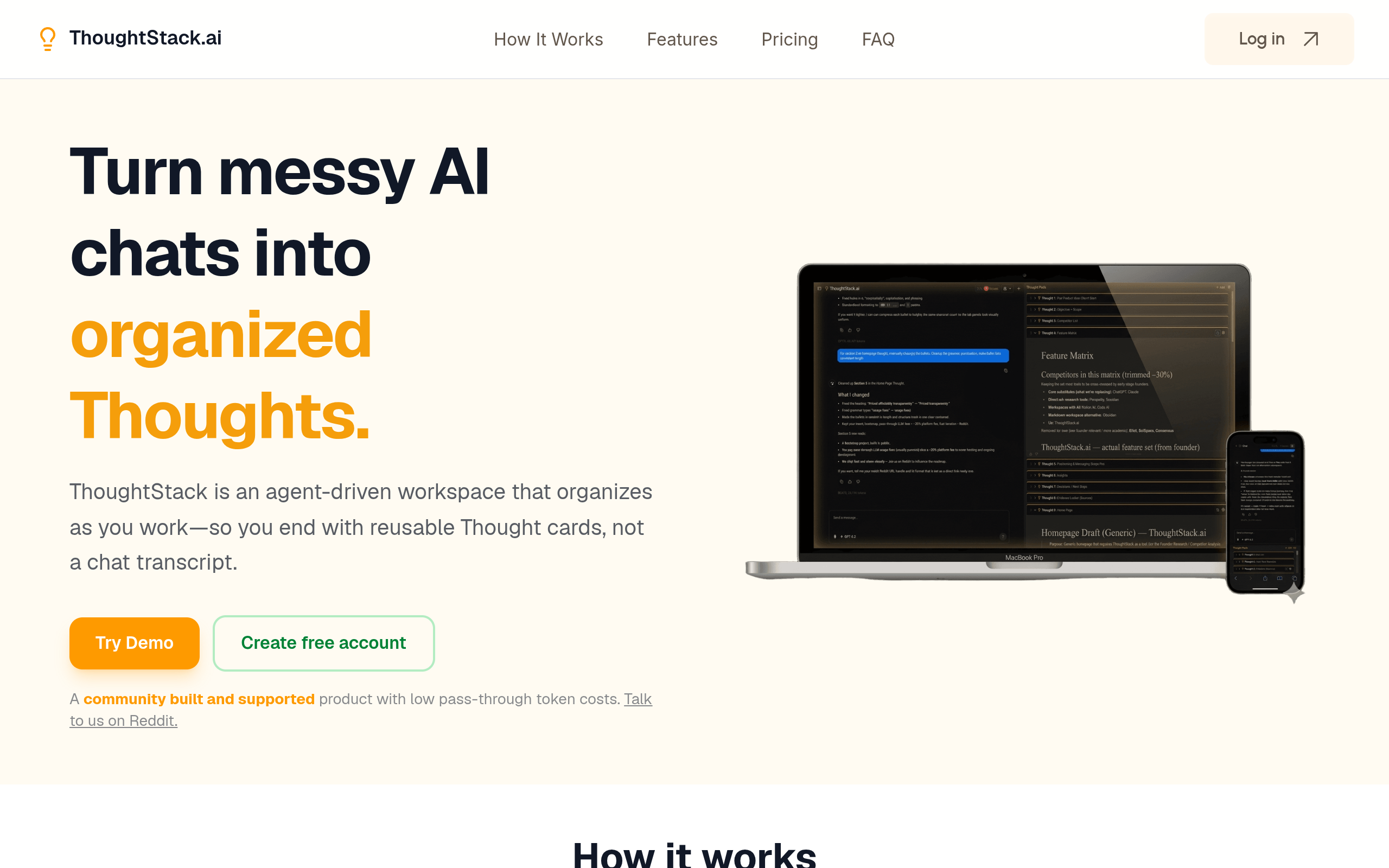
ThoughtStack is an AI-powered research workspace built for founders and builders who want organized thinking, not scattered chat transcripts. Instead of a single endless conversation you'll lose track of, ThoughtStack's agent works alongside you and automatically organizes everything into structured, reusable Thought cards — the ideas, decisions, and research that actually matter, saved and searchable, not buried in scrollback. Start from a guided workflow instead of a blank page. The agent does the digging — researching, synthesizing, and drafting — while you steer and edit. Every card stays in your workspace: revisit it, update it as things change, export it, or share a read-only link with collaborators. Pricing is pay-as-you-go with no subscriptions or hidden seats — you only pay for what the agent actually does, and a free demo is available instantly with no signup required. ThoughtStack also connects directly to Claude, so your saved Thoughts carry context into every new conver
Key Features
Agent-driven Workflows
Start from focused templates (e.g., competitor analysis) and let the agent research, synthesize, and draft while you guide and edit the process.
Structured Thought Cards
Automatically created and updated cards capture ideas, decisions, and research in rich Markdown (headings, checkboxes, code blocks, images) that stay saved and searchable.
Persistent Project Workspace
Keep a reusable project workspace where every Thought is stored, easily revisited, edited, exported, or shared as read-only links with collaborators.
Model Integrations & Context Passing
Switch between leading LLMs (e.g., Claude, GPT-4o) mid-session; Thoughts carry context into external models and answers can be saved back into your workspace.
Pay-as-you-go Pricing & Instant Demo
No subscriptions or hidden seats — you pay for agent actions (pass-through LLM costs plus a small management fee) and can try a free demo with no signup.
How to Use ThoughtStack.ai
1) Try the demo or create an account to start a workspace. 2) Pick a guided workflow or template (e.g., Founder Competitor Analysis) to avoid a blank page. 3) Chat with the agent: ask it to research, synthesize, or draft while you steer, edit, and approve outputs. 4) Review, update, export, or share the resulting Thought cards; switch LLMs (Claude/GPT) if desired to iterate.