
The SaaS Ads Studio
A complete solution for launching and managing Google Ads and other paid media all the way to profitability!
About
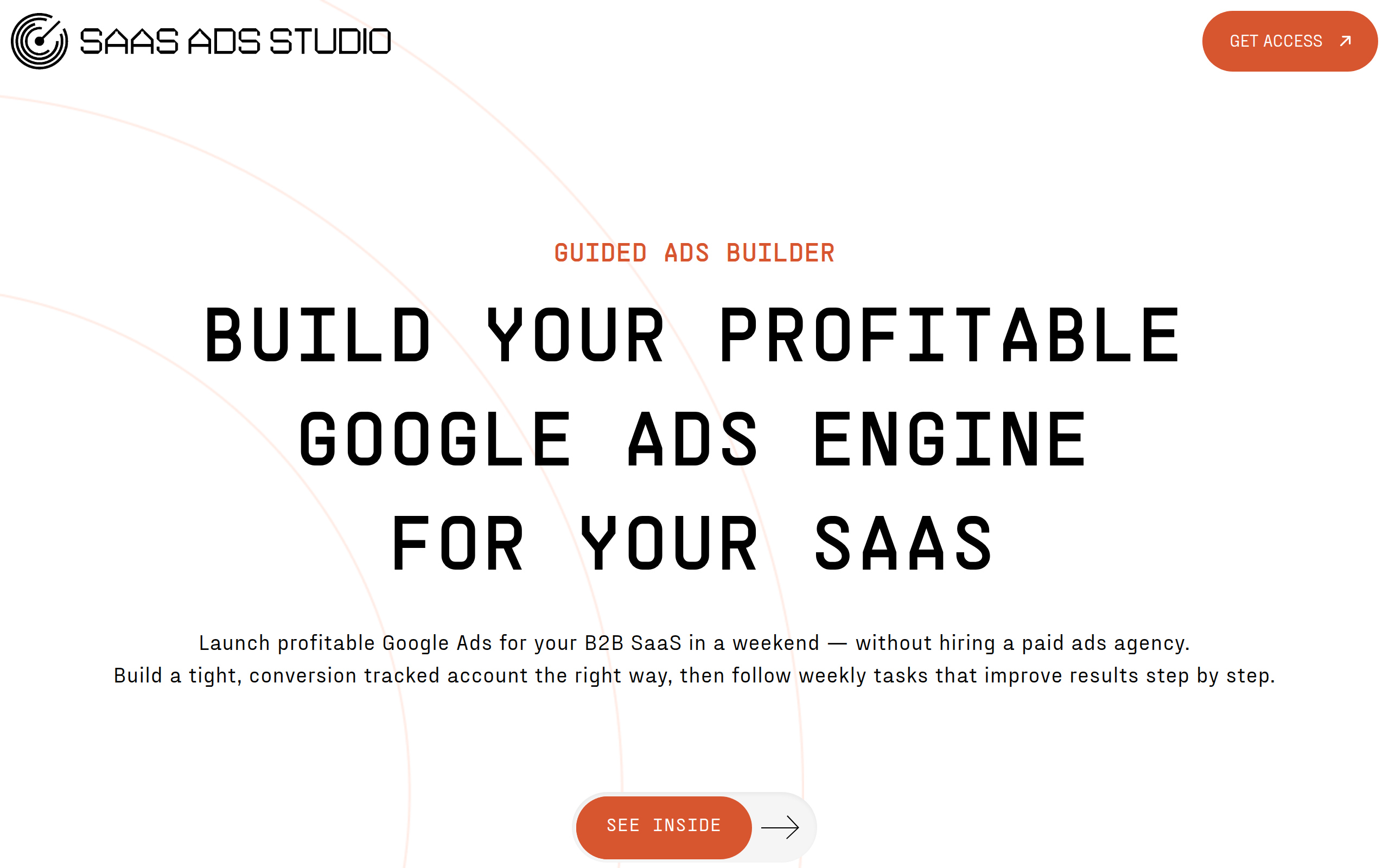
Launch profitable Google Ads for your B2B SaaS in a weekend — without hiring a paid ads agency. Build a tight, conversion tracked account the right way, then follow weekly tasks that improve results step by step. The system is split up into two sides, Launch and Manage Launch your first campaign in a weekend A step by step journey combining educational video content and AI powered tooling that uses your brand DNA to personalise outputs – all to make each step a joyous click of a few buttons and leave you genuinely understanding Google Ads like never before. Then with Manage, optimise all the way to profitability The dashboard gives you a simple to do list each week. No more wondering what to do just execute, measure, and improve.
Key Features
Brand DNA Builder
Automatically analyses your website, product positioning and audience to create a distilled brand profile that personalises every generated asset and recommendation.
Data-driven Keyword Generator
Generates high-intent, buyer-focused keyword clusters using your Brand DNA combined with a SaaS ad-spend dataset to reduce wasted spend and improve targeting.
AI RSA & Ad Copy Writer
Produces multiple Responsive Search Ads (headlines, descriptions, CTAs) tailored for B2B SaaS and aligned to agency best practice—ready to upload to Google Ads.
On-brand Image Asset Generator
Creates polished image creatives using your brand colours and messaging—no designer required—formatted for ad platforms.
Weekly Optimisation Dashboard
A simple, actionable Monday to-do list that surfaces the next small optimisation tasks, measures impact, and helps compound performance toward profitability.
How to Use The SaaS Ads Studio
1. Sign up and connect your Google Ads account and website so the Studio can analyse your site and ad data. 2. Run the Brand DNA Builder to generate a tailored brand profile and review the suggested positioning and messaging. 3. Use the Guided Launch builder to create your first campaign in a weekend: generate keyword clusters, AI-written RSAs and image assets, then deploy them to Google Ads. 4. Move to Manage: follow the weekly optimisation checklist, measure results in the dashboard, and iterate (adjust bids/budgets, pause non-performing queries, refresh creatives). Upgrade to higher plans for WhatsApp support, live Q&A and human audits if needed.