
The New Black AI
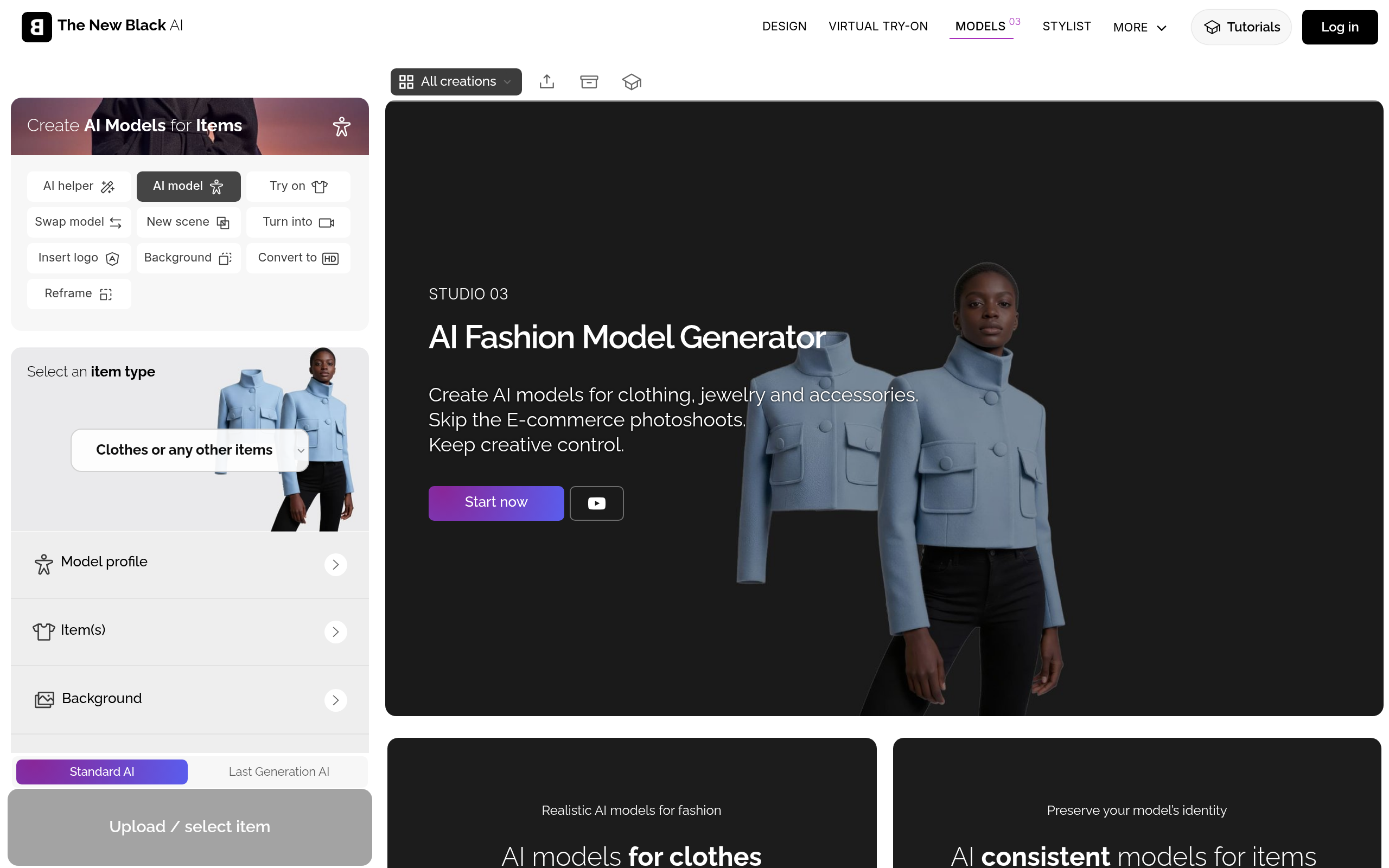
Create AI models for clothing, jewelry and accessories.Skip the E-commerce photoshoots.Keep creative control.
About
Create AI models for clothing, jewelry and accessories. Skip the E-commerce photoshoots. Keep creative control.
Key Features
Custom AI Model Generation
Create photorealistic models with controllable attributes (age, gender presentation, body type, skin tone, hair, etc.) to showcase products on diverse models without casting or photoshoots.
Pose, Lighting & Background Controls
Set poses, camera angles, lighting and backgrounds to produce consistent, on-brand e-commerce images or marketing shots across collections.
Product Integration & Fit
Upload garment or product images (flat-lays, PNGs or PNG with alpha) and preview them realistically applied to generated models, supporting multiple angles and realistic draping.
High-Resolution, E‑commerce Ready Exports
Export high-resolution images optimized for product listings, ad creatives, lookbooks and social channels, with options for background removal or white background.
Brand Consistency & Iteration
Save model presets and style templates to maintain brand continuity across shoots and iterate quickly on different looks or product variations.
How to Use The New Black AI
1) Sign up or log in and create a new project. 2) Upload your product images (flat lay, PNG with transparency, or product photos) or choose an existing product template. 3) Configure the model: select body type, skin tone, hair, pose, lighting and background; apply the product to preview fit and look. 4) Generate images, refine parameters as needed, then download high-resolution, e-commerce-ready photos or export assets for ads and catalogs.