
The Image to Image AI
Image to Image AI turns any photo into fresh, high-quality variations in seconds—multi-style editing, zero design skills required.
About
Unlike text-to-image tools that start from a blank canvas, our AI preserves core composition while applying the exact style or changes you describe—giving you total creative control. **Preserve Core Layout: AI keeps key subjects and structure intact while transforming the rest.** **Fast Style Iteration: Swap looks or moods in seconds—perfect for rapid prototyping.** **Fine-Tuned Control: Adjust strength, aspect ratio and output count to match your vision.**
Key Features
Preserve Core Layout
Keeps main subjects and composition intact while applying style or background changes so key elements remain consistent across variations.
Fast Style Iteration
Generate multiple styled variations in seconds to rapidly explore looks, lighting, and mood for prototyping or campaigns.
Fine-Tuned Controls
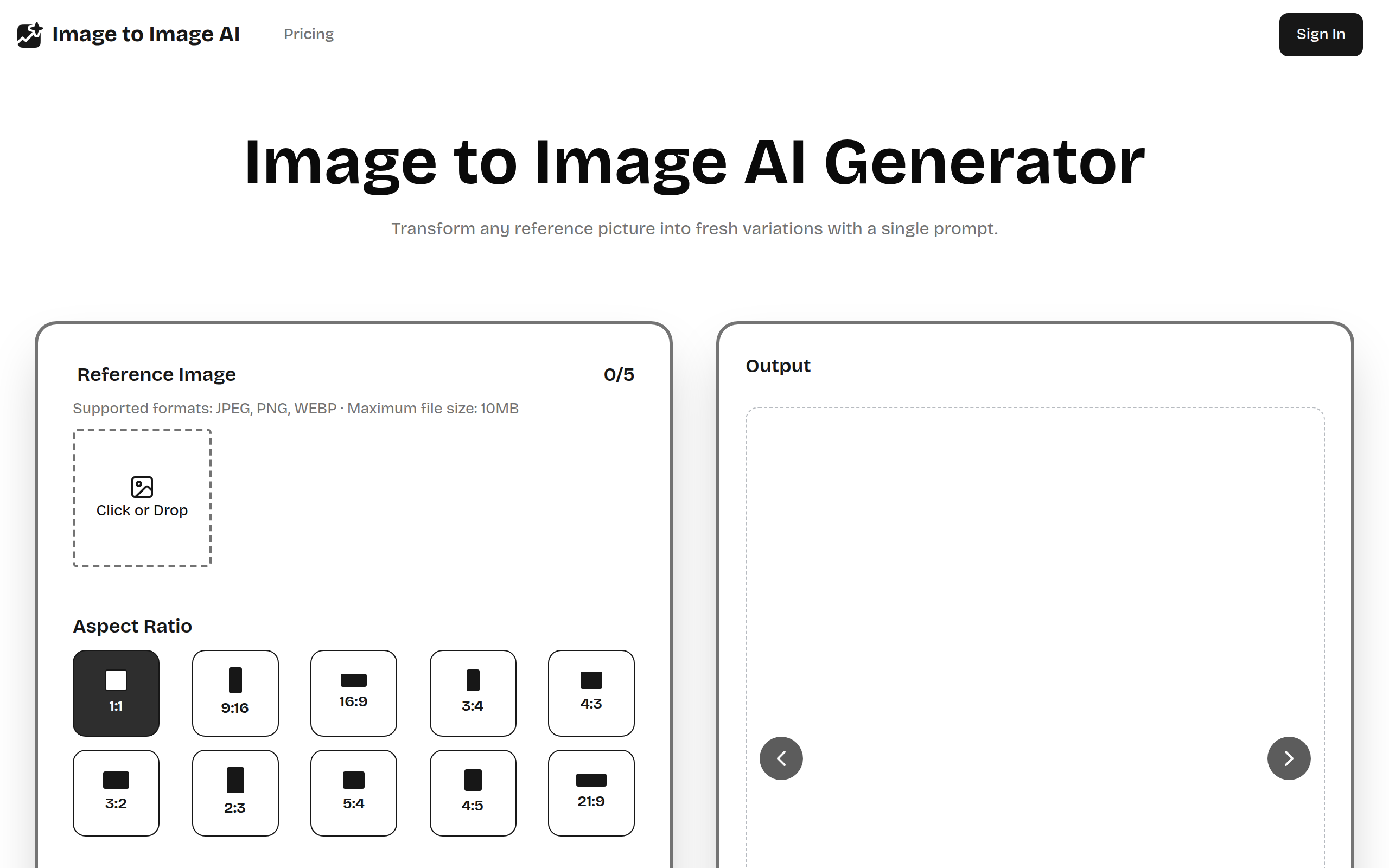
Sliders and settings let you adjust strength, aspect ratio, output count, warmth, brightness and focus with real-time previews.
High-Quality Cloud Processing & Export
GPU-backed cloud rendering produces sharp, print-ready images and lets you download optimized files in common formats (JPEG, PNG, WEBP).
How to Use The Image to Image AI
1) Upload a clear reference image (JPEG/PNG/WEBP, up to 10MB). 2) Choose an aspect ratio and set parameters (strength, output count, sliders for warmth/brightness/focus). 3) Write a concise prompt describing the style or changes you want (e.g., ‘golden-hour portrait, film grain, warm tones’). 4) Generate, preview the results, refine settings or prompt as needed, then download the final high-resolution image.