
TextHumanizer
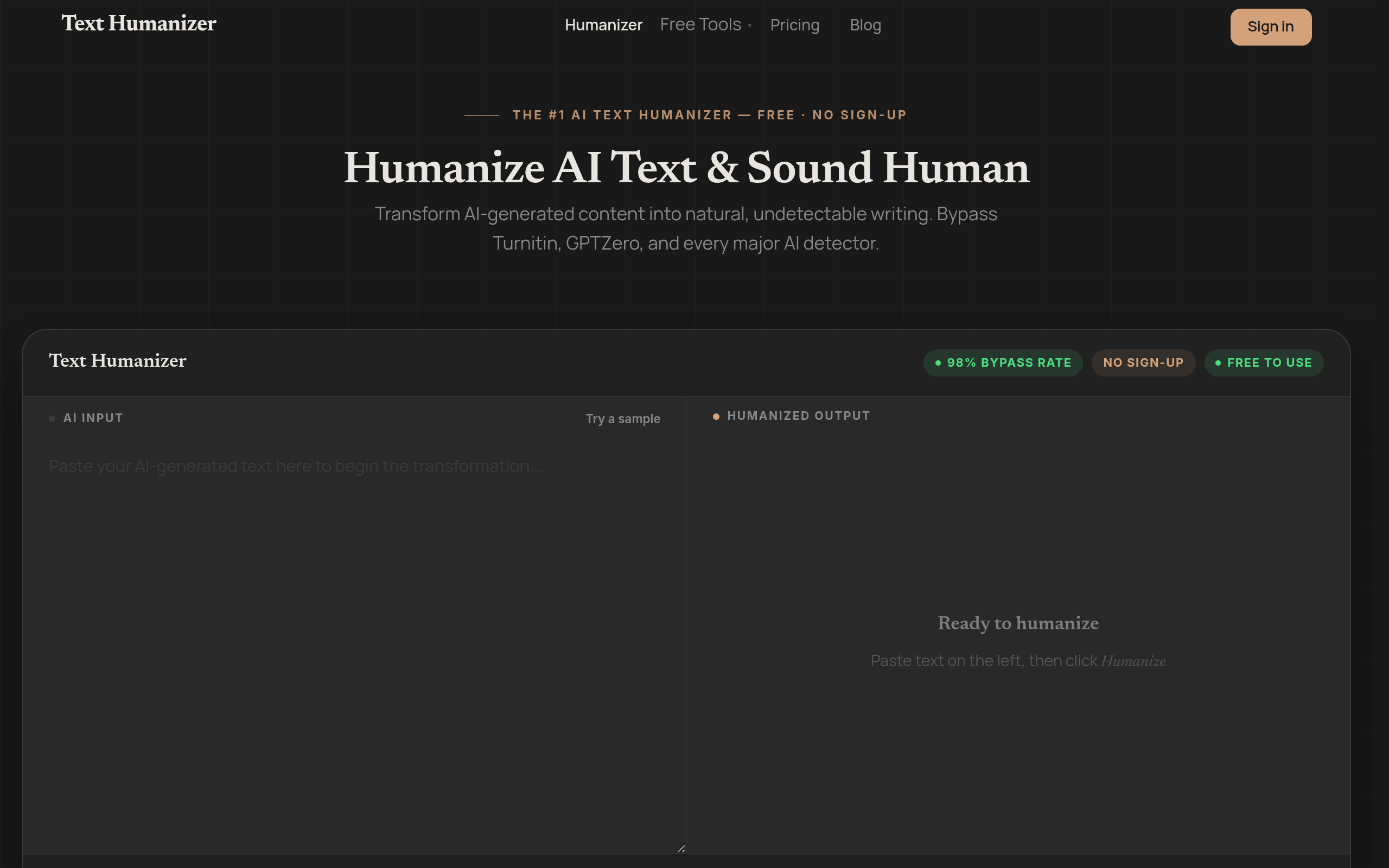
Free AI text humanizer that turns ChatGPT, Claude, and Gemini output into natural human writing.
About
TextHumanizer.com is a free online tool that converts AI-generated text into natural, human-sounding writing. It rewrites output from ChatGPT, Claude, and Gemini so the final copy reads like it was written by a person — without losing meaning. Used by writers, students, and marketers who want their AI drafts to pass detection and feel real.
Key Features
Semantic Restructuring
Rewrites text at the meaning level (not just synonyms) by reorganizing sentence architecture to produce natural human phrasing while preserving the original meaning and citations.
Tone Modes (Scholarly / Creative / Casual)
Choose from preset tone profiles to adapt outputs for academic papers, creative content, or casual social posts—each mode applies distinct linguistic patterns for context-appropriate humanization.
Frozen Keywords
Pin up to 50 keywords or brand phrases so they remain unchanged during humanization—critical for preserving SEO, product names, or exact citations.
Style Mirroring (Pro)
Train the engine on samples of your writing so the output mirrors your personal rhythm, vocabulary, and stylistic quirks for more authentic, consistent voice reproduction.
Detector Targeting & Privacy
Tune rewrites to target specific AI detectors (e.g., Turnitin, GPTZero) for higher bypass rates, while sessions remain ephemeral with zero data retention for strong privacy.
How to Use TextHumanizer
1) Paste AI-generated text into the input box from ChatGPT, Claude, Gemini, or any source. 2) Select a tone mode (Scholarly, Creative, or Casual). Optionally lock keywords, choose a detector target, or enable style mirroring if you have a Pro account. 3) Click Humanize and wait a few seconds for the rewritten output. 4) Review and copy the humanized text for use — repeat or tweak settings if needed.