
TemplateCat
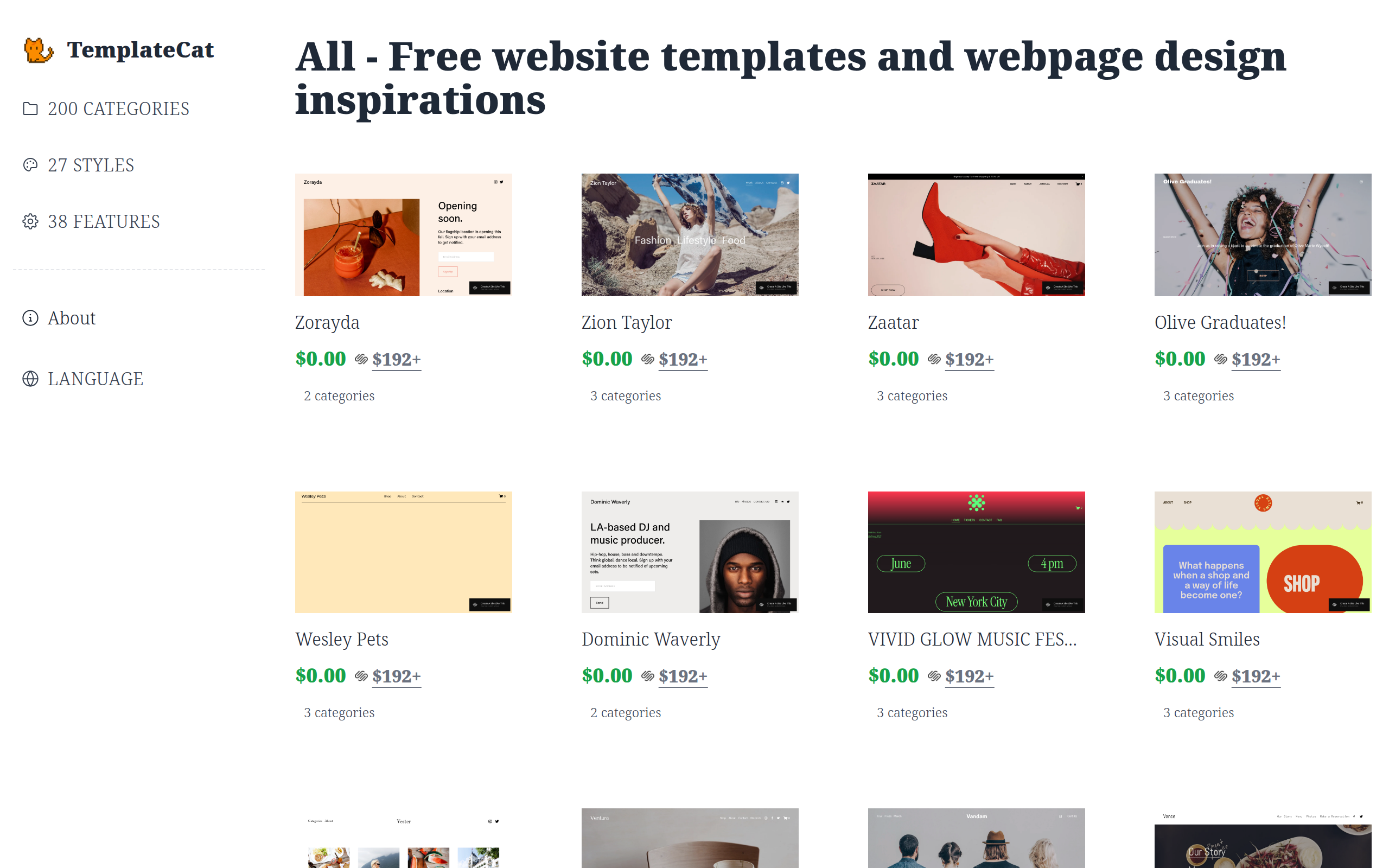
TemplateCat is a cute little cat which helps you filter website templates designed by professionals from all over the web
About
What is this? A little cat that helps you pick professionally designed templates. Just joking! It means "templates by categories". When doing web design for clients (eg. a dentist website), I often need to compare templates across different website builders. Jumping between platforms was really annoying, so I made this tool. Where are the templates from Framer Webflow Squarespace (Will add Figma Sites and Readymag later, I guess 10k+ templates in the future) What are the features? High quality templates - I only choose from website builder products where they hire professional designers. Browse by categories/features/styles - eg. find "portfolio" or "minimalist" templates On-page preview + device switching - directly see desktop/tablet/mobile effects Website builder pricing listed - easy to compare costs (Coming soon: pricing range filters, merge similar tags) Simply put: saves time jumping between different platforms to find templates.
Key Features
Curated High‑Quality Templates
Only lists templates from professional website builders and vetted designs to ensure quality and modern UI/UX.
Category & Style Filters
Filter templates by category (e.g., portfolio, dentist, e‑commerce), style (minimal, modern), and features to quickly narrow options.
On‑page Preview with Device Switcher
Preview templates directly on the site and switch between desktop, tablet, and mobile views to inspect responsiveness.
Builder & Pricing Comparison
See which website builder hosts each template and view pricing details to compare costs across platforms at a glance.
Cross‑Platform Template Search
Search and compare templates across multiple no‑code platforms (Framer, Webflow, Squarespace) to avoid jumping between stores.
How to Use TemplateCat
1) Open TemplateCat and optionally choose a website builder (Framer, Webflow, Squarespace) or leave it set to search all. 2) Use categories, style tags, or keywords to filter templates (e.g., "portfolio", "dentist", "minimal"). 3) Click a template to open the on‑page preview and toggle device views (desktop/tablet/mobile) to inspect layout and responsiveness. 4) Check the listed website builder and pricing information, then follow the link to the template’s source to purchase or install it in your chosen builder.