
TaxLens: Receipt Scanner & Tax
TaxLens is an AI-powered receipt scanner and expense tracker built for freelancers, self-employed professionals, and small business owners who need a
About
TaxLens is an AI-powered receipt scanner and expense tracking app designed to make managing receipts and tax-deductible expenses simple for freelancers, self-employed professionals, and small business owners. Instead of manually entering receipt details or storing piles of paper receipts, users can simply take a photo and let AI automatically extract and organize the important information. The app focuses on a common real-world problem: keeping track of receipts throughout the year so tax preparation becomes easier and less stressful. TaxLens helps users build a clean, searchable archive of receipts and expenses, making it easy to review spending, find specific purchases, and prepare deduction records when tax season arrives. Unlike traditional bookkeeping software that can feel complicated for individuals, TaxLens is designed to be lightweight and easy to use. The goal is to make receipt management fast and effortless so users can capture expenses in seconds without needing accounting knowledge or complex setup. TaxLens also allows users to export organized expense data, making it easy to share records with accountants or import them into other financial tools such as spreadsheets or accounting software. By combining AI-powered receipt scanning with a simple workflow, TaxLens helps users stay organized, reduce manual work, and maintain clear records for tax reporting. The app is available on the Apple App Store and provides a practical solution for anyone who wants a smarter way to track receipts and tax-related expenses.
Key Features
Smart AI Receipt Scanning
- Scan paper or digital receipts in seconds - Real-time receipt auto-detection with your camera - Extracts merchant, date, totals, tax, tips, and line items - Supports multi-language and multi-format receipts - Import from Photos or PDFs, or batch scan up to 20 receipts at a time
Tax-Ready AI Categorization
TaxLens doesn’t just read receipts — it understands tax rules. - Smart distinction between Business vs Personal expenses - AI confidence scoring flags ambiguous items for review - Personalize with your occupation, business type, and country
Built for Freelancers & Small Businesses
Perfect for: - Freelancers & contractors - Designers, developers, photographers, writers - Consultants & self-employed professionals - Small business owners & sole proprietors TaxLens adapts to your profession so deductions are smarter from day one.
Multi-Currency, Accountant-Friendly
- Auto-detects receipt currency (30+ supported) - Converts amounts using historical exchange rates - Clear separation between receipt amount and claim amount
Clean Dashboard & Tax Insights
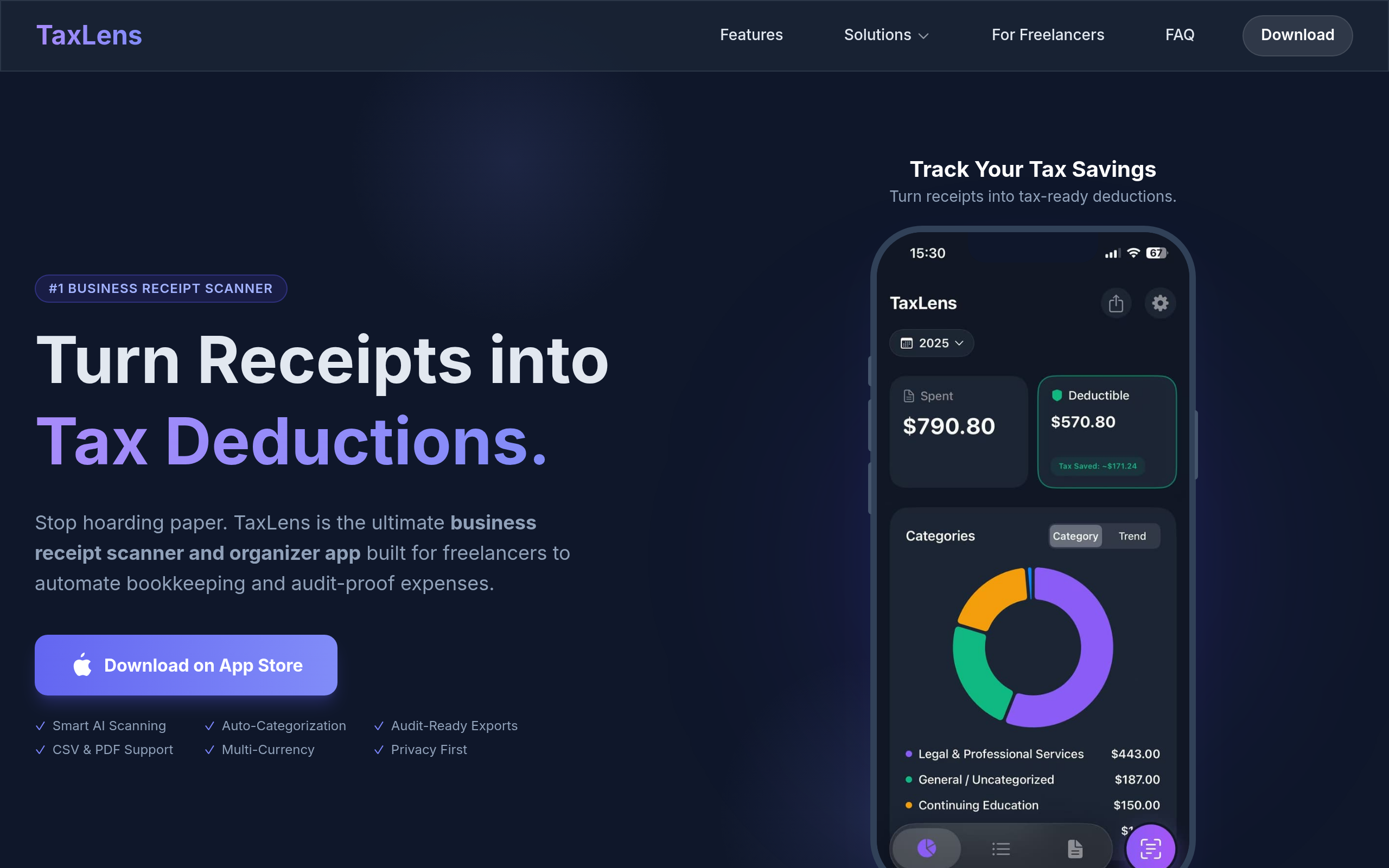
- See Total Spent, Total Deductible, and Estimated Tax Saved at a glance - Visual breakdowns by category, date range, or expense type - Smart insights highlight spending spikes and missing deductions - Designed for clarity — no clutter, no noise
Accountant-Ready Reports
- Generate professional PDF audit packets with receipt images - Export CSV files for spreadsheets and accounting software - Filter by date range, category, or Business / Personal - Share instantly via email, AirDrop, or any app
How to Use TaxLens: Receipt Scanner & Tax
Capture a receipt by taking a photo with your phone’s camera or selecting an existing image from your gallery. TaxLens uses AI to automatically detect and extract key information from the receipt, such as merchant name, date, and total amount. Review the extracted details and assign the expense to a category if needed. This helps keep your records organized and makes it easier to identify tax-deductible expenses later. All scanned receipts are stored in one searchable place, allowing you to quickly find past purchases and review spending history throughout the year. When preparing taxes or working with an accountant, export your organized expense records in formats compatible with spreadsheets or accounting tools, making tax preparation faster and more efficient.