
TaxLens
AI receipt scanner that auto-categorizes expenses for tax deductions. Built for freelancers and small businesses.
About
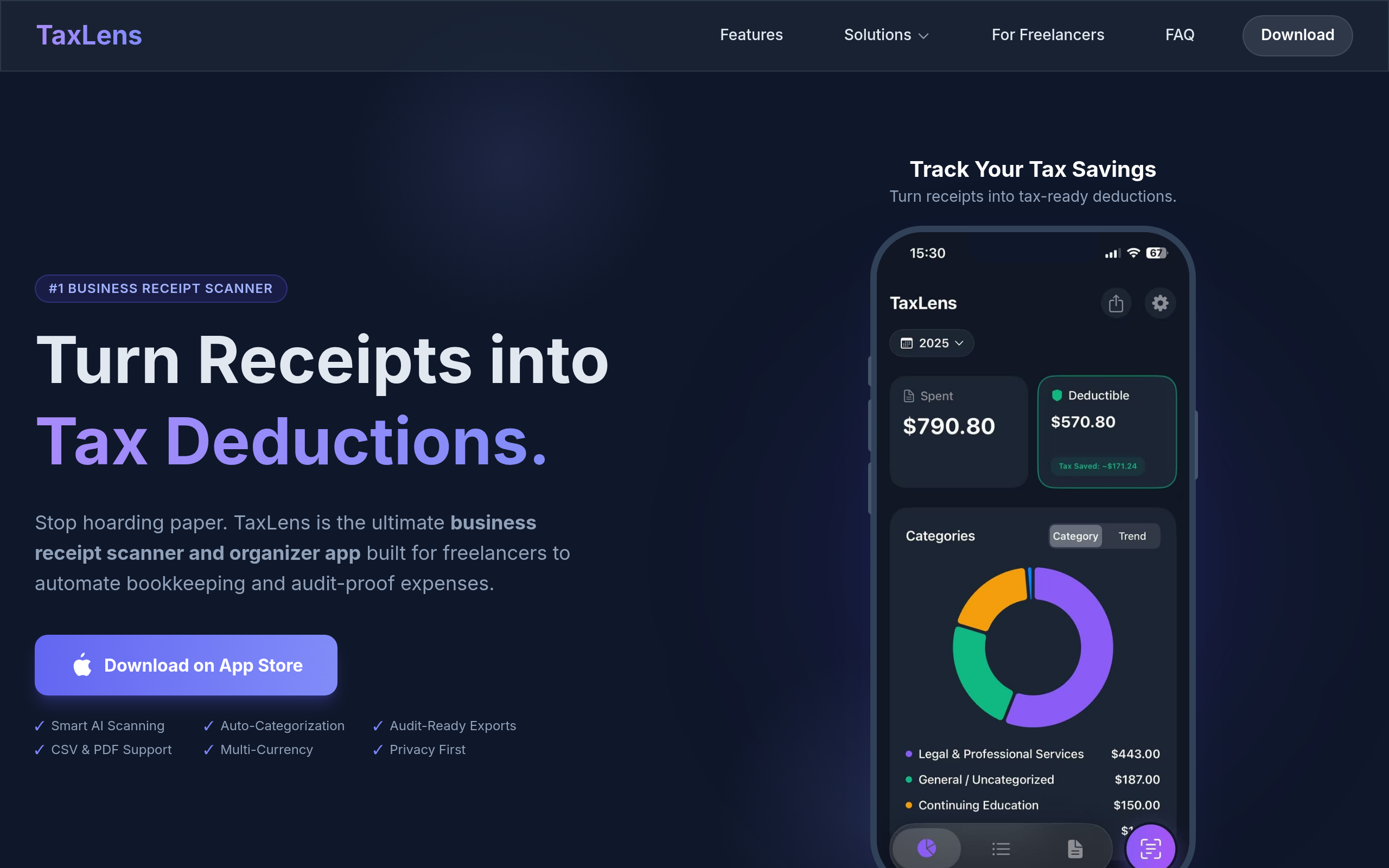
TaxLens is an AI-powered receipt scanner built specifically for tax deductions — not generic expense tracking. Snap any receipt, and the AI extracts merchant, date, totals, and tax in seconds. It then auto-categorizes each expense as Business or Personal based on your profession, business type, and country. Key Features: - Tax-Aware AI Categorization — assigns the correct tax deduction category, not just generic labels - Business vs Personal Separation — automatically splits expenses so you don't have to untangle them at tax time - Batch Scanning — scan up to 20 receipts at once or import from Photos and PDFs - Audit-Ready Exports — generate PDF reports with receipt images attached, or CSV files compatible with QuickBooks and Excel - Multi-Currency — auto-detects 30+ currencies with historical exchange rate conversion - Privacy-First — all data on-device or iCloud, no ads, no data selling Who is it for? Freelancers, contractors, self-employed professionals, and small business owners who want to maximize tax deductions without learning complex accounting software. Pricing Free to start. TaxLens Pro from $39.99/year.
Key Features
AI-Powered Receipt Scanning
Snap any receipt and AI extracts merchant, amount, date, items, tax, and payment method in seconds. Supports 30+ currencies with real-time exchange rate conversion.
Tax-Aware Auto Categorization
AI automatically classifies each expense as Business or Personal based on your profession, business type, and local tax rules — no manual sorting needed.
Audit-Ready Export Reports
Export organized PDF and CSV reports compatible with QuickBooks and Excel. Every report includes itemized details ready for tax filing or audit review.
Multi-Currency & Exchange Rate Support
Handles receipts in 30+ currencies and applies historical exchange rates automatically — ideal for freelancers with international clients or travel expenses.
Privacy-First Architecture
All data stored on-device or synced via your private iCloud. No third-party servers, no data selling. Your financial data stays yours.
How to Use TaxLens
1、Set your profession and business type for personalized tax categorization 2、Snap a photo of any receipt — AI instantly extracts and categorizes all data 3、Review your expenses organized by category, date, or deduction status 4、Export audit-ready PDF or CSV reports when tax season arrives
Use Cases
Frequently Asked Questions
Q: Is TaxLens free to use?
A: Yes. TaxLens offers a free tier with core scanning and categorization features. TaxLens Pro ($39.99/year) unlocks unlimited scans, advanced exports, and multi-currency support.
Q: Which devices does TaxLens support?
A: TaxLens is available on iPhone, iPad. All data syncs seamlessly across your devices via iCloud.
Q: Is my financial data safe?
A: Absolutely. TaxLens uses a privacy-first architecture — all data is stored on-device or in your private iCloud account. No data is sent to third-party servers.
Q: Does TaxLens work for my country's tax rules?
A: TaxLens supports profession-based tax categorization and works with multiple countries' deduction logic. It currently supports 30+ currencies with automatic exchange rate conversion.
Q: Can I export data to my accountant or QuickBooks?
A: Yes. TaxLens exports audit-ready PDF and CSV reports that are fully compatible with QuickBooks, Excel, and other accounting software.